




Product Description
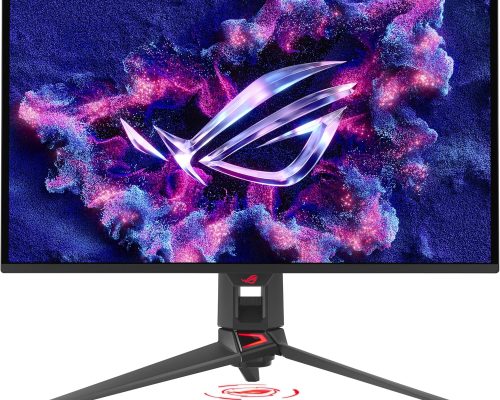
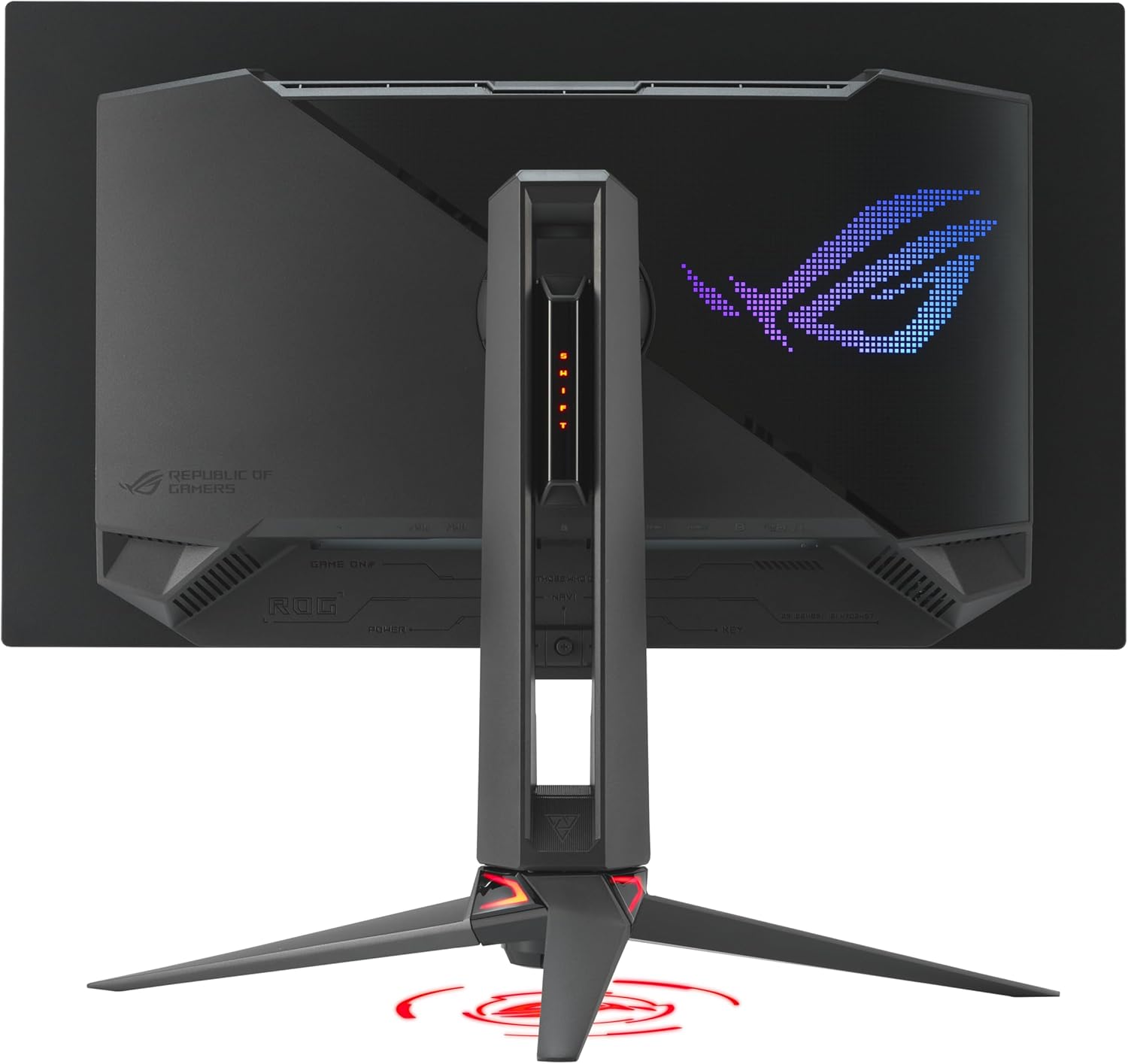
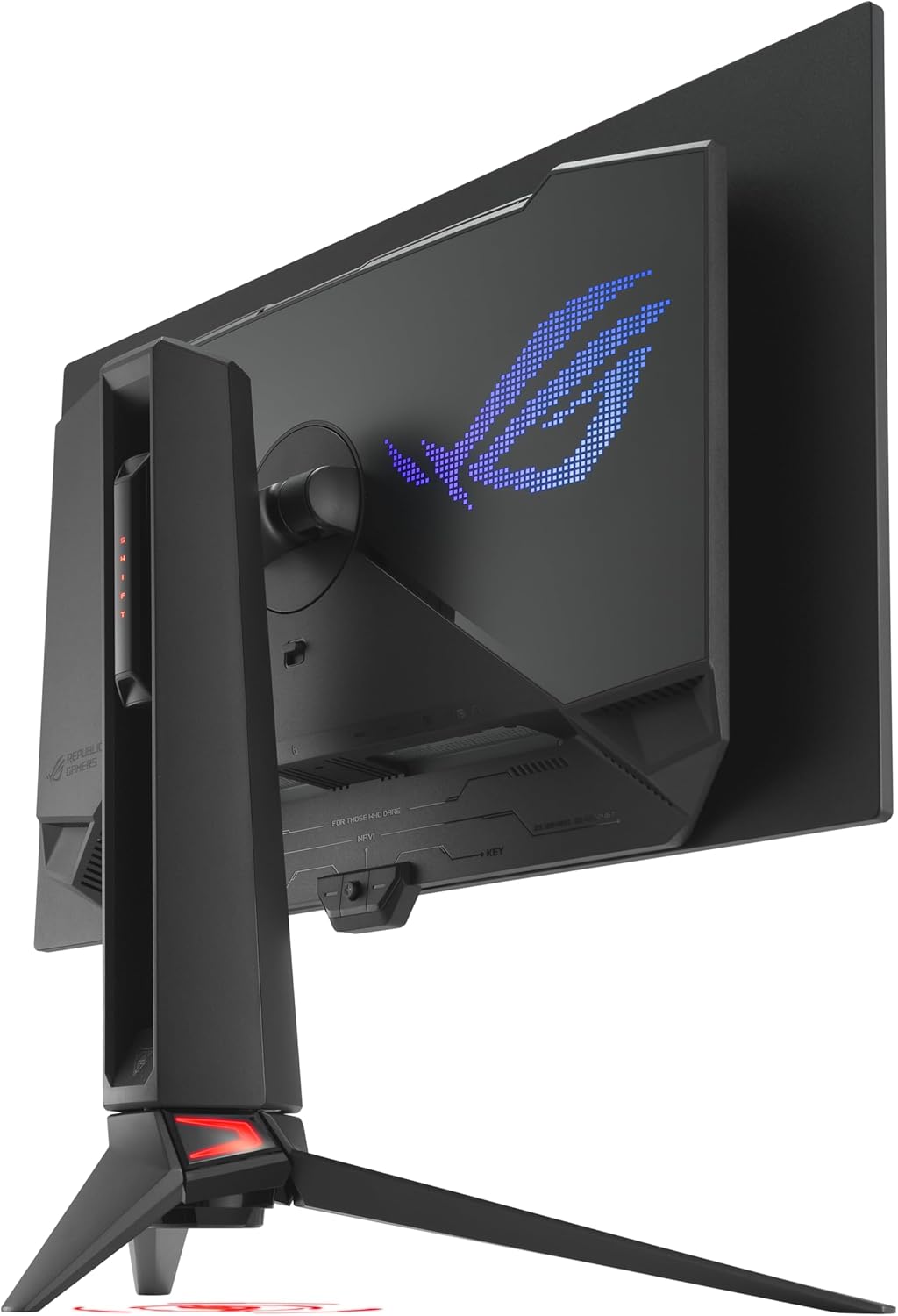
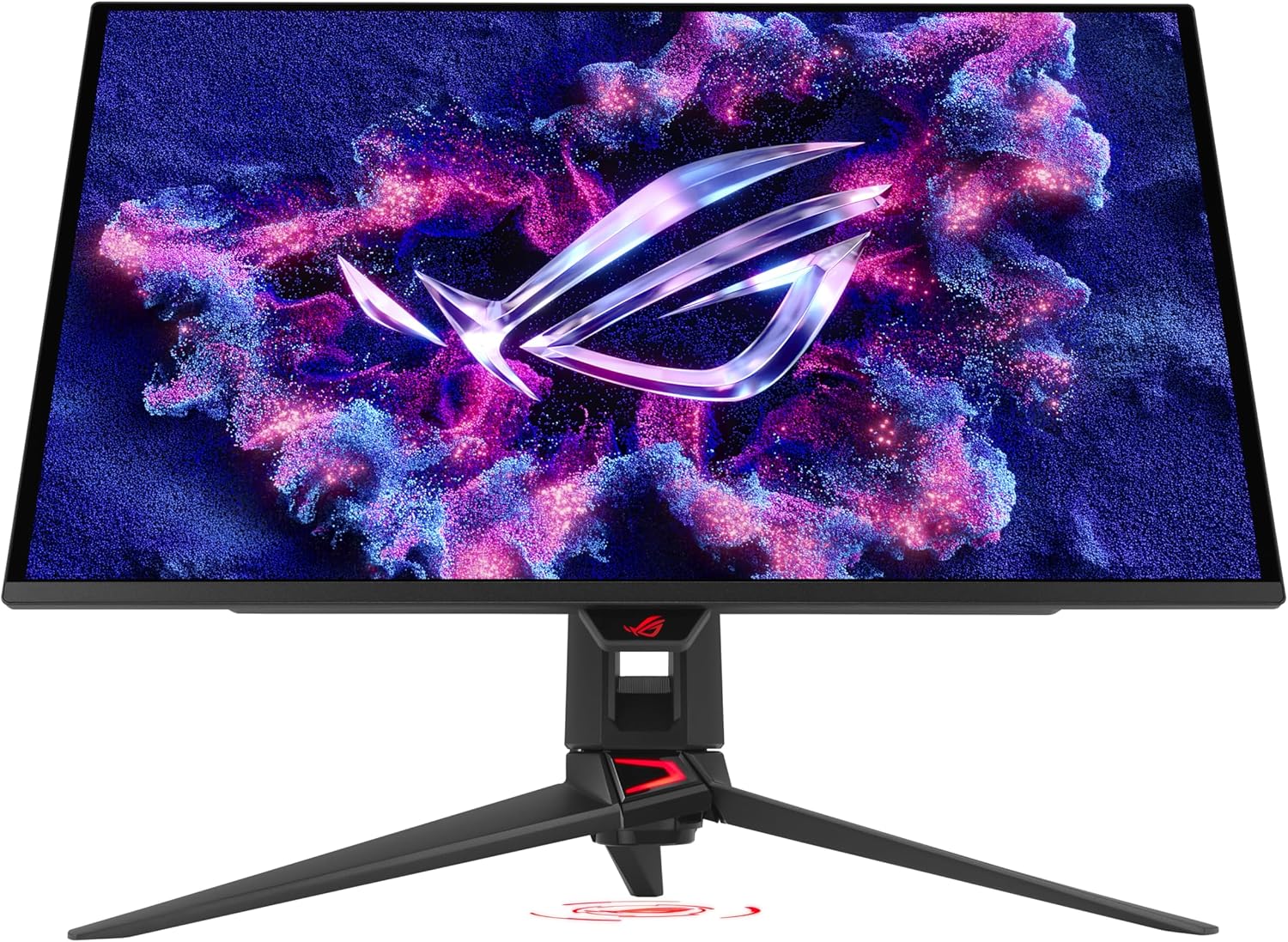
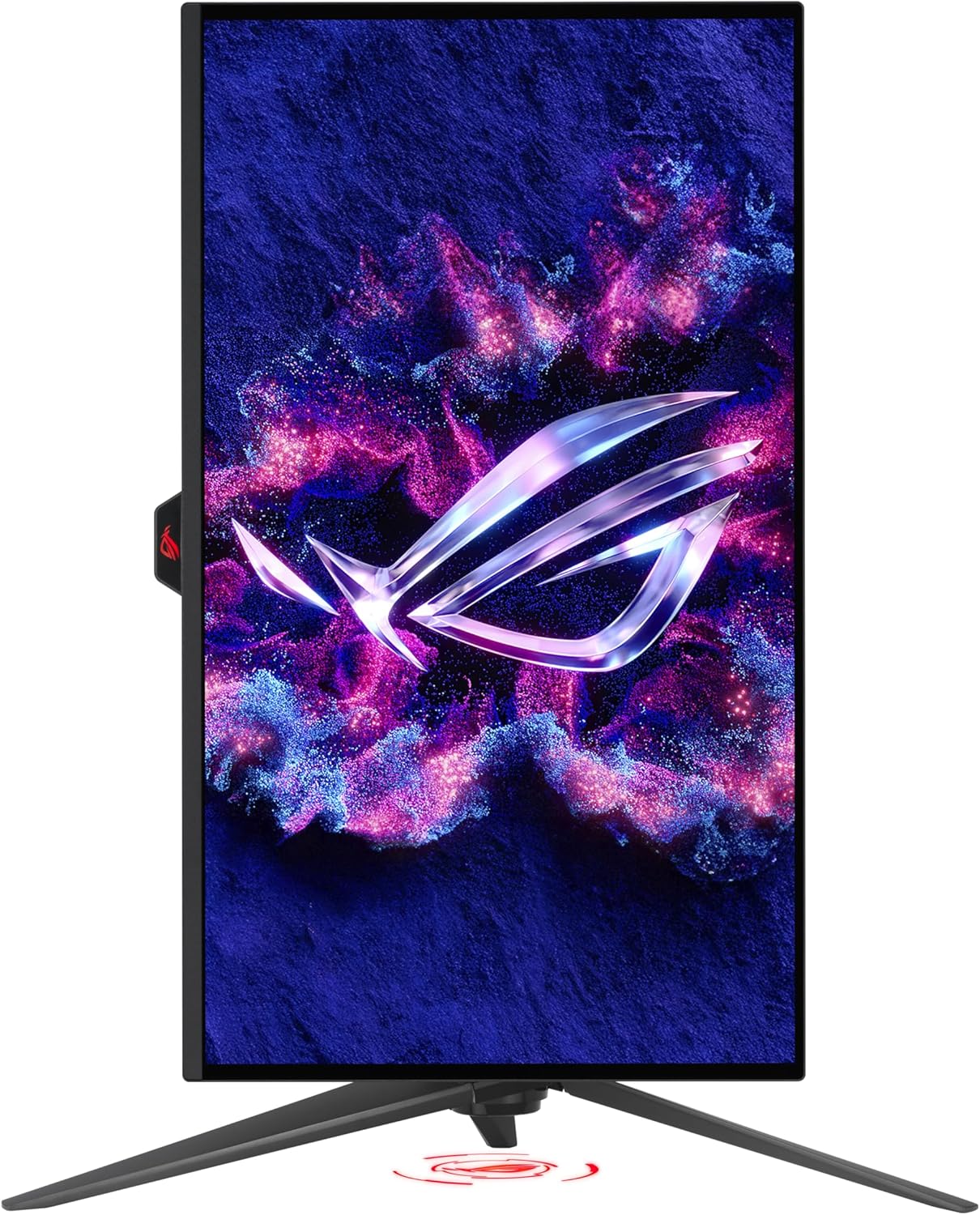
ROG Swift OLED PG27UCDM: Elevate Your Gaming Experience
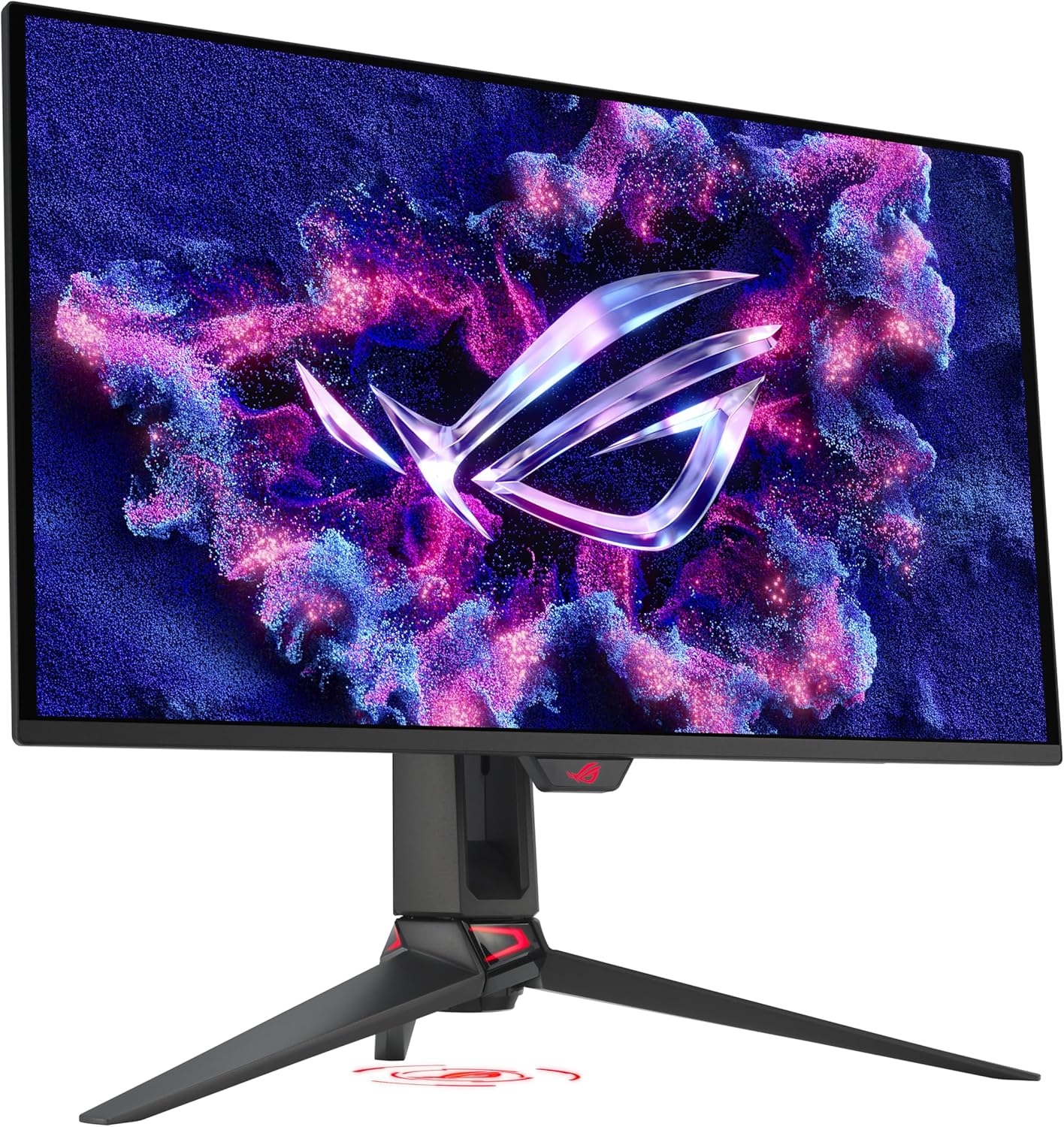
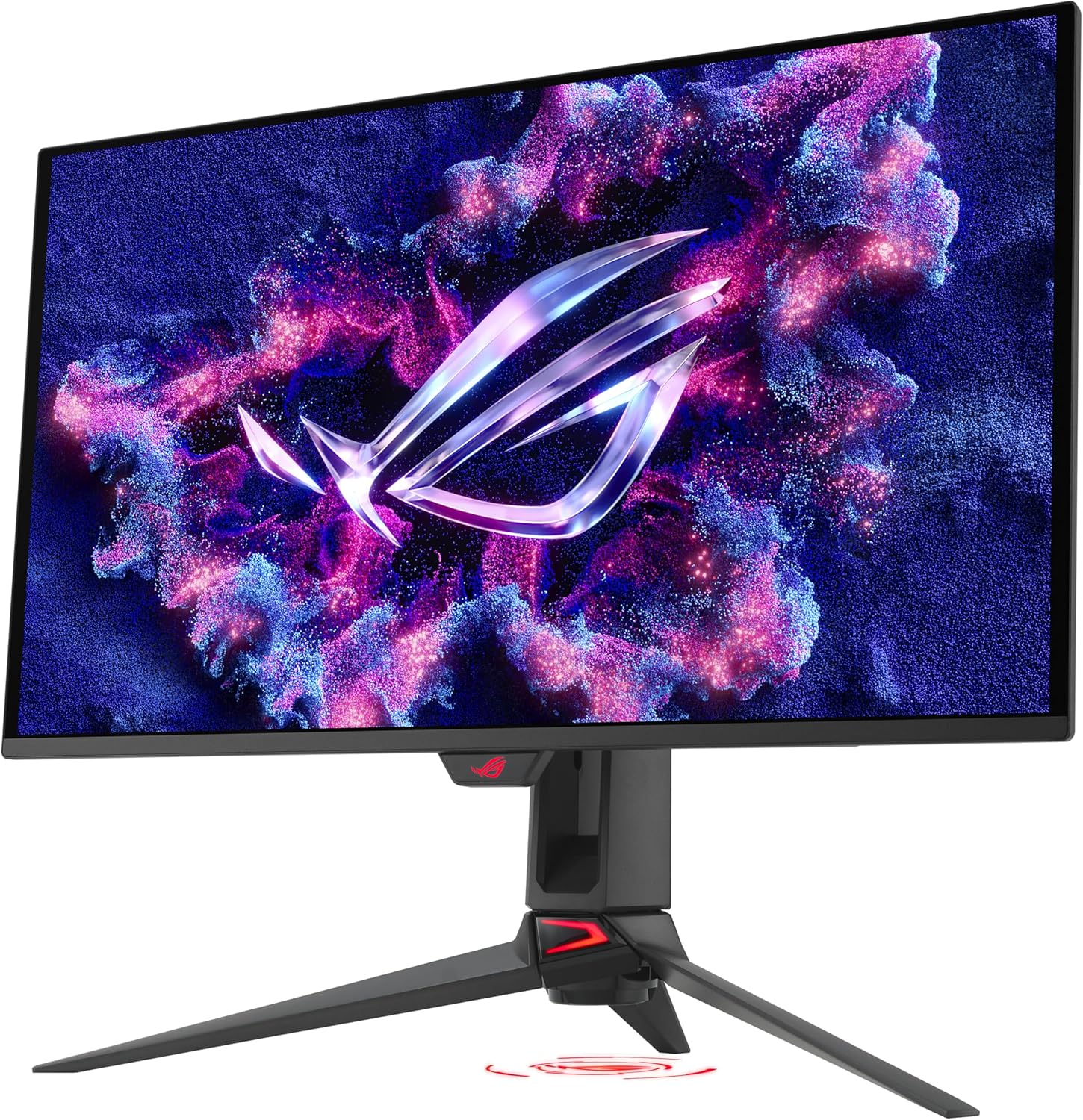
Unleash the power of cutting-edge technology with the ROG Swift OLED PG27UCDM, a premium 27-inch 4K gaming monitor that redefines your visual experience. Featuring an impressive 240Hz refresh rate and an ultra-fast 0.03ms response time, this monitor is crafted to deliver breathtaking graphics and ultra-smooth gameplay.
Revolutionary QD-OLED Technology
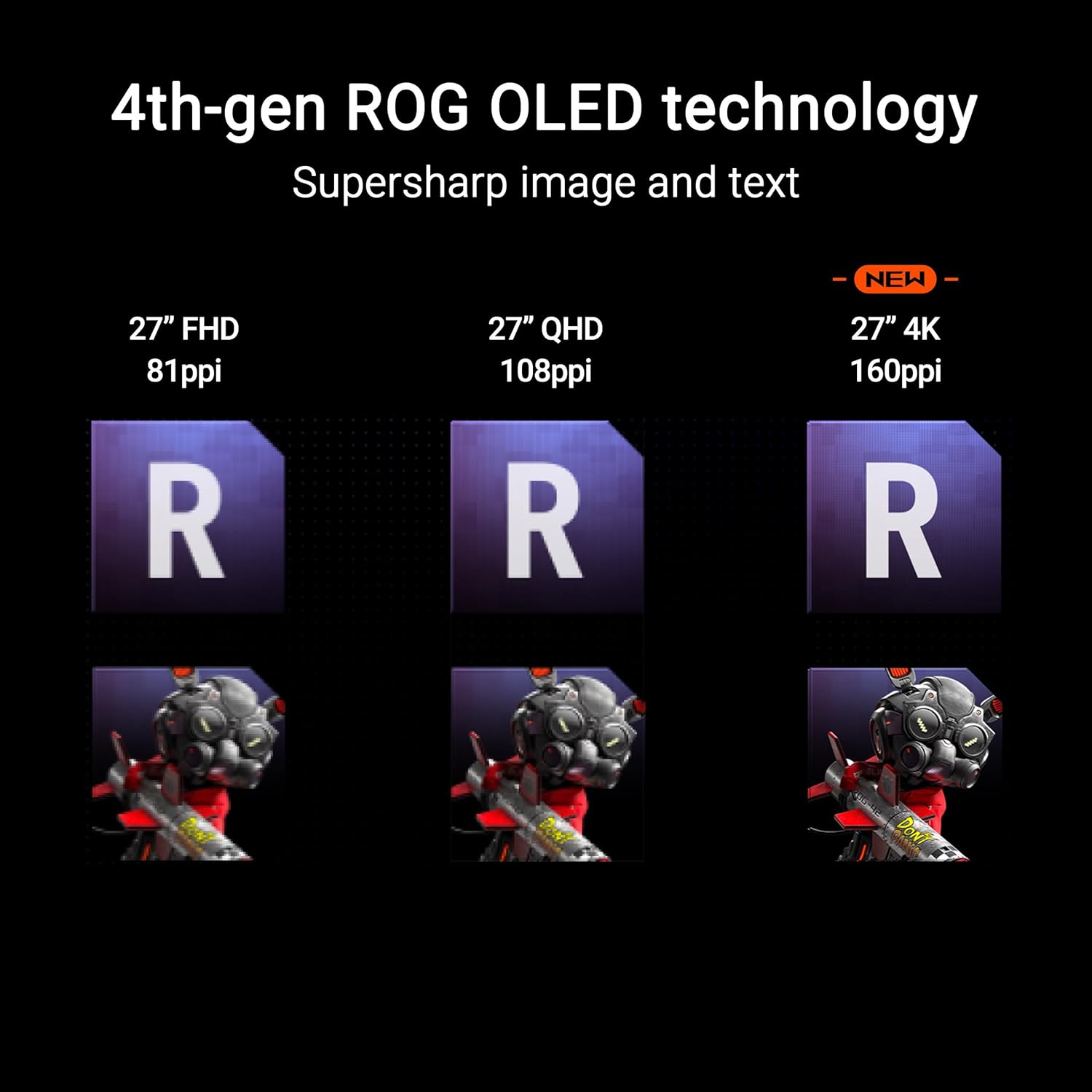
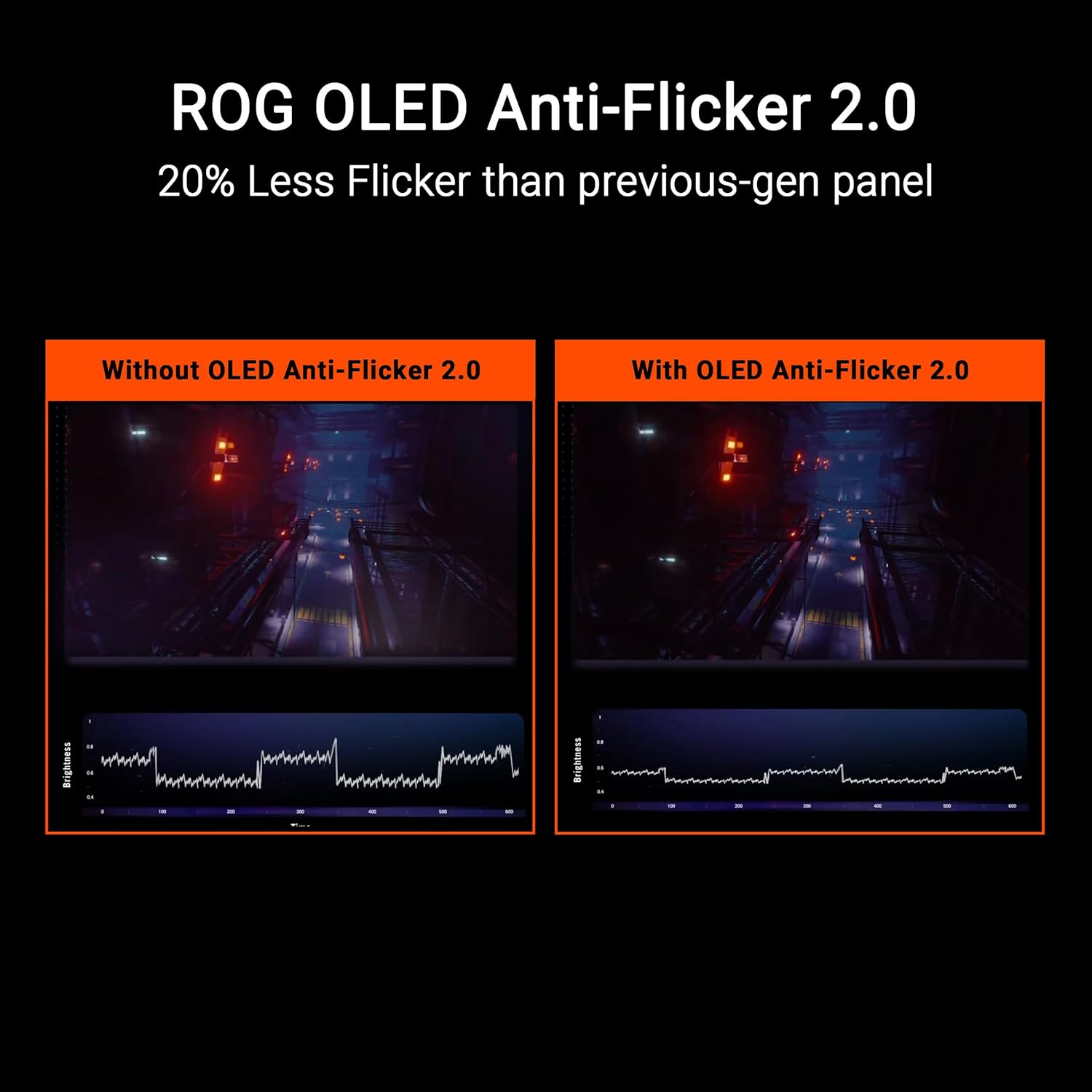
The latest fourth-generation QD-OLED panel excels with enhanced durability and astounding color precision. Experience visuals that are not only sharper but also richer, thanks to vibrant blacks and a wide color gamut. Designed for longevity, this technology significantly reduces flicker, ensuring your viewing experience remains seamless, even during rapid frame rate shifts.
Intelligent Burn-In Protection
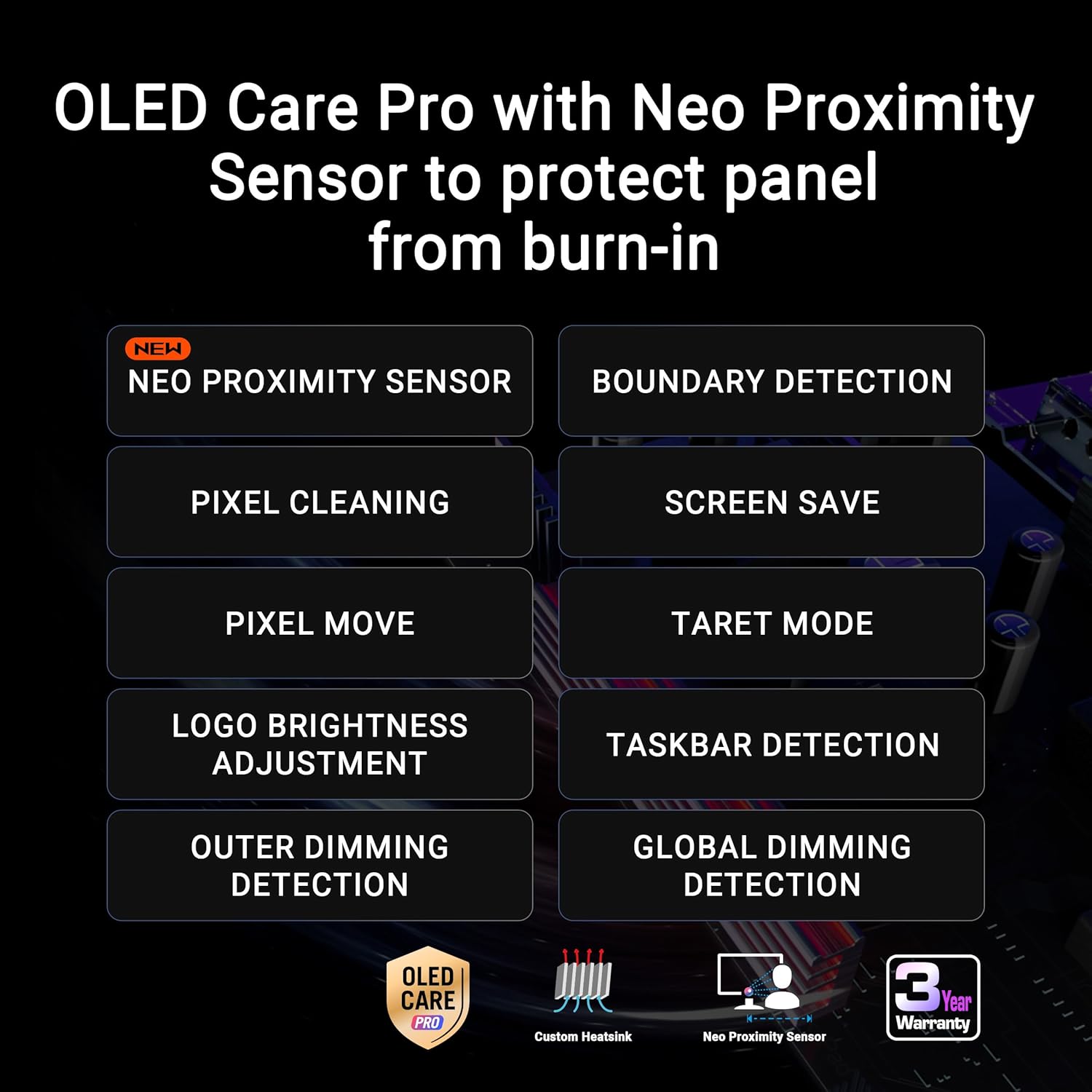
With the innovative Neo Proximity Sensor integrated into the ROG OLED Care Pro suite, this monitor intelligently detects your presence. If you step away, it immediately transitions to a protective black screen, safeguarding against potential burn-in while you’re away.
Ultimate Connectivity Options
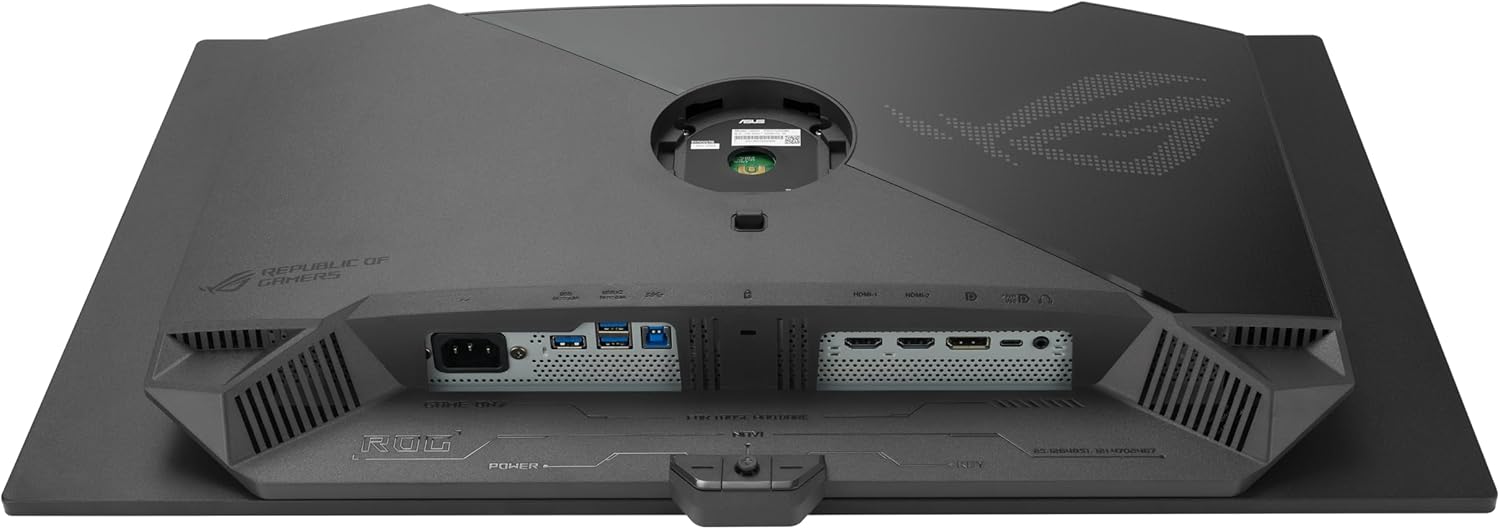
Equipped with DisplayPort 2.1a UHBR20, supporting a remarkable 80Gbps bandwidth, this monitor allows you to experience uncompressed 4K visuals at a dazzling 240Hz. Additional connectivity includes USB-C (90W PD), HDMI 2.1, and a tripod socket for versatile usage.
Stunning Visual Performance
Whether you’re gaming or editing, the ROG Swift OLED PG27UCDM is a powerhouse. With Dolby Vision support, VESA DisplayHDR 400 True Black compliance, and a phenomenal 99% DCI-P3 color gamut, it reproduces breathtaking HDR visuals. The true 10-bit color depth and Delta E < 2 color accuracy create an immersive experience perfect for both gaming and professional content creation.
Convenience at Your Fingertips
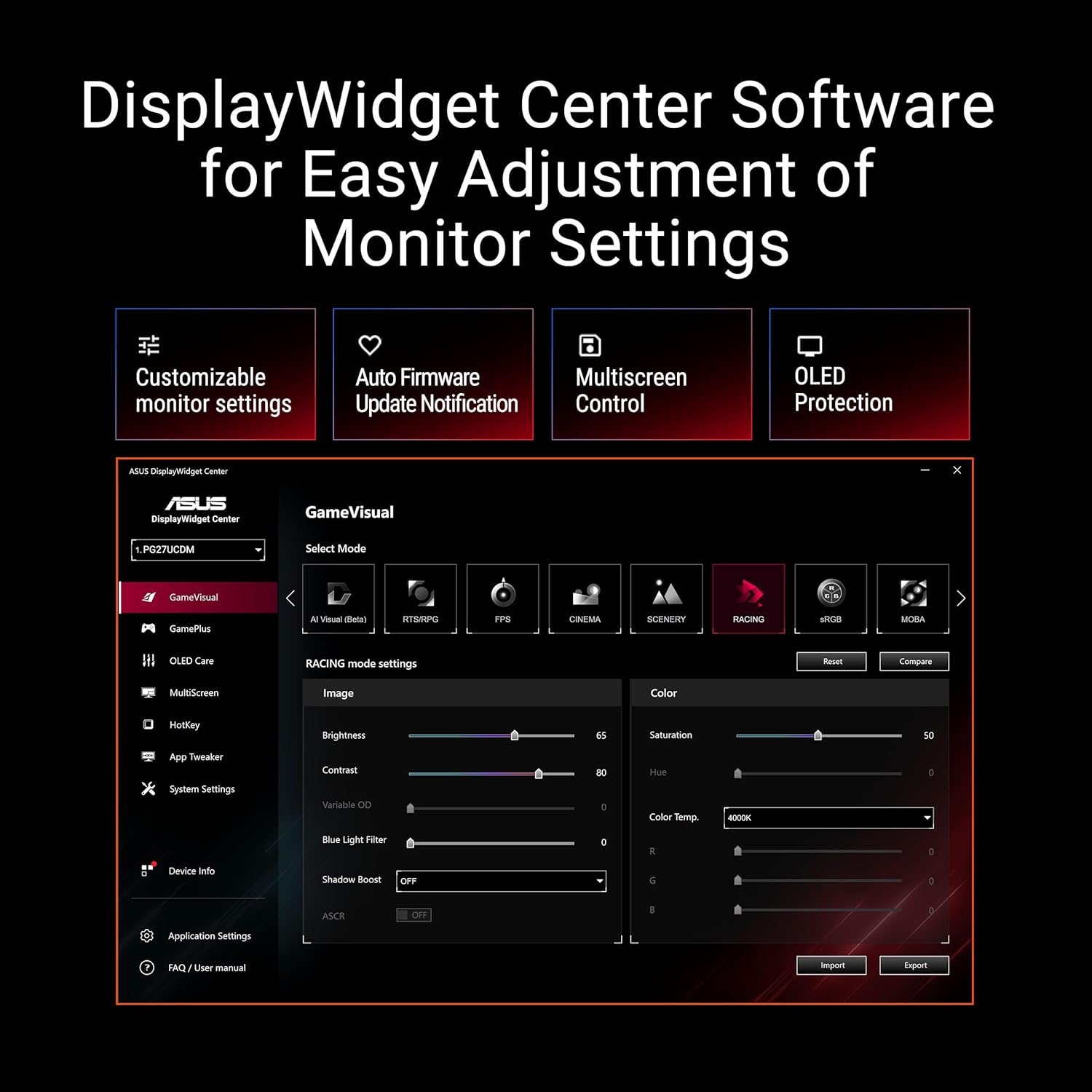
Take control with the DisplayWidget Center, allowing easy access to OLED Care Pro functions and monitor adjustments right from your mouse – no need to navigate complex menus.
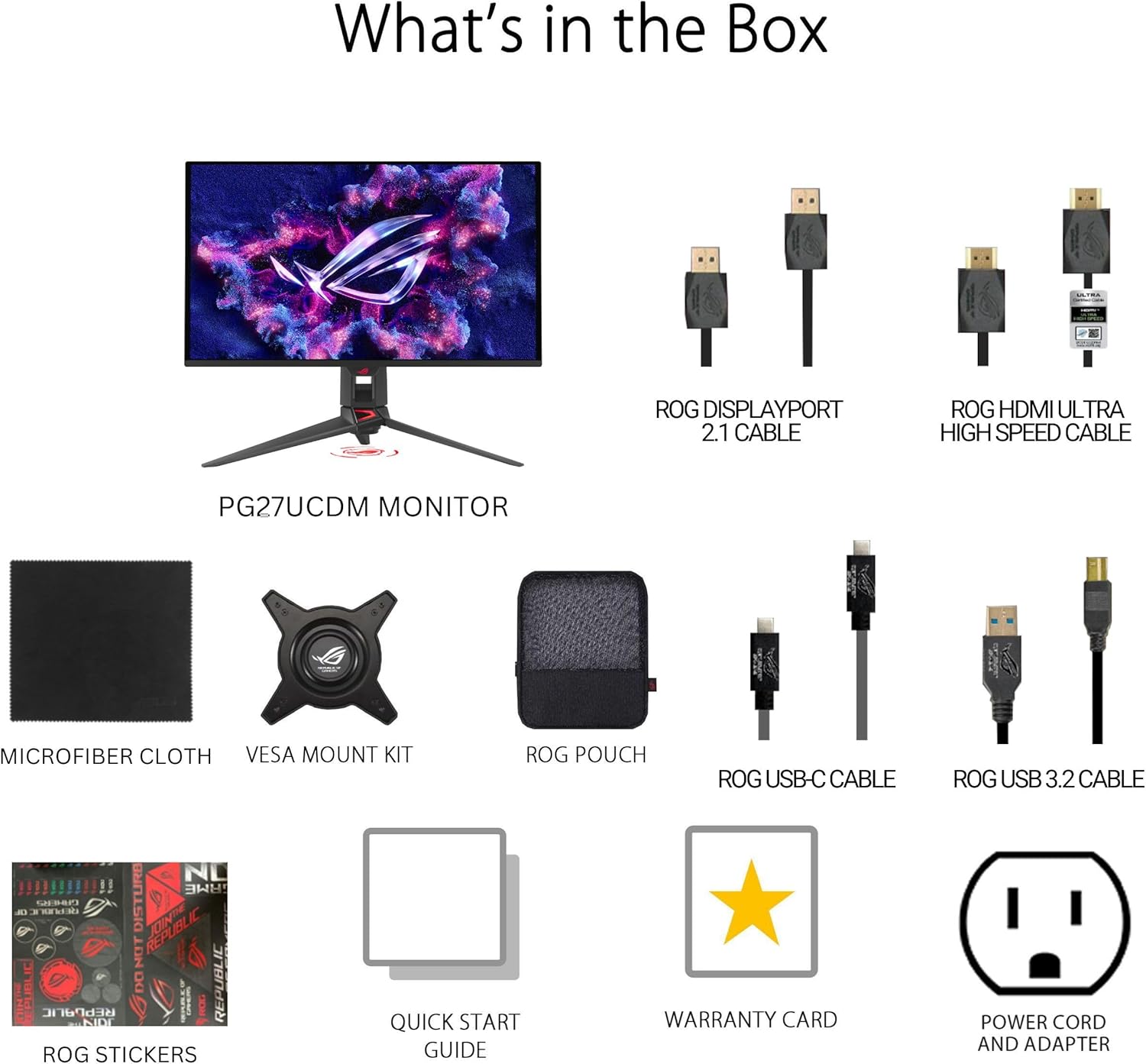
What’s in the Box?
- DisplayPort 2.1 (DP40) cable
- HDMI Ultra High Speed Cable
- USB 3.2 cable
- USB-C cable
- ROG pouch
- ROG sticker
- Microfiber cloth
- VESA mount kit
- Power cord
- Quick start guide
- Warranty card
Complimentary Adobe Creative Cloud
For a limited time, enjoy 3 months of complimentary access to Adobe Creative Cloud with your purchase, valid until 8/31/2026.
Transform your gaming setup with the ROG Swift OLED PG27UCDM – where performance meets elegance. Embrace the future of visual clarity and responsiveness today!


Jeb –
Crazy Blacks, Amazing Value, 100% worth the money
the sweet spot for gaming really is 1440p and 120hz++. This monitor is amazing. I cant really see the differrence in 4K vs 1440 but I can absolutly see just how amazing the image looks on this glossy OLED. I watched Tron – Ares on this monitor and all I can say is wow. The onscreen menu is simple and easy to use. The G-Sync with VRR worked out the box with my 5090.I had two minor problems with the monitor so far. I didnt use the included stand, I have my own vesa mount. And the included vesa mount attachment for the monitor was VERY difficult to get attached. I was hesitant to really press down hard to get this thing to click in becuase I didnt want to damage the monitor. I did get it in but it took way more force than I was comfortable giving. The second is that you will want to do a pixel cleaning out the box. It takes about 6 mins, but my monitor had a weird line accross the middle of the display. It was very noticable. I was worried my display was damaged in shipping but did the pixel cleaning and it went right away. Happy as I can be.The monitor is very bright in SDR. If you flip it to HDR the brightness falls a little bit but not bad. I have opeted to leave mine in SDR for the moment.My final thoughts are that this is a great monitor. With OLED finally coming down to the range of “normal” monitors its a real no brainer. If youre a gamer 4K makes little sense. Youre pushing your GPU so hard to fill those pixels and that costs you FPS. Just get the 1440p OLED and push have as many pixels to have those FPS soar and look at those games through a world class display. You wont be disappointed.In my picture you can see the OLED vs my old LCD. Both of those monitors are on and showing a black screen. 0.o /
Slim G –
MIND BLOWING: Did NOT regret this purchase! So WORTH IT!! Color FANTASTIC!!! Speed: EPIC
The hardest part about my computer set-up has been deciding on a monitor… I checked, reviewed, researched, went to stores to look, and took an awful amount of time to find a decent monitor. Finally, I decided to purchase this monitor for the 144Hz speed, dedication to gamers, and the 3 years warranty. Before I go further, I made the right choice! Once you open up the box you immediately see that you have purchased a MONITOR that will do your bidding for serious PC folk or gamers. This is not some cheap junk. It looks great! If looks could kill, they nailed it with the sleek, slim, and modern look. You can tell this is not a bargain store monitor purchase. The stand: awesome. Better than any other junk stands I have had the patience to work with. It adjusts to your liking, firm, simple, ergo, fantastic. Why don’t they build all monitors stands like this? Forsake wall mounts. The monitor: FANTASTIC. Once you turn her on (the power button ROCKS) the bright blaze of sunlight will hit your eyes and enter your brain like a slap. Brightness at 100 will let you know that this monitor is capable of burning retinas at a billion candles per inch as well as massages your eyes depending on your mood or quite possibly the fact that you could use this monitor outside (not recommended) and the sun will not dare to outshine it. After the first brightness adjustment, the color on this monitor seemed fine to me, in fact, better than the POS it replaced by light years. Looked around at color recommendations and the simple ones you will find online are fine for any start-up fine tuning. Trust me, color is not an issue. I do not understand why anyone is having problems with color on this monitor… it quite simply ROCKS. 144Hz speed: At startup I went straight to adjusting the refresh frequency from the starting 60Hz to 144Hz. Why? Because this is the highlight feature of this monitor! FAST refresh is better for everything. Why hobble along a 60 mph on the freeway when you know your sports car can get 144 mph without sweating? You simply must max out the frequency for games to enable better goodness on the battlefield, not to mention anything else you do on your PC. Once you put it on 144Hz, you are now a professional PC POWER-user and dare I say it: GAMER. Yes, there is an advantage, YES!! Incredible performance. Price: Got this for the ridiculous price of $209 on a black Friday weekend sale…and then it went up to like $300 after the sale. I would still pay for the $300 on this but keep an eye out for sales that come frequently enough… so worth it. Size: 24 inches is better than 22, and someday the standard will be 27 or 28.. can’t wait for the larger variants to become affordable. 24 is great however, very NICE. This monitor was thinking of you, the PC user, with muscle and power under the hood of your build. Regarding HDMI or Display Port users: Why bother? The DVI dual link cable it comes with is the baby you need to plug into your video card for 144Hz goodness. If you add another monitor, fine, deal with it. Regarding speakers: HAHAHAHAHHA, whatever. One wonders why they bothered. Monitors should not come with internal speakers because they always blow due to size constraints and placement. Ever notice how large screen TV’s all have sound bars? It’s because internal speakers are lame. 3 year warranty: Worth it! Nice!! Ever have a monitor die after a year or so for no reason other than “it was its time”? I have. Hold on to your original box, register with ASUS, and know that you can get some satisfaction when your monitor goes kaput in the next 3 years. Shipping is paid by ASUS. NICE.UPDATE 2.5 years later:Still rocking it, gaming it, videos galore. No issues or problems. Still have my original box if it twitches before 3 year warranty expires. It’s my precious. Considering buying another one just like this for my work desk, so worth it! Great performance, ergo as heck, and value with this monitor!! Boom!!!!
RandyL –
Just get it!
Been using this for two days now and everything is great. I have a dual Xeon workstation and gaming PC connected via KVM. After I got everything hooked up I maxed out the refresh rate at 240 Hz. Right off the bat I got really bad flickering, like multiple flickers per second and only happened at 240Hz. Fortunately, the problem was with my DP cable. Even though it was a Dp 1.4 it just couldn’t support that high of a signal. Bought a new one. switched it out, and everything is great.Now, if you were like me I hesitated because my monitor is shared for work and play. I didn’t know how bad the text would be considering how that is not a strong suit. The text isn’t as sharp as my previous monitor but not a big deal at all. As a matter of fact, I am already used to it and don’t think about it anymore.The blacks on this thing is absolutely amazing. The colors are so vibrant and rich and gaming looks so much better, even compared to a non OLED 4k monitor.The one thing that I was not too thrilled about is the auto dimming feature. If I switched from my desktop to MS word, you would see some minor dimming. I found out this is part of the built-in screen saving options. Not sure which ones so I turned them all off. I am not overly worried about burn-in. If it happens then I will use my 3-year warranty. By the way, make sure you register the monitor on Asus’s site.Now, add this to your cart and check out.UPDATE: I just upgraded to the PG27UCDM (review above was for the XG27AQDMG). For some reason Amazon won’t let me write an independent review, even though it is a different model so I am including it in this review. Without exaggeration, this may be the best monitor ever. It just took a few minutes to change the settings based on what I like. The colors are so vibrant and blacks are so deep. I seriously cannot think of anything on which to improve the quality on this monitor, except for one. There is noticeable flicking if I have VRR enabled. Certainly not a deal breaker but you can see it flicker if you pay close enough attention. Other than that, it’s perfect and worth the $$$$.
C K –
After 11 years of use, the monitor is still working great.
Amazon Customer –
If you’re here then you should not need any more convincing. Screen is absolutely amazing. Just make sure you don’t use Excel on it too often as you’ll be disappointed.
Christian Callejas –
Yo compre este monitor para usarlo por el momento en la consola (PS4), aunque planeó en un mediano o largo plazo armarme una PC, y aunque el modelo del monitor es del 2013 aun sigue siendo vigente y produciéndose en 2017, debo decir que para tener un panel TN no le tiene nada pedir a un panel IPS, mi argumento se basa que en la mayoría de los paneles TN cuando se ven desde arriba o bien respecto de los lados la imagen tiende a oscurecerse y este panel presenta eso pero de forma minima lo cual le da un alto valor en mi opinión, en pocas palabras los ángulos de visión en que se pueda observar no le perjudican del todo como a otros monitores con paneles TN. En cuanto lo que ofrece, posee un puerto HDMI que otorga un refresh rate de hasta 60 hz ideal para una consola, un puerto DVI-D que da unos 120 Hz, un puerto Displayport que concede refresh rate de hasta 144 hz y finalmente un puerto 3.5 mm para audífonos o algún otro dispositivo de audio. En cuanto al contenido, está el monitor ensamblado al soporte (el monitor se puede mover hacia arriba y hacia abajo aproximadamente unos 15 grados), la base que permite moverlo sobre su posición unos 45 grados, un cable de corriente, un cable DVI-D, un cable de audio 3.5mm y una guía rápida de ensamble y uso del monitor.Ahora bien, detallare mi experiencia de uso en una consola (PS4) e iniciare con el brillo, el cual es sumamente fuerte, los presets que trae (GAME, Standard, Theather, Scenary, Night View y sRGB) no son los mejores asi que en mi opinión es mejor calibrarlos por cuenta de uno mismo, en cuanto al sonido el monitor tiene unas bocinas de 2w que va de 0 a 100 el volumen, y de verdad no esta nada mal para un monitor, en espacios reducidos (un estudio, recamara o en un departamento sonara bastante bien).En cuanto a los acabados, es plástico de buena calidad color negro en acabado brilloso tanto la base del monitor como los bordes y parte trasera del monitor y el soporte tiene acabados de un plástico mucho más duro color negro con vivos en rojo en mate ambos.Otra característica del monitor es que tiene a compatibilidad con 3D Vision nVIDIA.Finalmente el envió llego al día siguiente, ya que soy suscriptor PRIME, a través de Amazon MX Logistics, el monitor venia sin protección extra mas que la que trae de fabrica que considero es mas que suficiente para su traslado.
محمد الكعيبي –
الشاشة ممتازه لاكن لا تتوقع تقدم لك الكثير عن تجربتي لمدة 5 شهور ماحصل لي مشاكل او احتراق بكسل
akshay –
Asus Vg248qe has been in the market for some time now nearly 5 years but hasn’t lost its shine in this segment. Had an issue in delivery but Got the product well packaged an all the in box items were found in order. Display is crisp and gaming on this flawless. Colours are smooth and settings can be changed easily via OSD menu which is easily operatable by buttons under screen. Height adjustment is also butter smooth.For getting 144hz Dual link Dvi or display port is needed. (Dual link Dvi is included in box).