




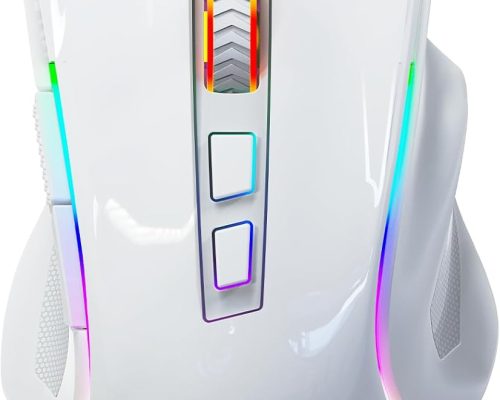
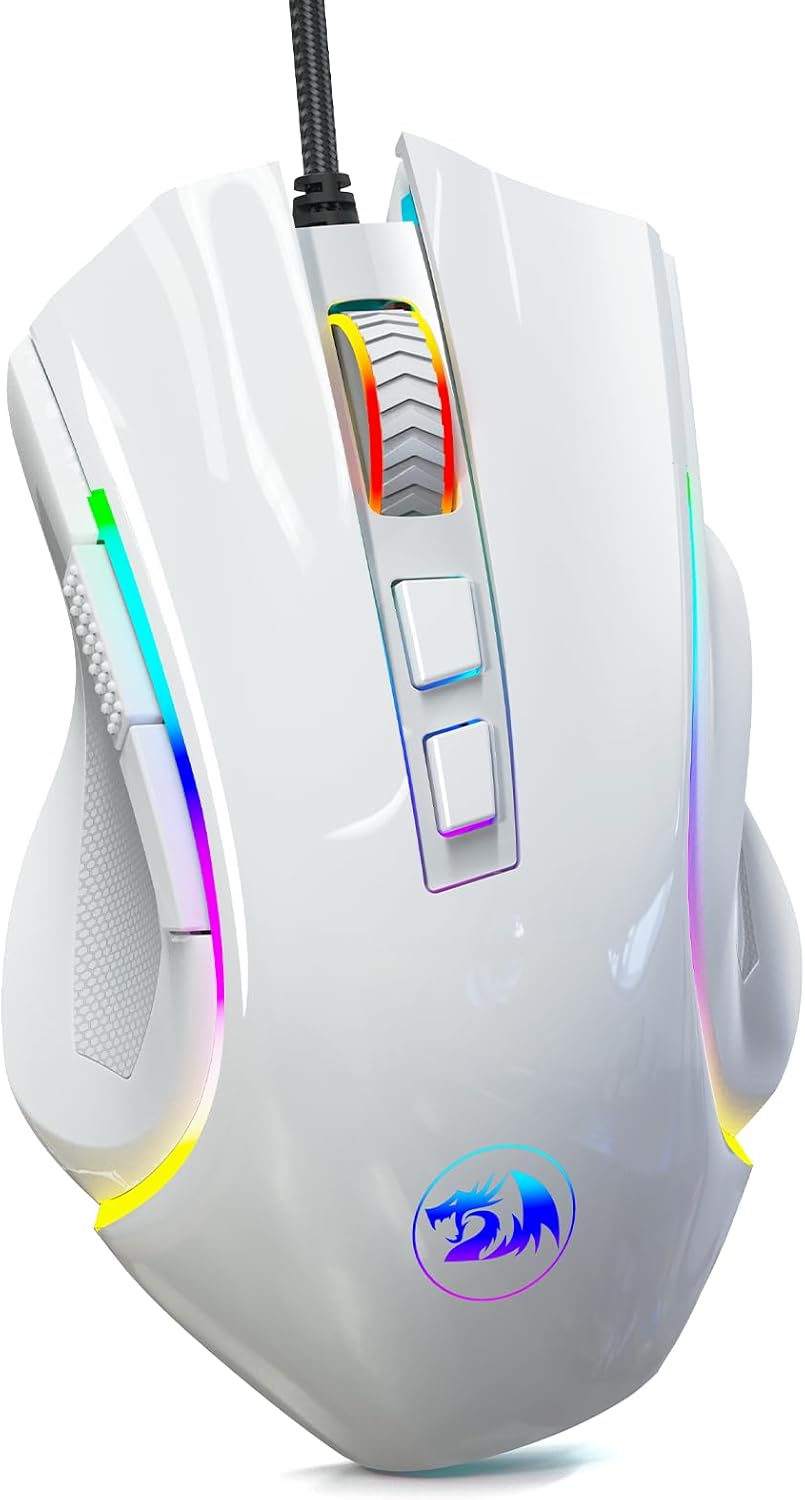
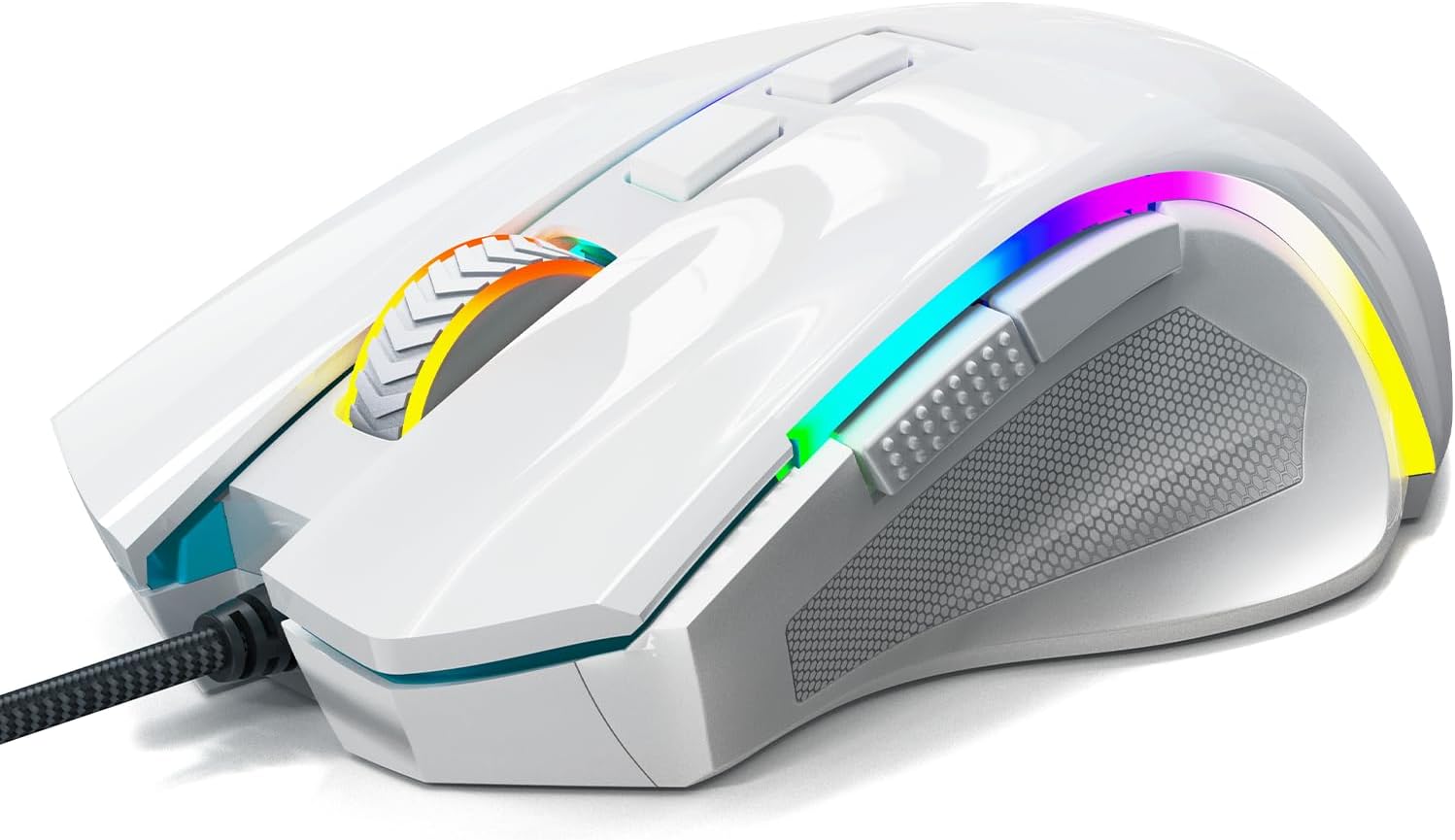
Redragon M602 Gaming Mouse – Unleash Your Gaming Potential
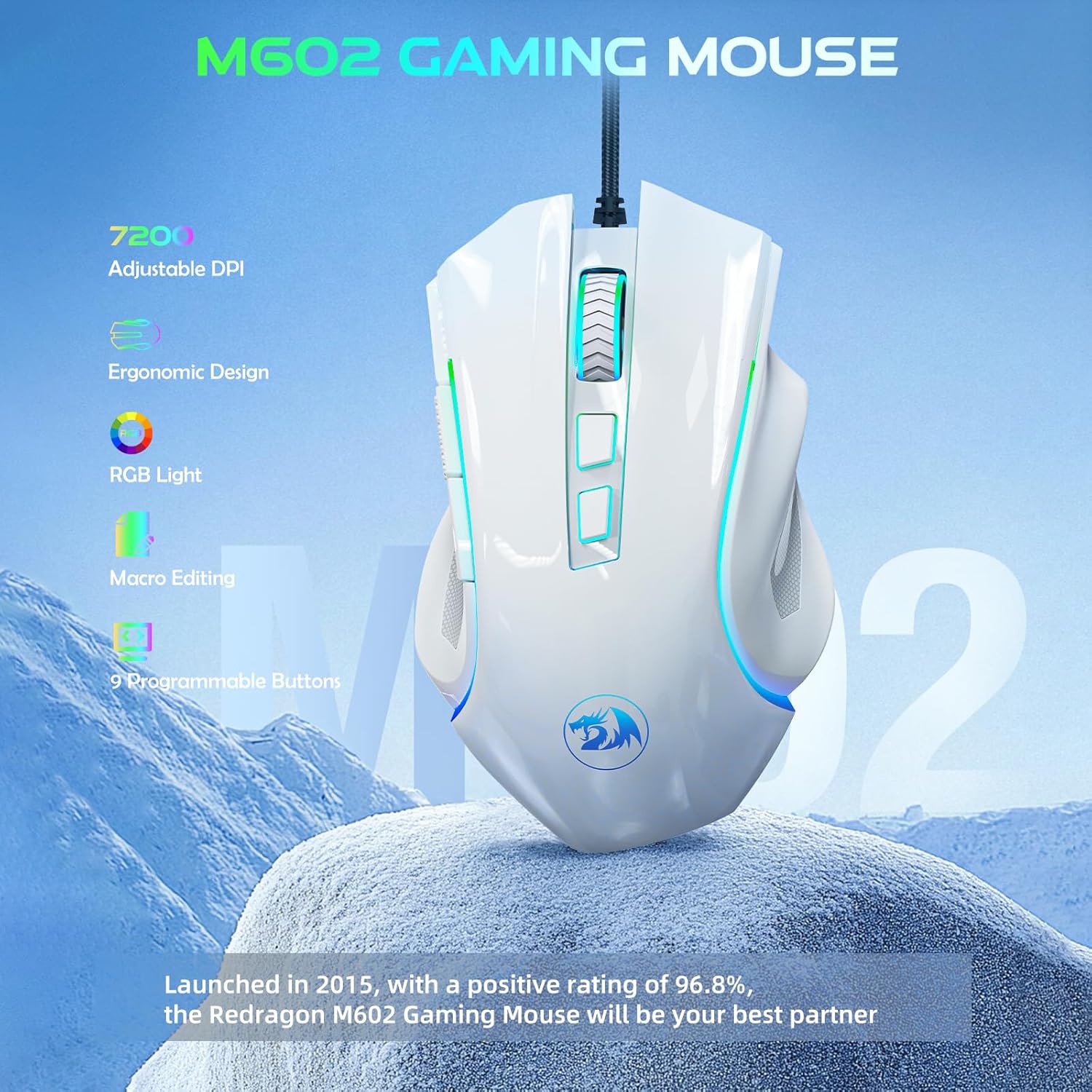
Elevate your gaming experience with the Redragon M602 Gaming Mouse—the ultimate choice for gamers seeking precision, comfort, and reliability. Launched in 2015, this mouse has stood the test of time, boasting an impressive 96.8% positive rating and a reputation for quality.
Key Features
🩷 High Precision at Your Fingertips
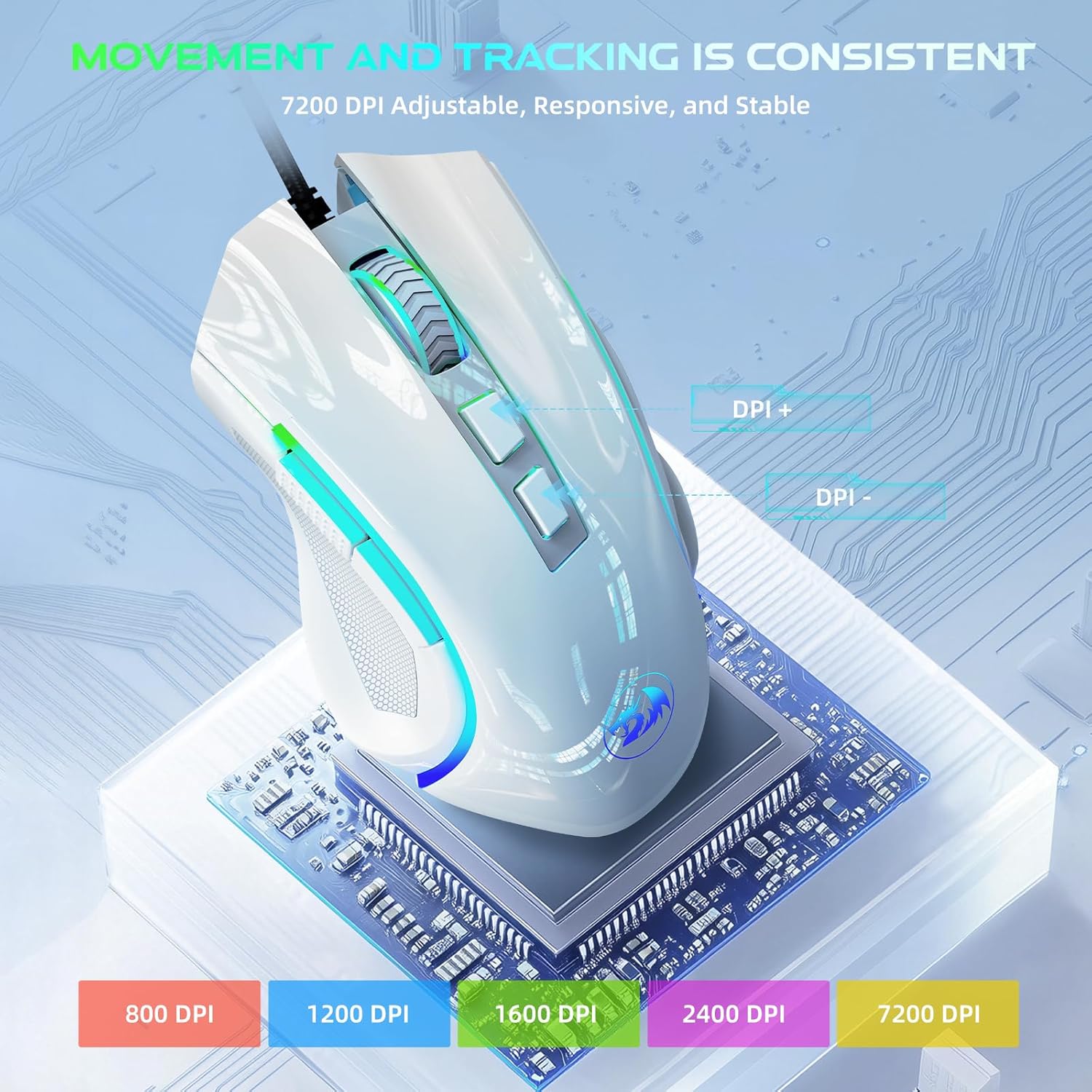
With an adjustable DPI of up to 7200, you can swiftly tailor mouse sensitivity for different tasks—be it high-speed FPS action or precise strategy movements. The P3212 Professional Gaming Sensor ensures seamless and stable tracking, so every flick and swipe translates accurately onto the screen.
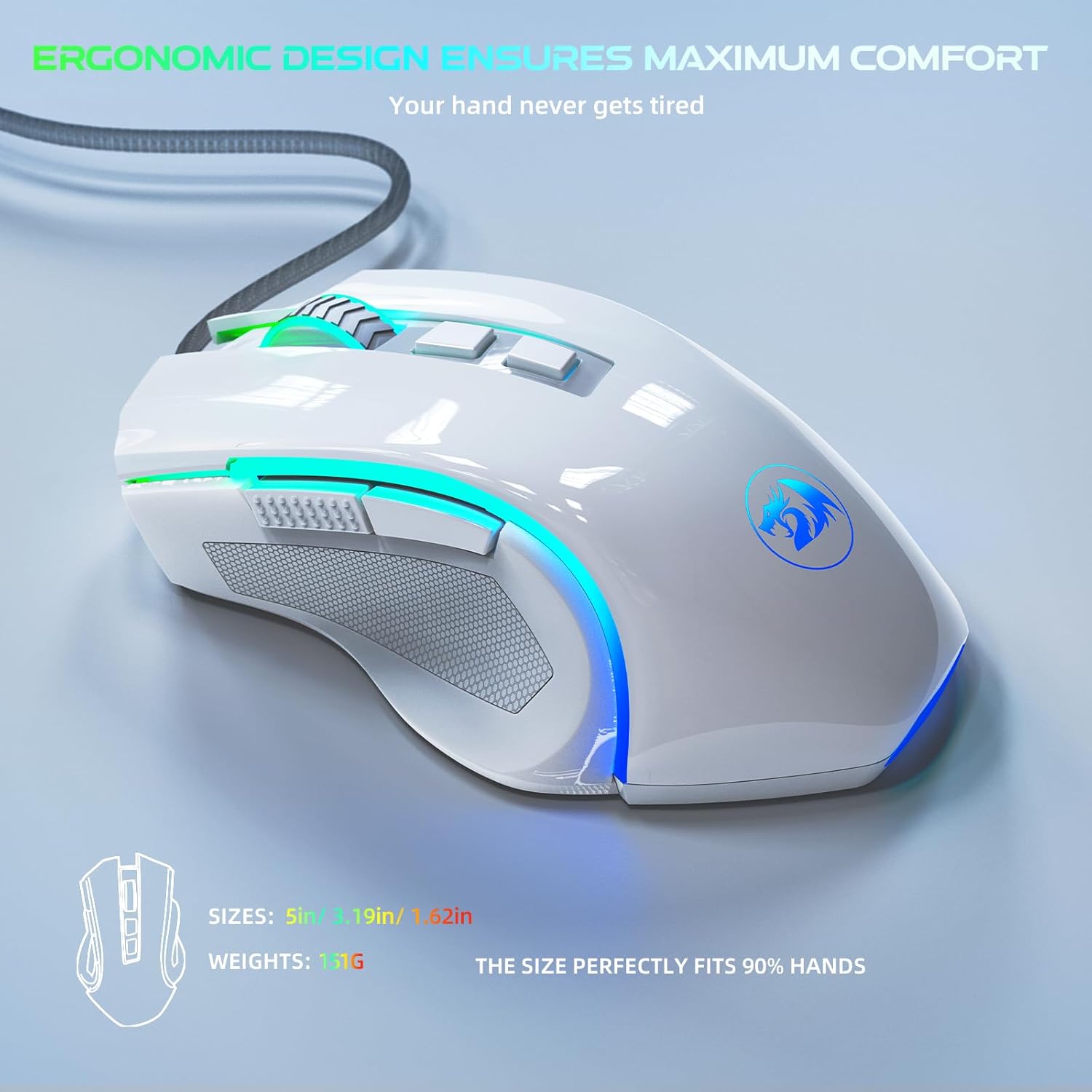
🩷 Ergonomically Designed for Comfort
Engineered to fit 98% of hand sizes, the M602 features a thoughtfully crafted shape that accommodates various grip styles. Its skin-friendly materials help reduce strain during extended gaming sessions, ensuring maximum comfort.
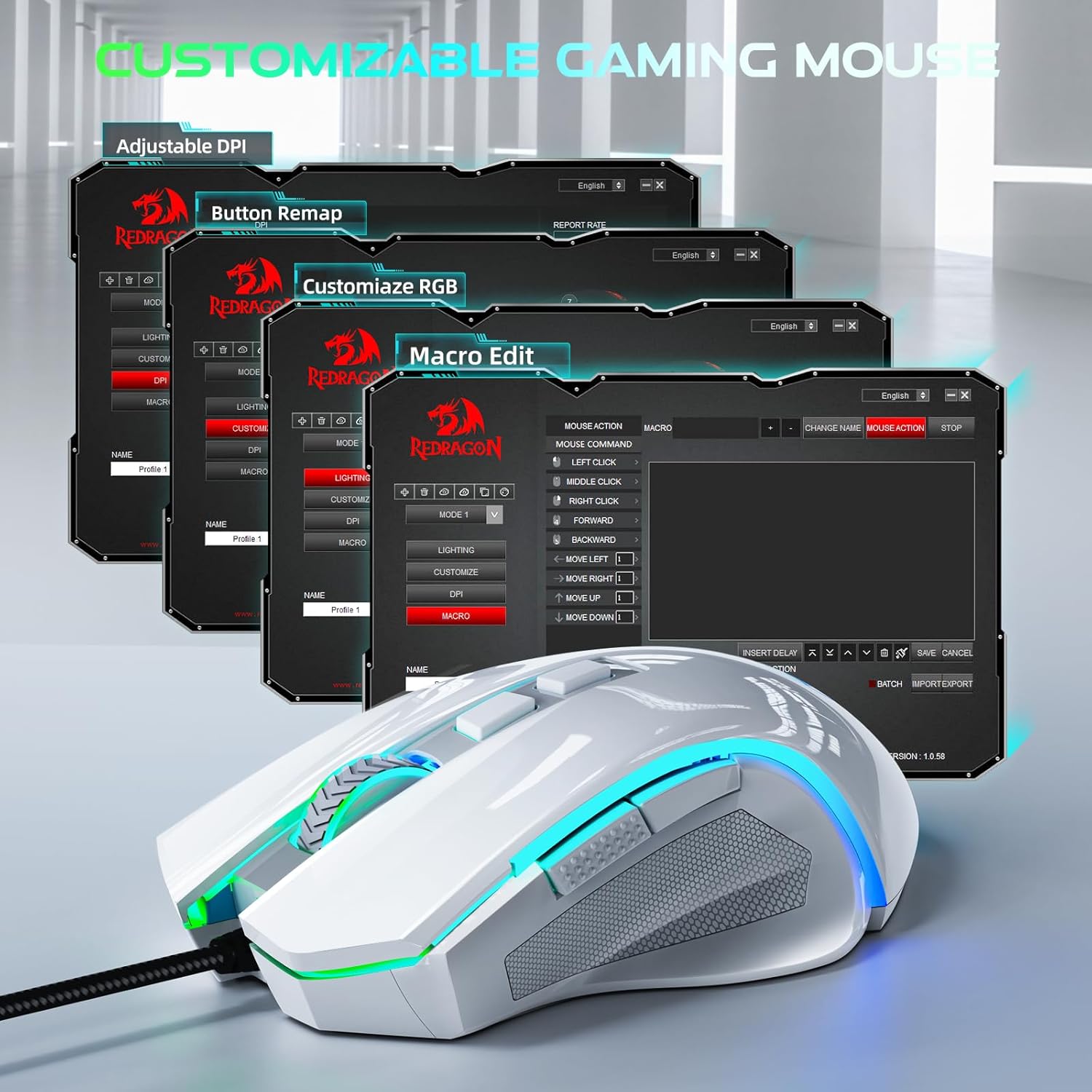
🩷 Programmable for Personalization
Customize your gameplay with the built-in software that allows you to remap buttons, adjust speed settings, and set up macros to suit your gaming style. Take control and make it uniquely yours!
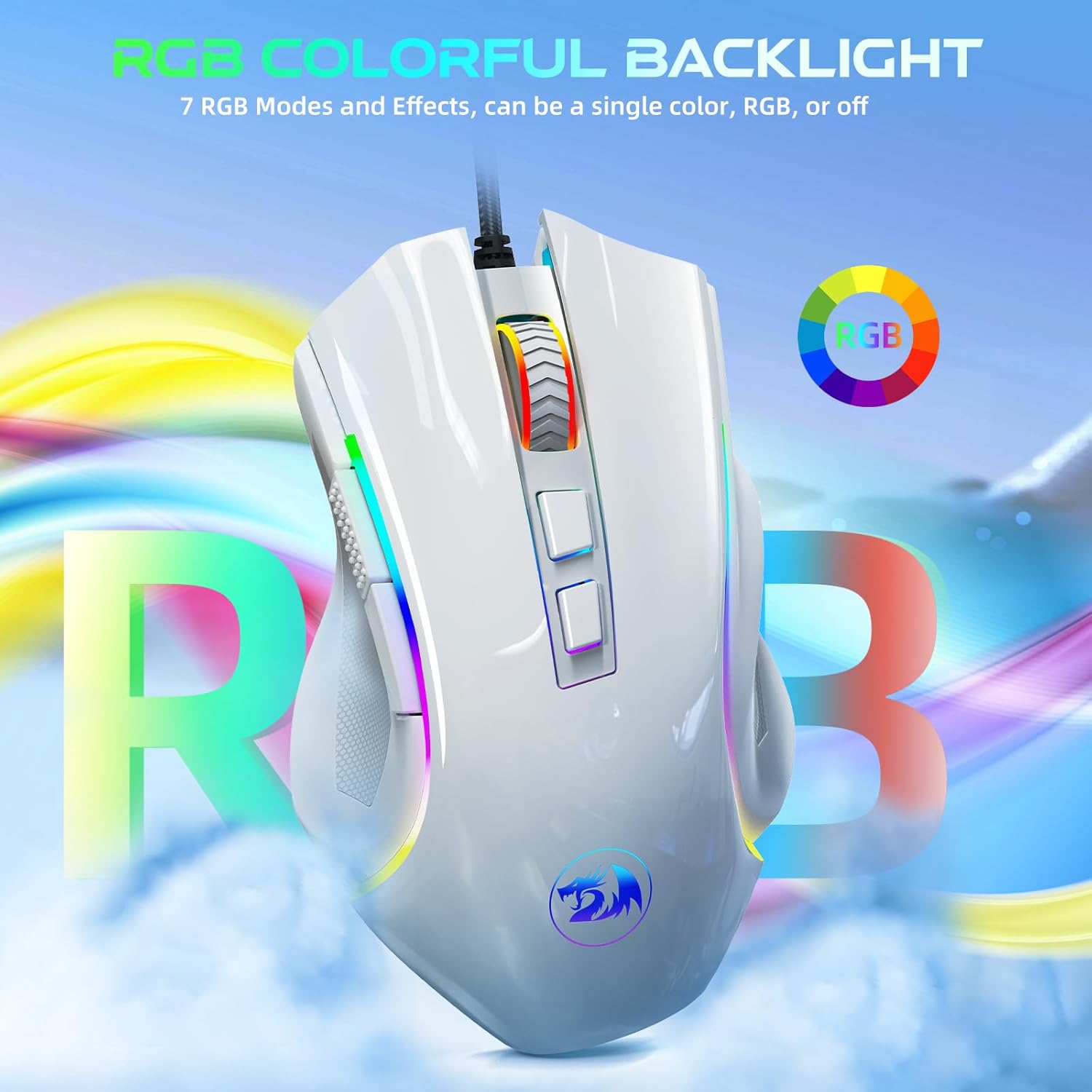
🩷 Dazzling RGB Illumination
Stand out with 7 dynamic RGB modes that can be easily switched through a quick button click or via software adjustments. Whether you prefer a single color or a vibrant swirling RGB effect, express your personality as you game.
🩷 Built for Durability
Featuring a braided cable and a metal-reinforced USB receiver, the M602 is designed for longevity. With mechanical micro switches that can handle over 500,000 clicks, this mouse is as reliable as you are, ensuring every feedback click is satisfying and responsive.
Versatile Compatibility
The Redragon M602 Gaming Mouse is not only designed for PC gamers; it’s compatible with Windows, Laptops, and Mac systems, making it the ideal accessory for any setup.
Conclusion
The Redragon M602 Gaming Mouse is a classic—it’s durable, fast, and fully customizable. Whether you’re a casual gamer or a competitive player, this mouse equips you with the tools you need to dominate the battlefield. Embrace the power of precision and comfort today!
Get ready to level up your gameplay—order now and experience the difference!



james zakrzewski –
Great mouse
Mouse Feels super comfortable when gaming. ease to set up. connects super-fast. good quality and movement. Button feels great. great mouse for the money spent kid loves it
Rakiya Dawson –
Pretty great
Casual gamer. Nice grip and cool colors. Good for price. Feels nice to touch and good quality. Easy to set up and use.
Hs –
Redragon Gaming Mouse beats all the other gaming mice
Redragon Gaming Mouse Beats Other Gaming MiceTo start off with, I think that the Redragon gaming mouse is one of the best mice as of right now. I have owned this mouse for about 3 years and it is just as good as brand new. When looking at the price of this mouse compared to other gaming mice, this is cheaper, durable, longer-lasting, and has most of the features as the other expensive mice have. I would most certainly recommend any interested buyers looking for a gaming mouse to buy this product.First and foremost, I think that the Redragon gaming mouse is one of the best mice as of right now because it’s cheap and affordable. When looking for a desktop gaming mouse, you should always research and look for other products that might be similar, less expensive, and easier to use especially when it comes to gaming mice. One of the popular gaming mice that is competing against the redragon mice in the market as of right now would be the glorious model o. This mouse comes around $100 in the market and functions similarly to the redragon mouse. The redragon mouse comes in around $20 as of now due to inflation as well. There isn’t much of a difference between the two mice besides the shape, size, and price. Paying $80 more isn’t worth it if most of the controls, and key features function the same way.Some of the key features that the glorious model o can do as well as the redragon gaming mouse are drag click, butterfly click, has the same amount of sensitivity, and DPI. The main difference between these two desktop gaming mice is that the glorious model “o” feels much lighter and sturdier. The redragon mouse feels a little bit heavier however, it is a decent size for any beginners or experienced gamers. It also has side palm grips for you to keep your thumb, ring finger, and pinky finger on support giving you the most comfortable experience as well. Some of the features that both mice can do that interested buyers would look forward to is having the mouse double click, drag click, and butterfly click.Furthermore, this mouse is very comfortable and durable for a long period of time. The gaming mouse’s texture is matte which makes the gaming experience even better. There are also side buttons to change the RGB color or lighting to whichever settings you’d prefer with 7-8 different color options. All of these features are adjustable just by downloading the app or software if needed. After owning this product for 3 years, I have not felt the need to buy another mouse yet at all because of how well-made it is.However, despite all of the pros mentioned, there are always a few flaws or cons since nothing is perfect. One of the cons I experienced by owning this product would be that when gaming, some of the clicks on the redragon gaming mouse don’t register due to how big it is. Even though it is recommended to have lighter-weight desktop mice when gaming, it makes it harder to click while having some clicks not register. Over the past 3 years of owning this product, I have noticed that there is also a solution to fixing this problem. I have improved my gaming skills and it has made clicking faster and much easier for me. I would most definitely recommend this product to gamers who are at least experienced a little bit and have fast clicking hands to enjoy the full experience.
Richard H. Martin –
Good Mouse, and a Ridiculous Maze of Drivers
Reviews on this M602 webpage are quite similar to those of lots of other Redragon mice listed by Amazon. Not all these reviews have been assigned to the correct mouse sibling, however, because of bewilderment created by their abundance and similarities among many siblings in an enormous litter. Confusion about which mouse is which is apparent even on the multiple websites Redragon itself publishes all over the world. At any rate, most reviewers agree that the company produces good mice, and that its process for obtaining the specific driver software you need for tinkering with them sucks.Thus my comments may apply to many Redragon mice, but my experience involves only the M602 Griffin. He is a cute little critter with a lot of gee-whizzy multicolored lights, which you can make perform tricks such as altering his “breathing” depth and rate. (If you set them too low I wonder if he becomes erratic from hypoxia, and then do all his lights turn blue?) He has a magnificent, truly elegant, long red and black braided tail that looks like it should belong to a mouse perched much nearer the top of the pecking (gnawing?) order. At a remarkably low price he meets my need for a precise mouse to set various instrument knobs and gauges in the glass panel instruments of my flight simulator very well. The rest of this long tale …involves his software.His box contained only my mouse himself, a Redragon decal and a useless 40-page set of “Operating Instructions” in 35 or so languages. Under “Software Instructions” it says “Users can adjust … settings through the software after downloading and installing it.” But there are no clues about where find that software. Be prepared for frustration when you begin an internet search. Mine led me down several blind alleys at places like redragonzone.com, redragon-global.com and redragon.store. Early in my journey through this maze, at redragonusa.com I spotted an M602. Its picture looked identical to my mouse and there was a link to download its driver. “That’s too easy,” I mumbled, and I was right. The link led to a file called MNEMEANLION.zip. Which proved to be a nearly complete dud. It did unzip and load into my computer, but here was no shortcut to open a GUI, and each of its three executable files did nothing useful. At least they did no harm.Further along my torturous route through the maze I discovered lurking there a total of 50 different Redragon mice and about 30 drivers. After eventually overcoming this diabolical plot to hide software on the internet I tracked down the correct M602 Griffin programming utility, at (drumroll please) redragonshop.com/pages/software. Its compressed driver file is named “m602.rar” (see screenshot of its GUI). It works, and unless it contains some undetectable malware planted there by the Chinese MSS it also does no harm. But as noted by other reviewers, moving its various sliders yields only very minor changes in some of Griffin’s behaviors.Bottom line: my rating of 4 stars would have been a lot lower had I not felt challenged by reading many previous reviews that talk about software problems but fail to reveal their solutions. I’m still euphoric from my detective work. But I sure wish that Mr. and Mrs. Redragon, who must be exempt from China’s one-litter policy, would learn about birth control, or would provide less intrepid customers with a roadmap of their maze.
Cecilia –
Buen mouse, es configurable y con buena estética.
jawharah –
idk ho to write gourges xdddBut its sooo gooooddddd iloooveeee itt
yusef mosad –
يمكن لي ثلاث سنوات مشتريت واستخدمه بشكل يومي العاب واستخدام عادي وممتاز ما يشتكي من اي شيء نفس يوم شريته، انصح فيه
Paula Gonsalves Valentim –
O fio é protegido contra o ressecamento e a quebra, há diferentes níveis de sensibilidade e a escolha de luzes é bem legal também. Eu compraria novamente sem pensar duas vezes! Muito bonito, resistente, funcional e durável como promete.
See Dub –
This is by far the best wireless mouse I have ever purchased and used.Over the course of many years, I’ve owned and used a variety of wireless mice of various brands. None however come close to the responsiveness and comfort of this M602.Let’s start with the sensor. I’m not exactly sure of the type (i.e. Pixart), but it does an excellent job of tracking. Mouse cursor movements are smooth and precise, without any lag or delay. The adjustable DPI via dedicated button allows for immediate fine tuning of tracking to suit various applications (i.e. gaming vs. office work vs. photo editing).Comfort wise, this mouse is a dream to hold and use. The mouse body and shape is specifically designed and contoured for right-handed use, so your right hand rests naturally and comfortably. It’s also relatively light weight, so extended use shouldn’t be tiring nor a problem.Being that this is a wireless mouse, as expected, it runs off a battery, or to be more specific, a rechargeable battery. The mouse comes with an unexpectedly high quality braided USB C cable that you use to charge up the mouse, which by the way also turns it into a wired mouse so you can keep using it while it’s charging.Two powered on modes are offered: ON and ECO. ON turns on the RGB lighting, which by the way is absolutely gorgeous. However, as you can imagine, the ON mode will use up more battery power. That’s where ECO can become your best friend, as it shuts off the RGB lighting, and can drastically conserve and extend battery life. In ECO mode, the only light you will see is a slow pulsing scroll wheel, which pulses to the color corresponding to what DPI setting you are currently using (i.e. pulsing green = 2000 DPI). The pulsing remains on while the mouse is being used, and stops once the mouse becomes stationary.The mouse buttons give satisfying clicks when depressed, although I did find the right mouse button a tad easier to press down than the left mouse button. The scroll wheel also has very noticeable notches when turned, something I find very hard to find in any mouse, wired or wireless.Overall, this is an excellent wireless/wired mouse that strikes a perfect balance between price and features.