




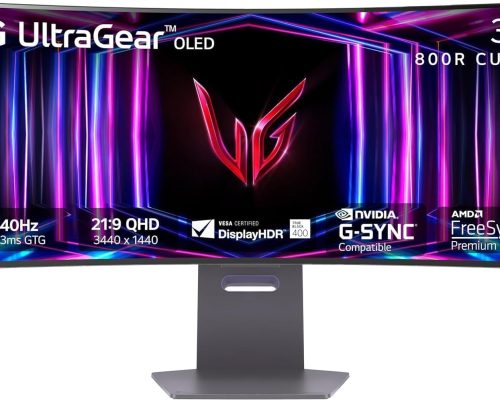
Unleash Your Gaming Potential with the LG UltraGear 34” Curved WQHD OLED Monitor
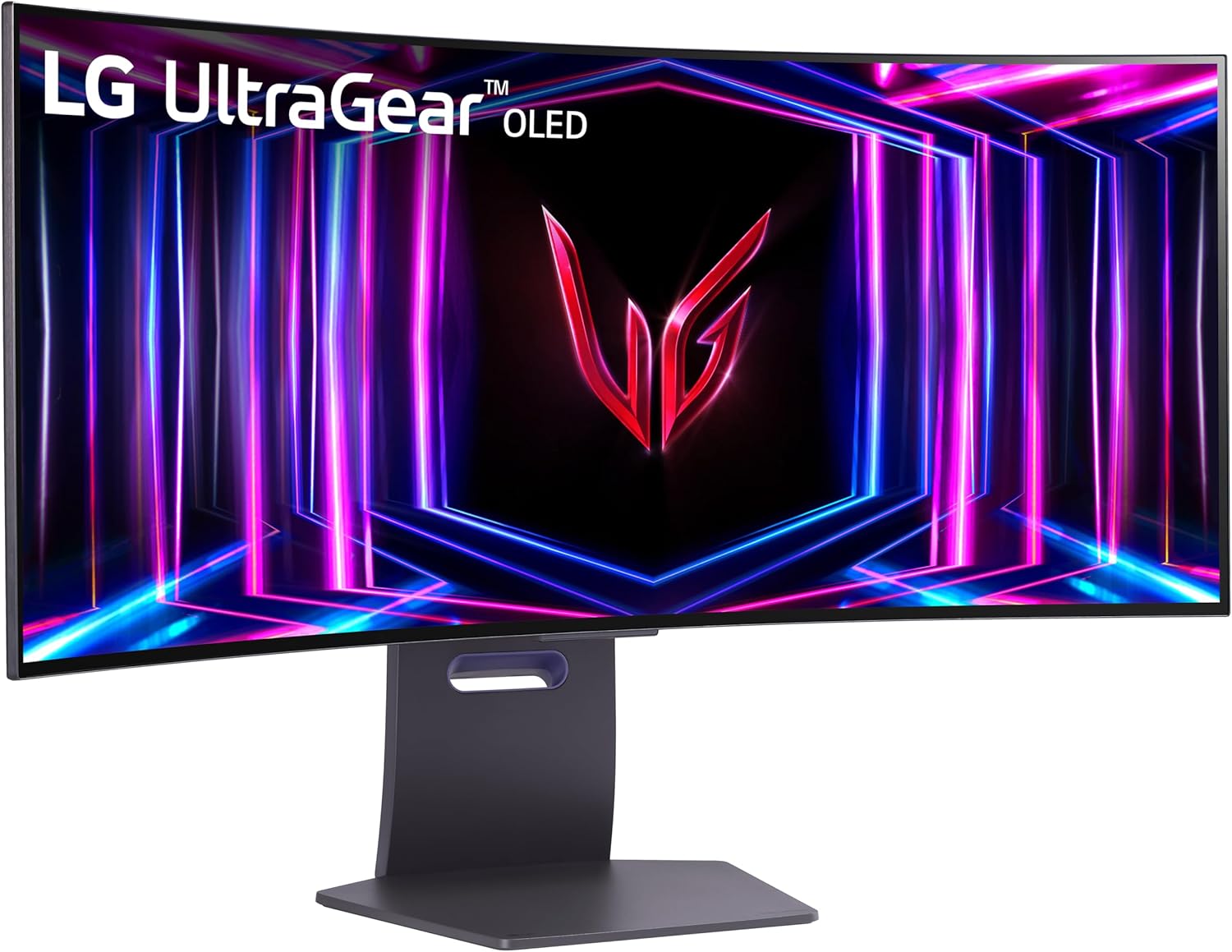
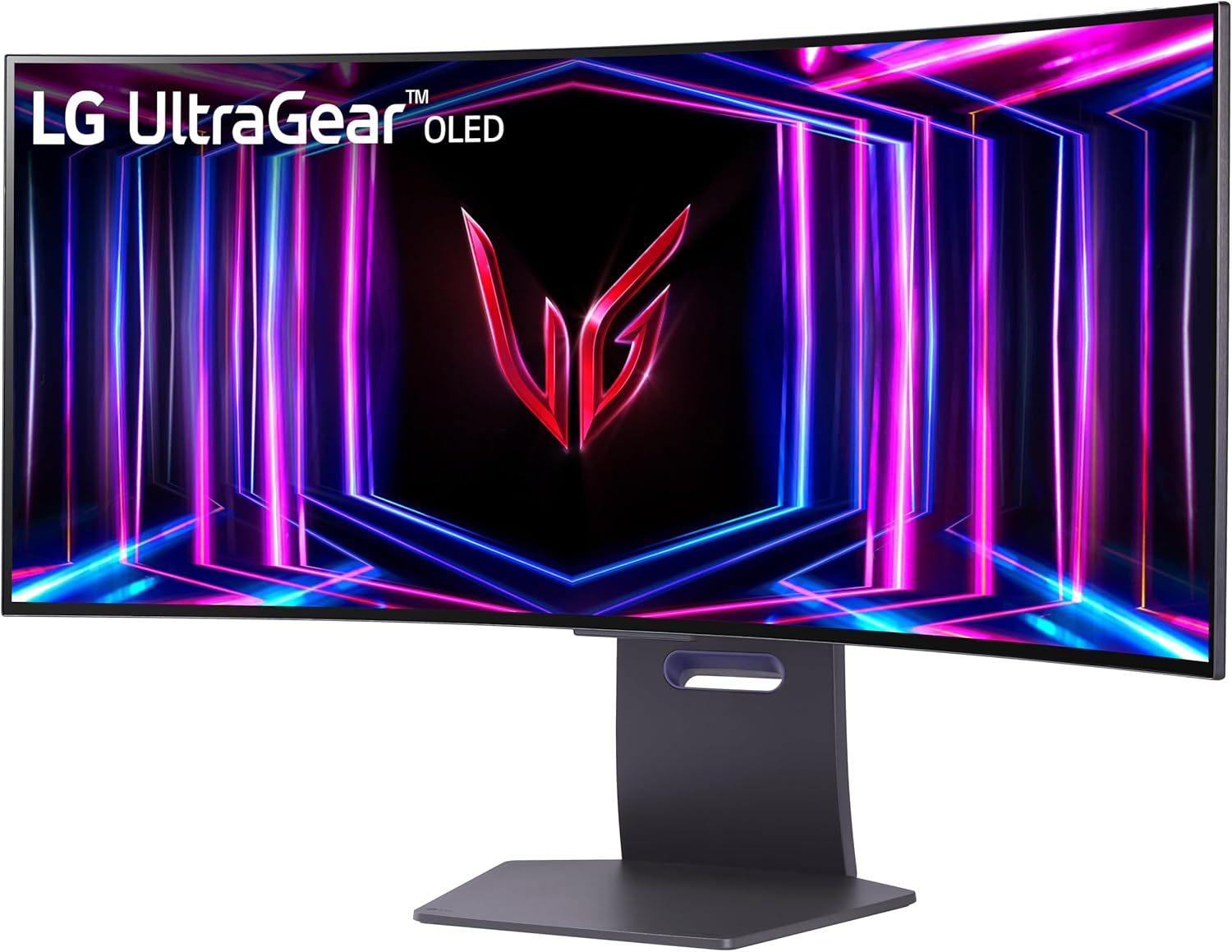
Elevate your gaming experience to new heights with the breathtaking 34” curved WQHD LG UltraGear OLED gaming monitor. Immerse yourself in the action with an ultra-fast 240Hz refresh rate and lightning-quick 0.03ms response time, designed to put you ahead of the competition. The dramatic 800R curve wraps around you, creating an enveloping environment that draws you deeper into your favorite games.
Key Features:
-
Vast 34” OLED Display: Revel in epic visuals with a 21:9 aspect ratio that transforms your gaming and streaming into a cinematic experience. The stunning OLED technology delivers vibrant colors and rich contrast for unparalleled clarity.
-
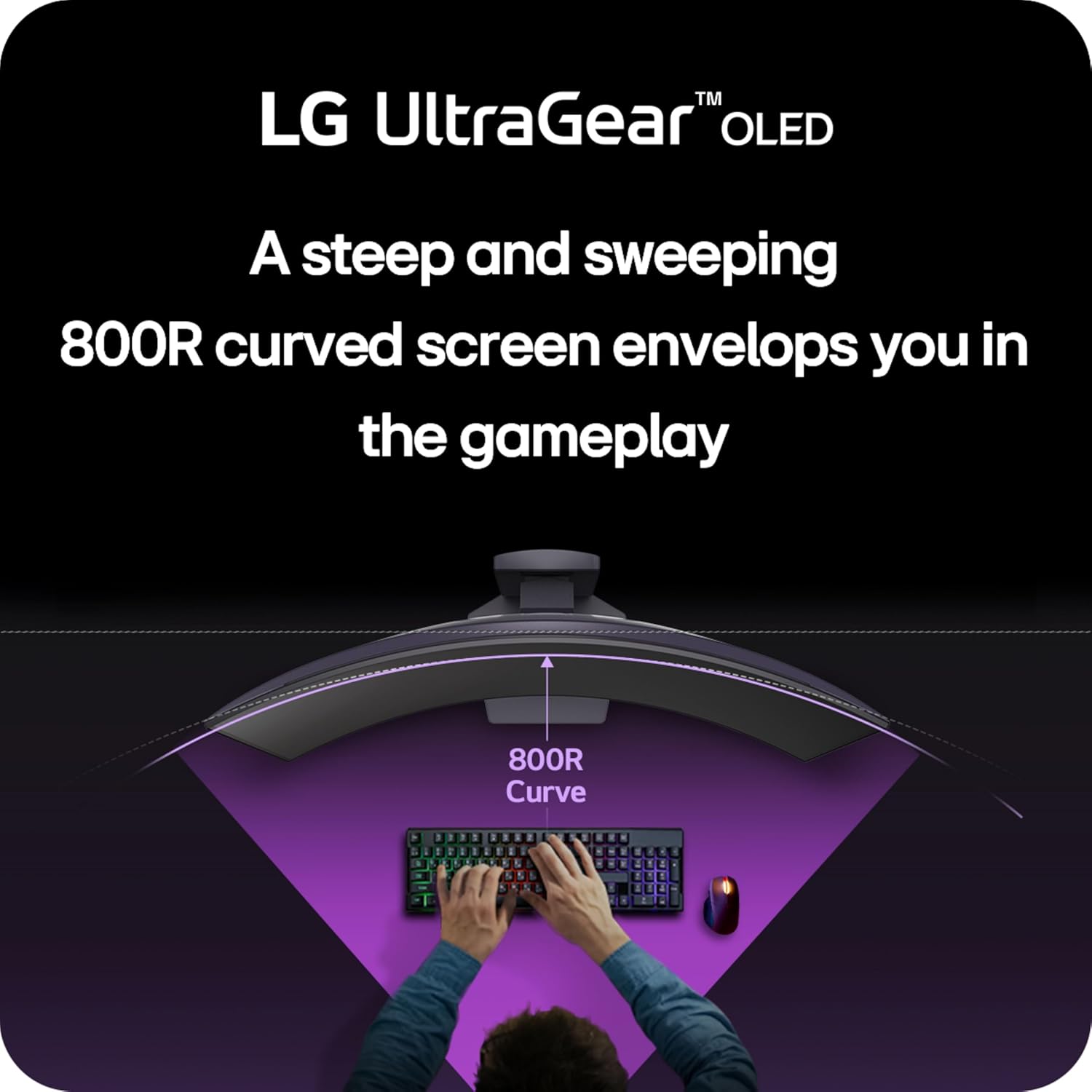
800R Immersive Curvature: Experience gameplay like never before. The steep 800R curve extends your field of view, giving you a sense of being in the game, enhancing not just your focus, but also your enjoyment.
-
Blazing 240Hz Refresh Rate: Take your gaming to the next level with lightning-fast refresh rates that eliminate lag, making every frame as smooth as possible. Dominate your opponents with rapid responsiveness that gives you the edge.
-
Ultra-Fast 0.03ms Response Time: Forget about ghosting and lag with a response time so quick, you’ll see every detail. Outfit your gaming rig with technology that ensures you stay ahead of every challenge.
-
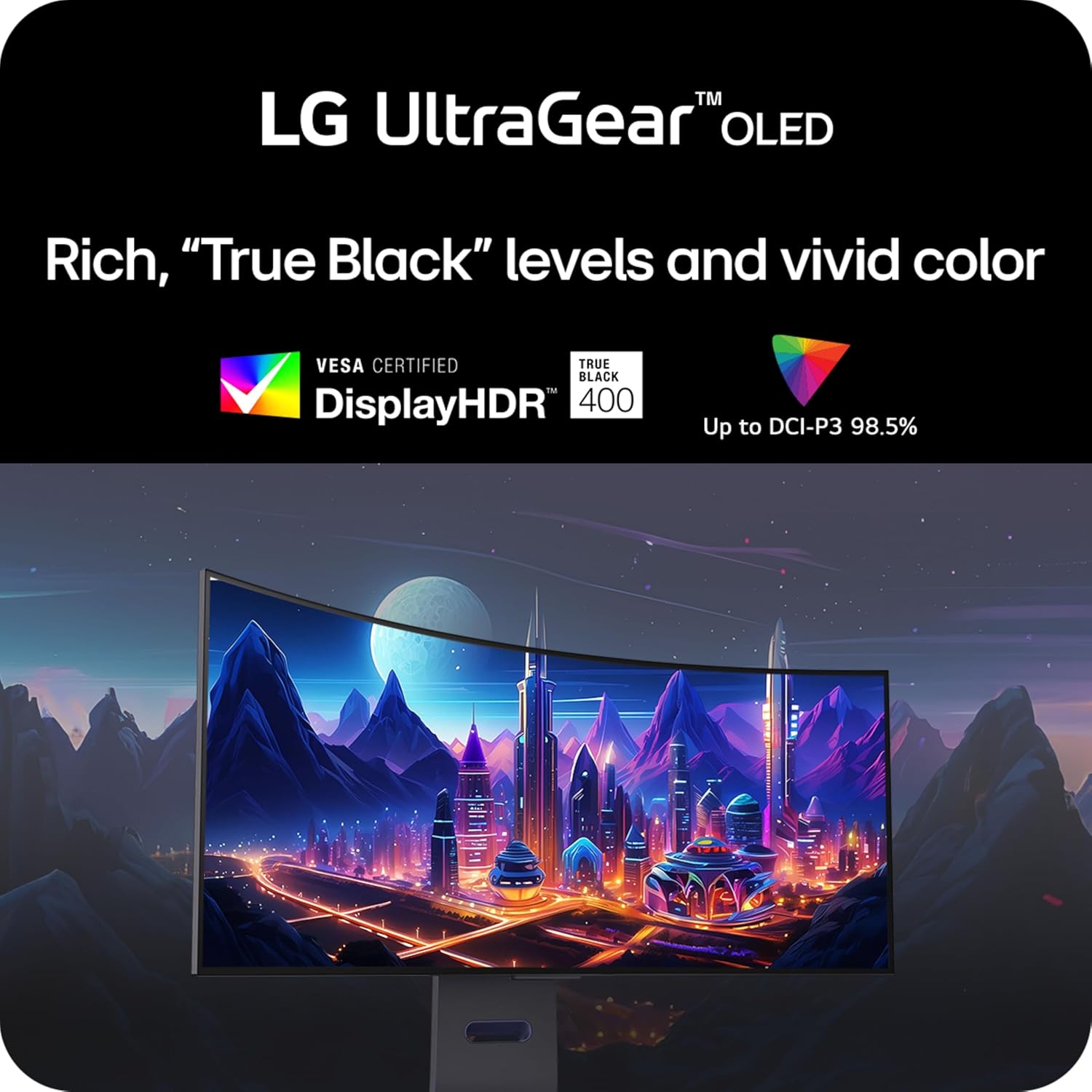
Picture-Perfect HDR True Black 400: Enjoy vibrant colors and deep blacks with DisplayHDR True Black 400, enhancing your gaming experience and providing stunning details in even the darkest game scenes.
-
NVIDIA G-SYNC Compatible: Play with confidence knowing the monitor is officially validated to offer a smoother gaming experience, minimizing screen tearing and stutter for uninterrupted gameplay.
-
AMD FreeSync Premium Pro: Elevate your competitive edge with adaptive sync technology that delivers a fluid, tear-free gaming experience. With low-latency performance, stay locked in as you play.
-
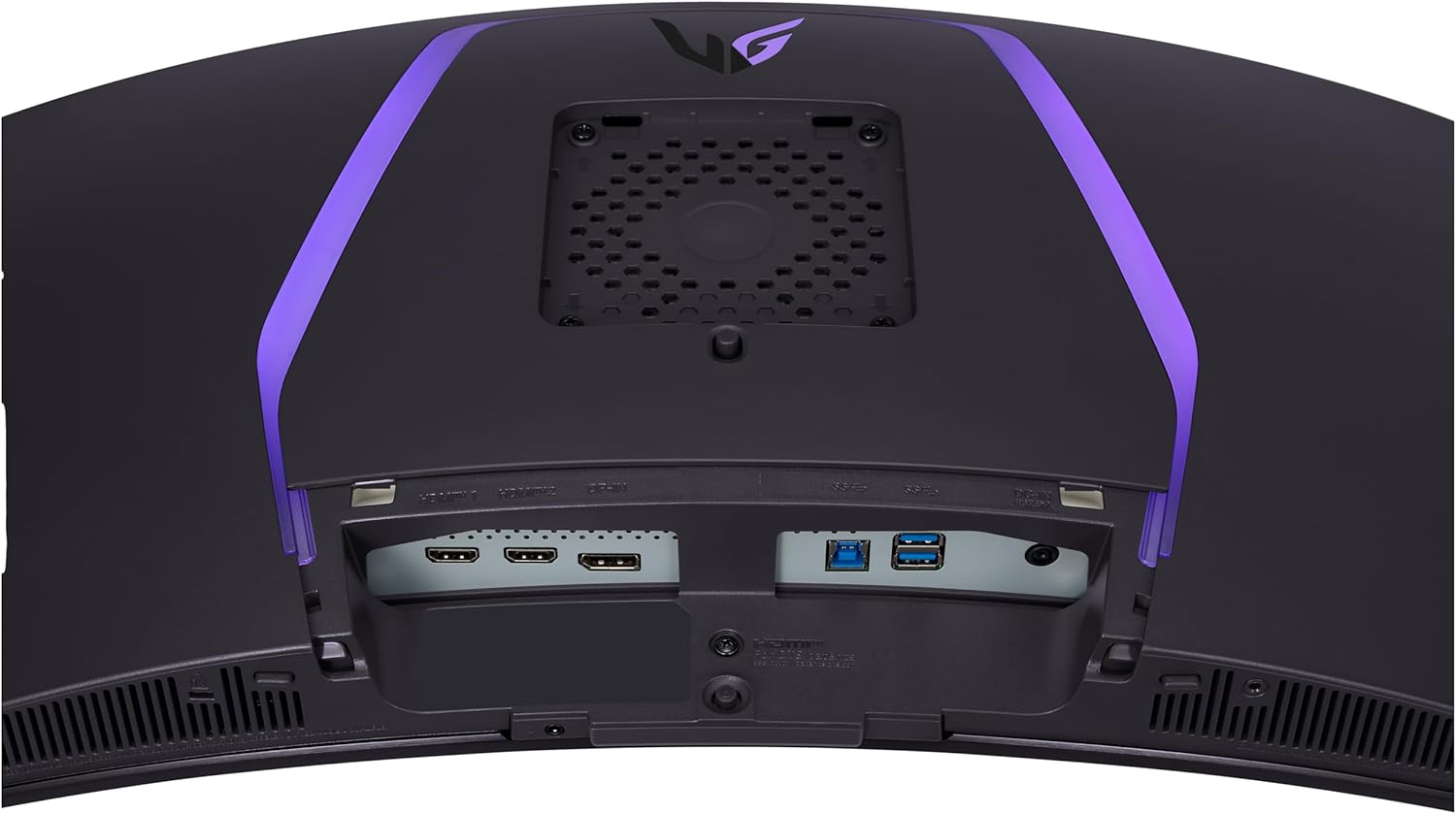
Versatile Connectivity: HDMI 2.1 and DisplayPort 1.4 support ensures you can enjoy high-resolution graphics at up to 240Hz, bringing your games to life with vivid, detailed imagery.
-
Anti-Glare Display: Concentrate fully on the game with a specially designed anti-glare screen that reduces reflections and distractions, allowing you to focus on winning.
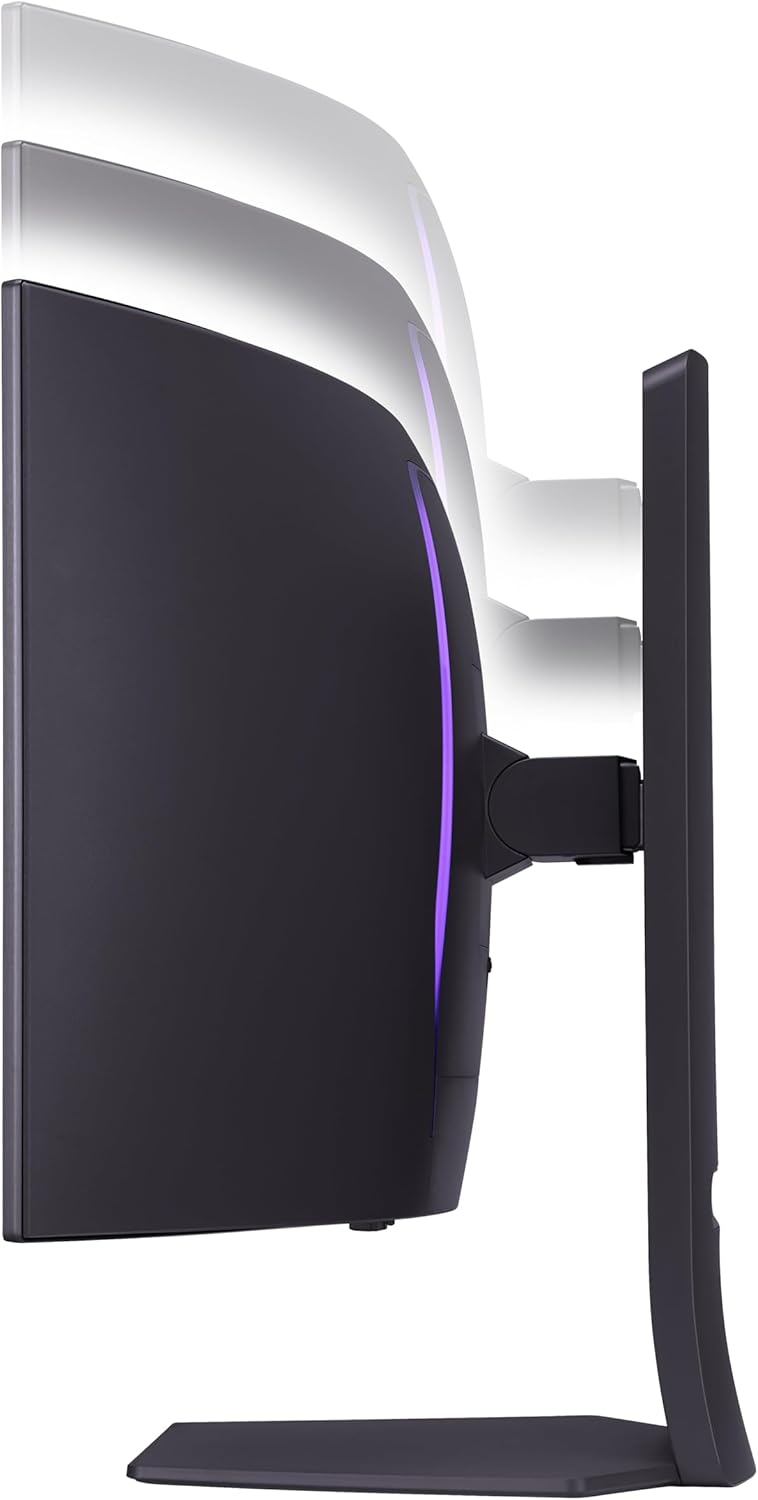
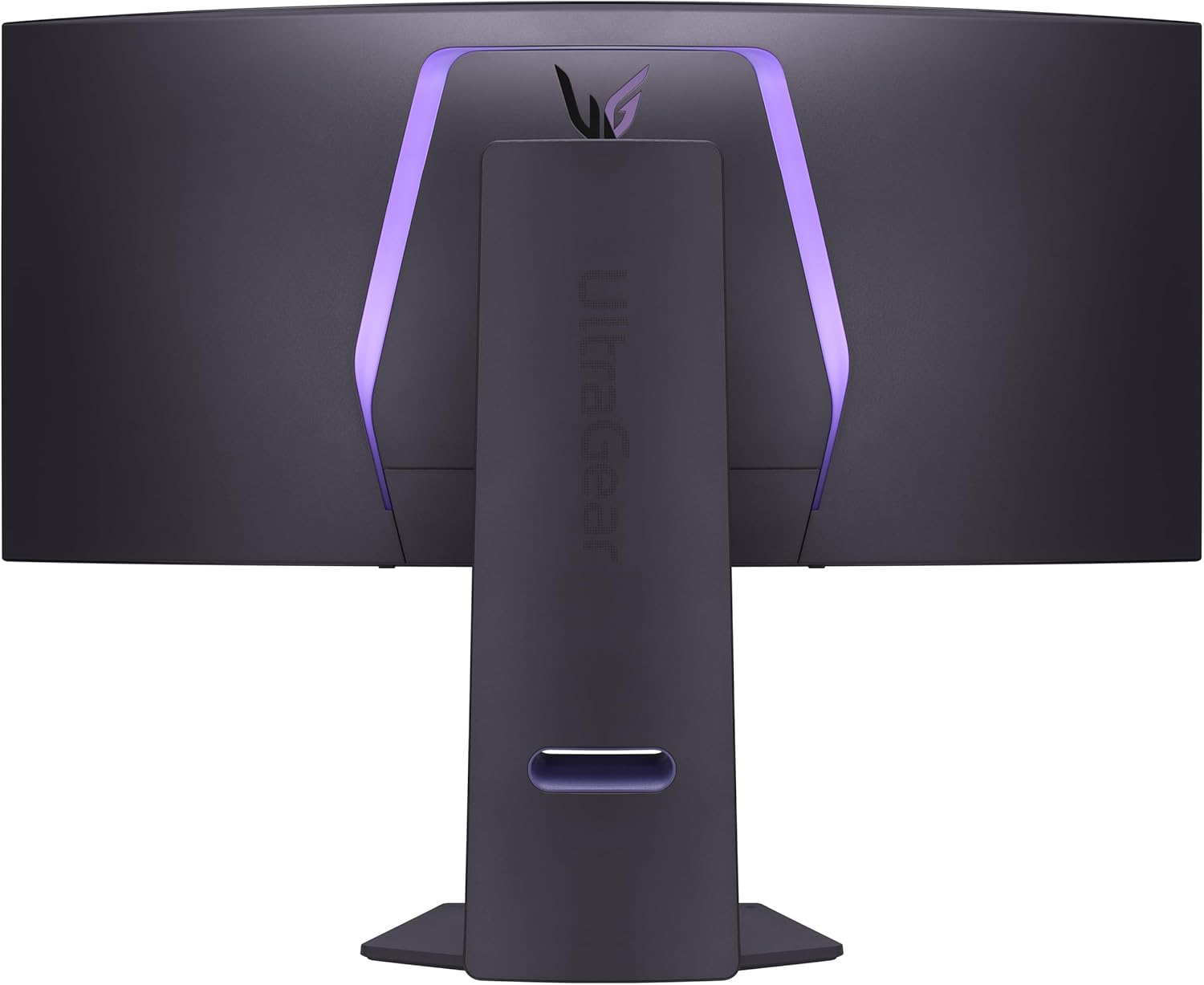
- Gamer-Centric Design: Transform your battlestation with an ultra-thin, virtually borderless design, complemented by adjustable height, tilt, and swivel capabilities to create your perfect gaming setup.
Transform your gameplay and immerse yourself in stunning visuals with the LG UltraGear 34” Curved WQHD OLED Gaming Monitor. With cutting-edge features designed for serious gamers, level up your experience and never miss a moment in action!
Customers say
Customers find this OLED monitor excellent for gaming, praising its rich colors, top-notch contrast, and crisp, clear picture quality. Moreover, the monitor receives positive feedback for its appearance and value for money. However, the performance and refresh rate receive mixed reviews – while some say it works perfectly, others report it failing in daily use, and while the 240Hz refresh rate is perfect for some, others experience flicker issues. Additionally, the brightness receives mixed feedback, with some noting that SDR brightness potential has improved by over 50%, while others find it too dim.




Joshua Zullo –
One Year Later, and it’s Still a Beast
This monitor has been an absolute beast!! No ghosting, tearing, any of that nonsense! If you have been having issues with darker panels, this will solve your issues. Colors are vibrant, and brightness is what you want for being able to enjoy a wide variety of games. I have owned for a year now, and there is no looking back! Still no issues on the screen, and I have been playing competitive call of duty on it for the entire year, with Starfield and NBA2k filling in the gaps. Starfield looks absolutely incredible on this thing. Also, for anyone on console, it’s still a great option for 120hz caps I owned an Xbox series X before changing to PC gaming, and while having this monitor definitely made it more enticing to make the jump, I felt like it solved all my problems that I hated about other console monitors. Most were too dark, whitewashed, etc. The price is high, but it’s been high quality. Mounting on my swivel arm was easy, and it’s light enough for the cheaper arms too. Highly recommend, and what a year for gaming it has been!
Caleb Silva –
34 in ultrawide 800r curve 240hz
This monitor is beast and I stole it for 750$. If this was full price though at 1300$ there’s better options but this is def a premium monitor. Reminder this is OLED technology so text clarity is not a strong suit due to the technology so that in no way shape or form knocks off any stars from this 5 star product. It’s excellent for gaming! Super responsive, high refresh rate, solid build quality. It does have a matte coating but it’s really not even remotely close to as bad as people say. Picture quality is still bright, vibrant and crystal clear. One thing to note is normal ultrawides are normally 1800r curve and at this curve being slight makes it wide and immersive. Now this one with 800r curve bends it so aggressively that it honestly takes away from the immersion as the sides of the monitor are brought closer together to make the harder curve but this is not bad at all. You can see the whole monitor better with peripherals making it easier to use for fps games. I was torn between this and immersion but then I decided to return this just cause I came to the conclusion I rather have immersion from 1800r curve so I then picked up the g85sb from Samsung but his LG is so dope and it looks so good! When or if I become a little more competitive I might get this again. Somehow to me I think this 800r curve makes it easier to aim on mouse and keyboard. I feel like seeing the whole monitor easier and the curve fits the eyes natural curve. Might be placebo but it works for me. If your on the fence I’d buy it. Return it if you want to try something else but keep in mind the refund process is 30 days so if your offered payments from Amazon this process would be more appealing as you are not putting the full price down.
John Mackerell –
Just amazed!!!Well worth the money
Coming from a Cooling Master 1000r 34″ monitor. This monitor just screams quality. The blacks are so deep it’s the same black as if the monitor is off. Just true extreme black. Straight out of the box the monitor was perfect for brightness and color (select settings Game 1, pixil move mode 2, do a pixil clean, set custom color temp to w1). Make sure you select HDR in windows display setting and set SDR brightness to 50%(windows 11 says this monitor is not HDR certified but it is and that dialog does not affect anything). If you use the monitor audio using certified HDMI2.1b, you’ll cap out at 85Hz. If you just this monitor for video only, you’ll get 240Hz using HDMI 2.1 b. I tested that with a AMD RX 9070xt on a AMD Ryzen 7 9800x3d.If your monitor is acting weird straight out of the box (line, blurry,etc..) do a pixel clean. The pixel clean on this monitor is freaking awesome, and it will do one automatically after 4 hours of use, only if the CPU is asleep or monitor is sleep/turned off.
JDub –
Fantastic OLED Monitor for Windows – LG continues to impress me.
Before this monitor I had another LG 34″ which was from a few generations ago. I thought that was the best monitor I’ve ever owned, and until I got this one it was in fact the best monitor I’d ever owned. This monitor exceeds that one in every way imaginable, and by every metric. The colors fly off the screen they seem more real, less muddy than my previous backlight based monitor. The blacks, I had no idea what blacks could be like. I thought “Really how good could it be?”.. But trust me, once you have actual black as your base reference every thing else feels more real somehow. The colors seem to come to life. Games I’ve played, videos I’ve watch with my prior monitor seem better and newer. This is not hyperbole, it lends dimension beyond just being black.This screen is 240Hz refresh rate and I’m sure that translate to some gaming metrics, personally I play a lot of ARPG games and some other single player games like Cyberpunk 2077 and Horizon Forbidden West for example. So for me I don’t really see any difference between my previous 160Hz and this 240Hz with the exception being GtG performance which scene transitions in games and movies is seamless and wonderful. You may notice the additional frame rates in FPS games but I don’t play those so I can’t say. For what I do, it does it flawlessly.In terms of size and weight this monitor is similar to my previous LG monitor however it is thinner, but I use a monitor arm and not the stand it comes with so thickness doesn’t make much difference to me. The LED lights on the back don’t do anything for me personally but I use Govee monitor lights for screen color during movies and gaming so I don’t really need to use the built RGB lights in the back. The bezel is thinner than my previous LG monitor at the sides which I do like aesthetically.I was concerned about OLED but this monitor has a suite of monitor care you have to enable in settings but I feel that they will certainly help with the burn issues with OLED (at least I hope so). Just know the settings I’m talking about do not come turned on by default and you’ll need to enable them yourself which I suggest you do as they are meant to prevent the burn in issues.I really only have one complaint with this monitor at this point, and it’s nitpicking but it’s the menu button control. It’s on the back of the monitor. It’s easy enough to reach but my hand cramps if I have to use it for a prolonged period of time (which honestly after you set this up you don’t have to touch it again really). But my previous LG has the bottom at the bottom of the monitor and I have to be honest I found it easier to use than the one of this monitor. But I’m nit picking like I said.One last thing, if you use Windows (I have never used a Mac in my life) you’ll want to make sure to set your Sharpness settings to 55 and then setup Windows Clear Type and also the HDR profile (the one from RTINGS is SDR only). You’ll have to download the HDR utility from the Microsoft store (Windows 11 did it automatically for me). I also found the default a bit to yellow for my liking and put the manual color temp to C2 which looks better to my eyes (whites look white to me now). Anyway with the above adjustments (sans the color temp one) my text looks as good to me as my previous LG monitor did and I have no complaints anymore.Honestly, if you’re in the market for a new monitor and your budget allows for it you should seriously consider this one. This is my 2nd LG monitor (two in a row) and they haven’t let me down yet.
Mohammed Alanazi –
اخذتها ب 3500 .. شاشه ماشاء الله تبارك الله ماعليها كلام .. طبعا تابع مقاطع وشلون تحافظ ع بكسلاتها .. واغراضها كامله معها وامورها الحمد لله تمام التمام .. بس حط ببالك السلك الي يجي معها الظاهر الامريكي مااعرف نوعه بس مو مثل الي عندنا البريطاني يعني هات لك توصيله او فيش صغير الي يركب عليه اي نوع فيش وامورك تمام باذن اللهفيه شي بعد ابغى اضيفهبالنسبه للي يبغى يبث او يسجل مقاطع بالعموم ماتصلح للتسجيل والبث الا اذا عدلت على الابعاد حقتها او الريزلوشن المهم من الشاشه بالزر الخلفي اختار اعدادات ثم مدخل ثم نسبه الابعاد ثم اختار الاصلي او مجرد مسح .. ماادري وش الفرق بينهم عموما بعد ماتختارها تعدل على اعدادات كرت الشاشه عندك انا عندي amd فمن اعدادات amd اختار display ثم اختار شاشه LG شوف تحت مكتوب custom resolution اضغط على الزر الي جنبه create new بتفتح لك نافذه حط باول خيار على اليسار 3840 وعلى اليمين 2160 تحتها معدل التحديث 240 الي الشاشه تدعمه ماراح تضبط معك انا خليتها 100 فريم وبالنسبه لخيار timing standard على كلام chatgpt يقول اختار cvt – reduced blanking قال الاسباب بس ناسي بس اذكر كانه خيار يحافظ لك على الشاشه شي زي كذا وبس اذا خلصت سو حفظ ورح لاعدادات العرض بالويندوز وغير دقه عرض الجهاز الى 3840×2160 راح تصغر الشاشه لان ماتقدر تجيبها على الشاشه كامله .. الشاشه ابعادها 21 وجودة 4k ابعادها 16:9تقدر تشوف مقاطعي على اليوتيوب مصورها بالطريقه هذي اسم قناتي zolan_play
Khayne –
This is the best monitor I have ever owned. It’s not my first OLED as I own a small QD-OLED, but its my first WOLED monitor. I think both WOLED and QD-OLED are great technologies and when purchasing a monitor more things should factor in the purchase than the panel itself IMHO. This monitor has a lot going for it:The remote makes so much sense and it is so helpful and practical when adjusting the settings, unlike the knob that most monitors carry nowadays, allows me to change between settings quickly.I have my setup in a well lit room with multiple windows, in a common area so it’s impossible to control the light conditions, so matte is the way to go for me, but this monitor isn’t 100% matte, more like anti-glare, semi-glossy, which to me is definitely the best option, because it definitely shows the dust and dirt way less.I have perfect vision and never wore glasses and I don’t see any smearing of the graphics, and playing with the settings I was able to replicate the color impact of my QD-OLED without the caveats of the glossy screen. When rendering colors I have my monitors calibrated with an i1 Display Pro to make them look the same so I don’t see any differences between the OLEDs, unless changing modes that are pre-calibrated and over-emphasize colors. I can understand someone liking those modes on a QD-OLED display since it can display a broader color range, but that wasn’t the game designer’s intention most likely, specially when most videogame graphics are designed to display sRGB colors and sometimes use more restricted graphic palettes in order for the games and graphics to look good in a broader variety of displays.As someone who has been involved with graphics in a variety of media I remember the days when Apple decided to suddenly switch to glossy monitors and the vast majority of professionals saying that was a poor choice and a bad idea, it’s interesting how over a decade and a half later people are drooling over glossy QD-OLEDs thinking that’s the best and only way, must be the fact that cellphones are everywhere and their screens are glossy. I personally find glossy screens more distracting and less immersive in normal light conditions and better suited for dark rooms or windowless rooms with ceiling illumination.As for the brightness, I mostly use this monitor with brightness between 67-85%, with 75% being my average, with peak brightness setting on high during the day and low or off in the evening and night. Peak Brightness at night shows a lot of banding on low light conditions so it’s best when it’s off. Again, having a remote allows you to quickly change these specs quickly and effortlessly if needed.To sum it up, if you are looking for an OLED monitor that’s suitable for most people than being targeted exclusively towards gamers and looks like a product targeted towards an older demographic of people who game and can afford and OLED monitor but like most adults out there don’t have the perfect light conditions, need to share the space with others and don’t want something that has an overly gamer aesthetic despite being a gaming monitor.I would recommend this monitor to anyone that want’s a flexible premium OLED monitor that has a great number of features that will blend in better with any lifestyle without restricting you in one way or another and that feels like a logical upgrade.2 month update: I have gotten the hang of calibrating it properly and creating ICC profiles. Colors look incredibly accurate even on HDR you don’t get the washed out effect after properly calibrating it. Interestingly enough leaving it at 75% brightness works for most situations. I find it as bright as my older VA monitor, but I have never been a fan of extreme brightness.
R Conde –
Recomendable 100%, el contraste es magnífico, la pantalla es mate y no lastima la retina. Llegó rápido. muy buena compra.
Jordan –
I had this monitor on my wish list for months and it went on sale for Prime Day so I had to pull the trigger. It was 34% off, or $786.58(CAD) which was the cheapest it had been since it was released. Honestly it is a lot of monitor for that price, this thing is beautiful. I have seen some people complaining that it doesn’t get bright enough, but I am confused as to how. It gets bright enough to cause me some serious eye strain, even at 90% in SDR. Definitely recommend this as a main display. It is my first OLED so I will update if any issues such as burn-in arise.
Harmony Sault –
The Internet had me worried about getting a woled monitor instead of a qd oled, and a matte finish. The matte finish is perfectly fine in a room with sunlight and sheer curtains, there is no hazy look and the colours are perfectly vibrant and it truly is worth it to get an oled monitor. It is anti glare, I haven’t noticed any glare at all. It’s not overly heavy. It’s sturdy. The included stand is very high quality but works awesome on a monitor arm. This monitor is great quality. The remote makes it feel like a TV, there’s lots of settings you can adjust on the monitor. There’s even an FPS counter AND a cross hair you can turn on- I hope it lasts a long time because I really like this monitor!