




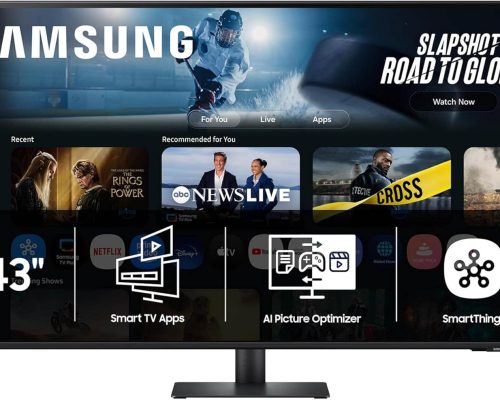
Elevate Your Experience with the Samsung 32” M7 Smart Monitor
Transform your workspace and entertainment center with the Samsung 32” M7 Smart Monitor, where cutting-edge technology meets convenience. This intelligent monitor is designed to adapt effortlessly to your work, play, and viewing habits, creating a seamless experience tailored just for you.
Streamline Your Entertainment
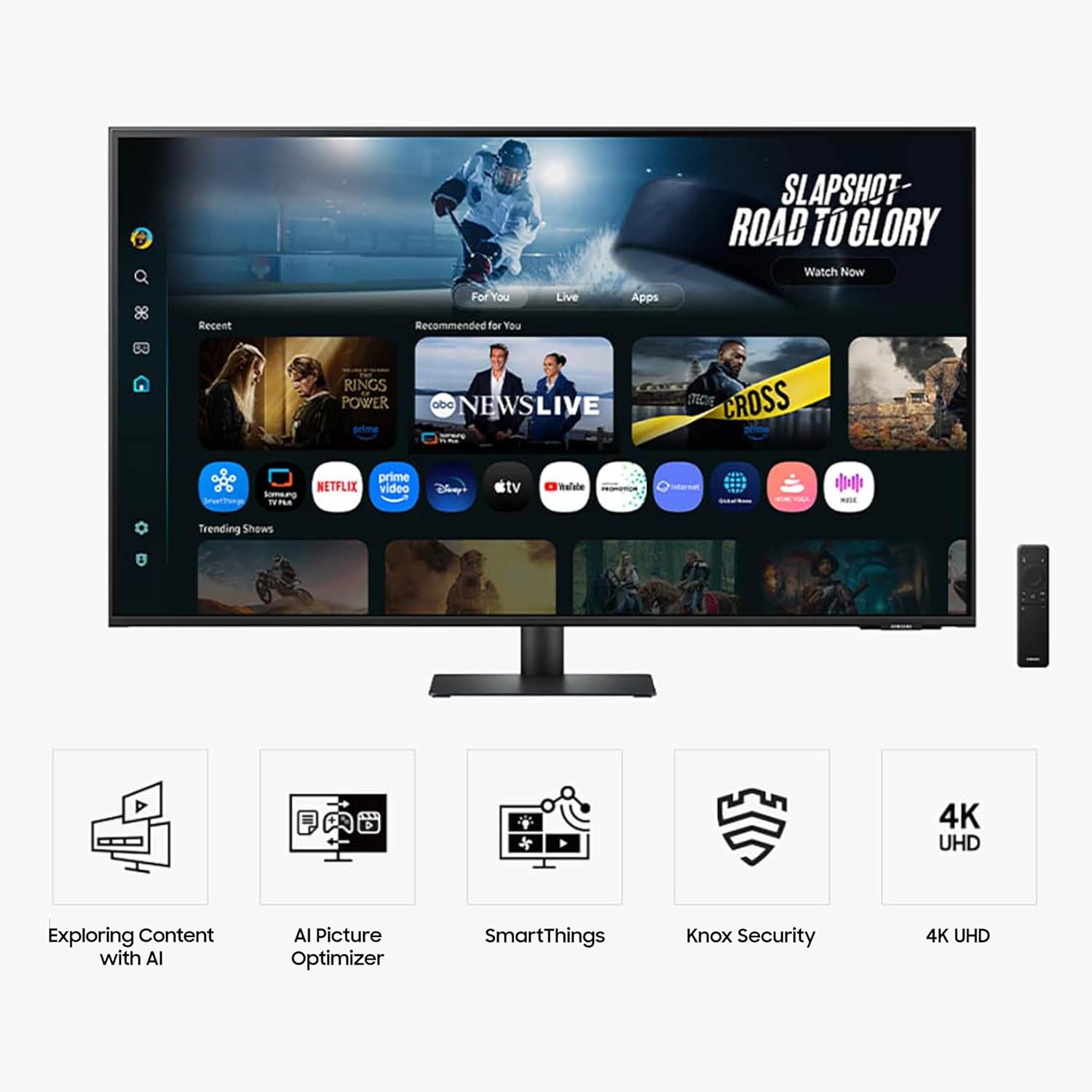
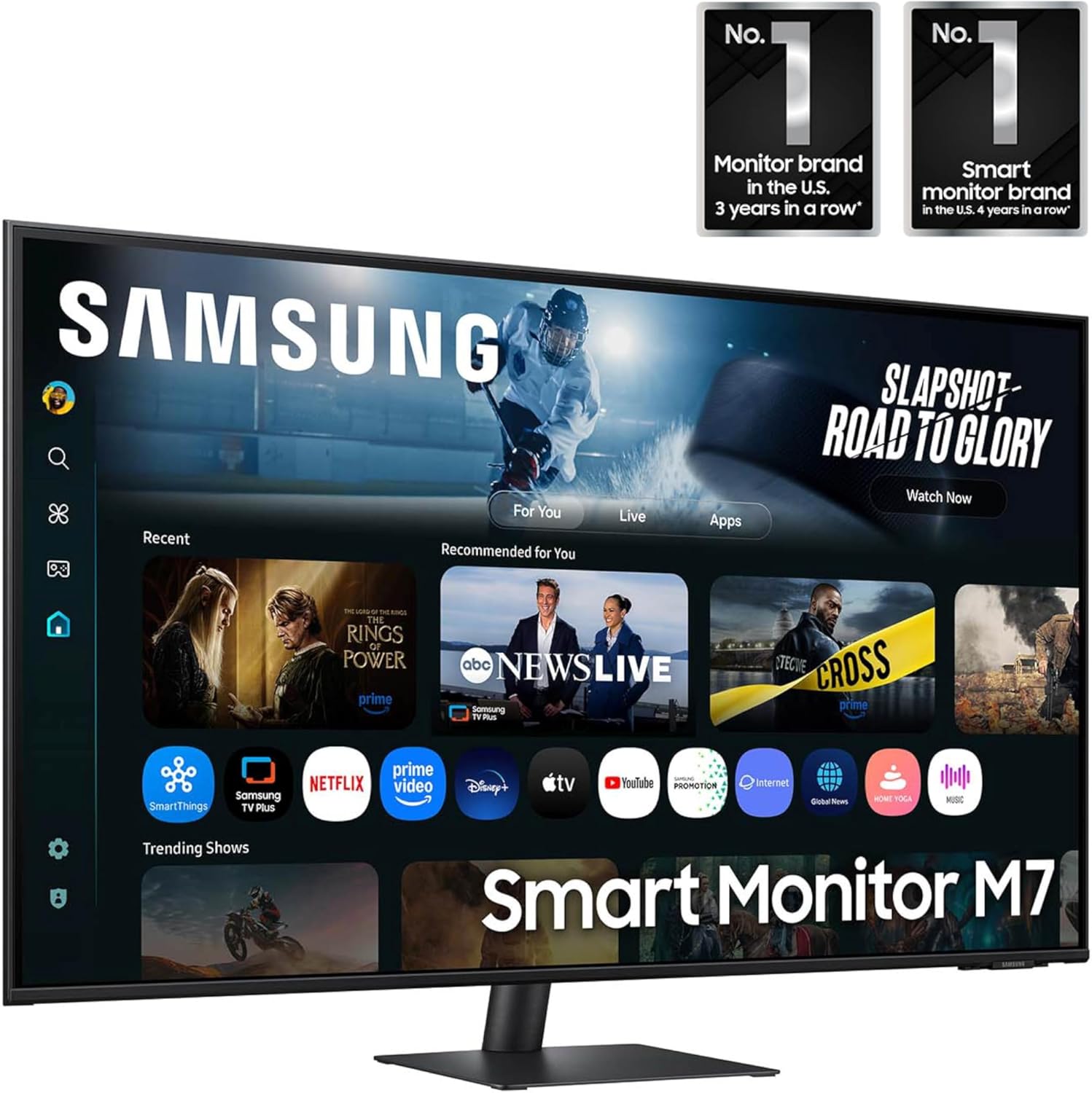
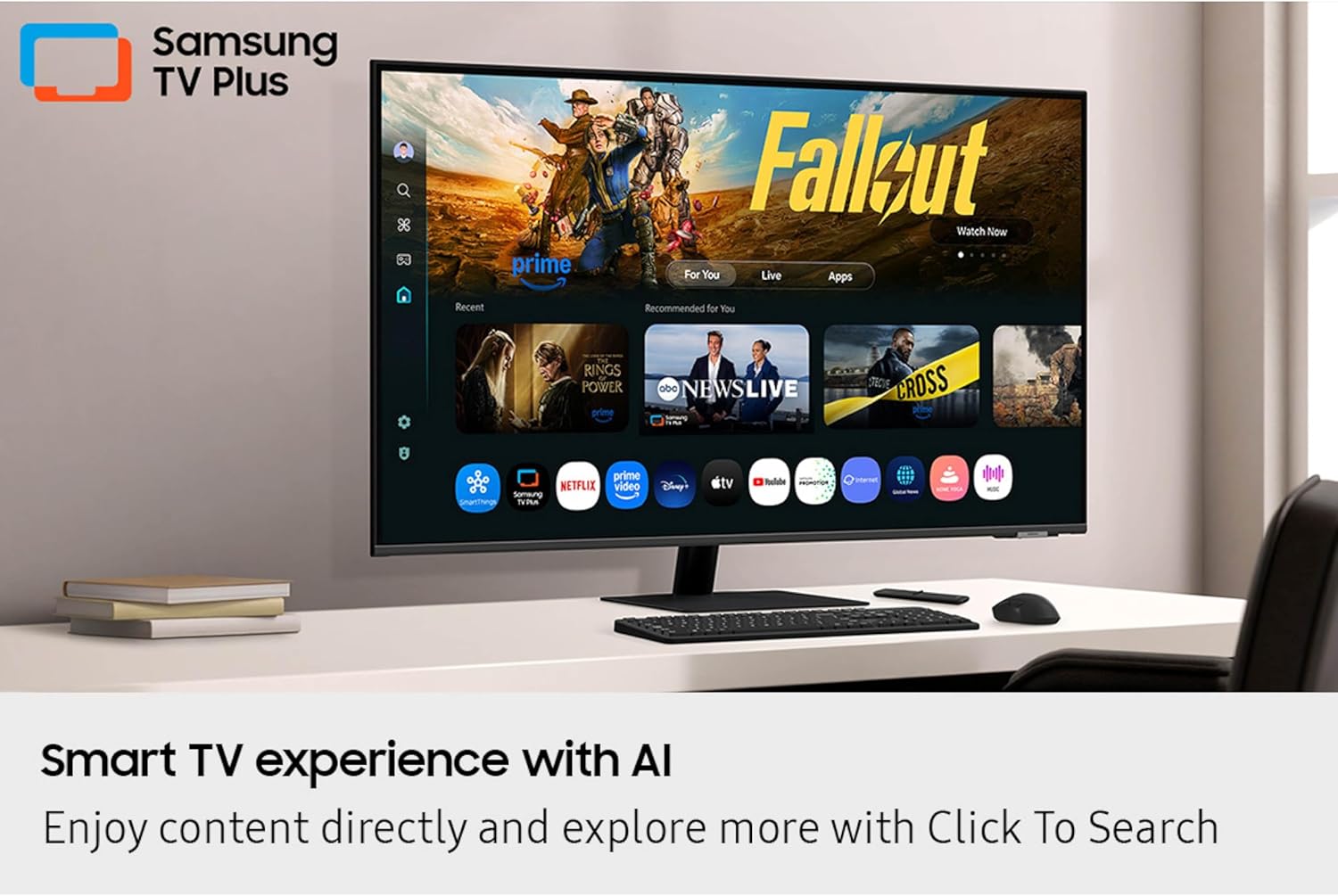
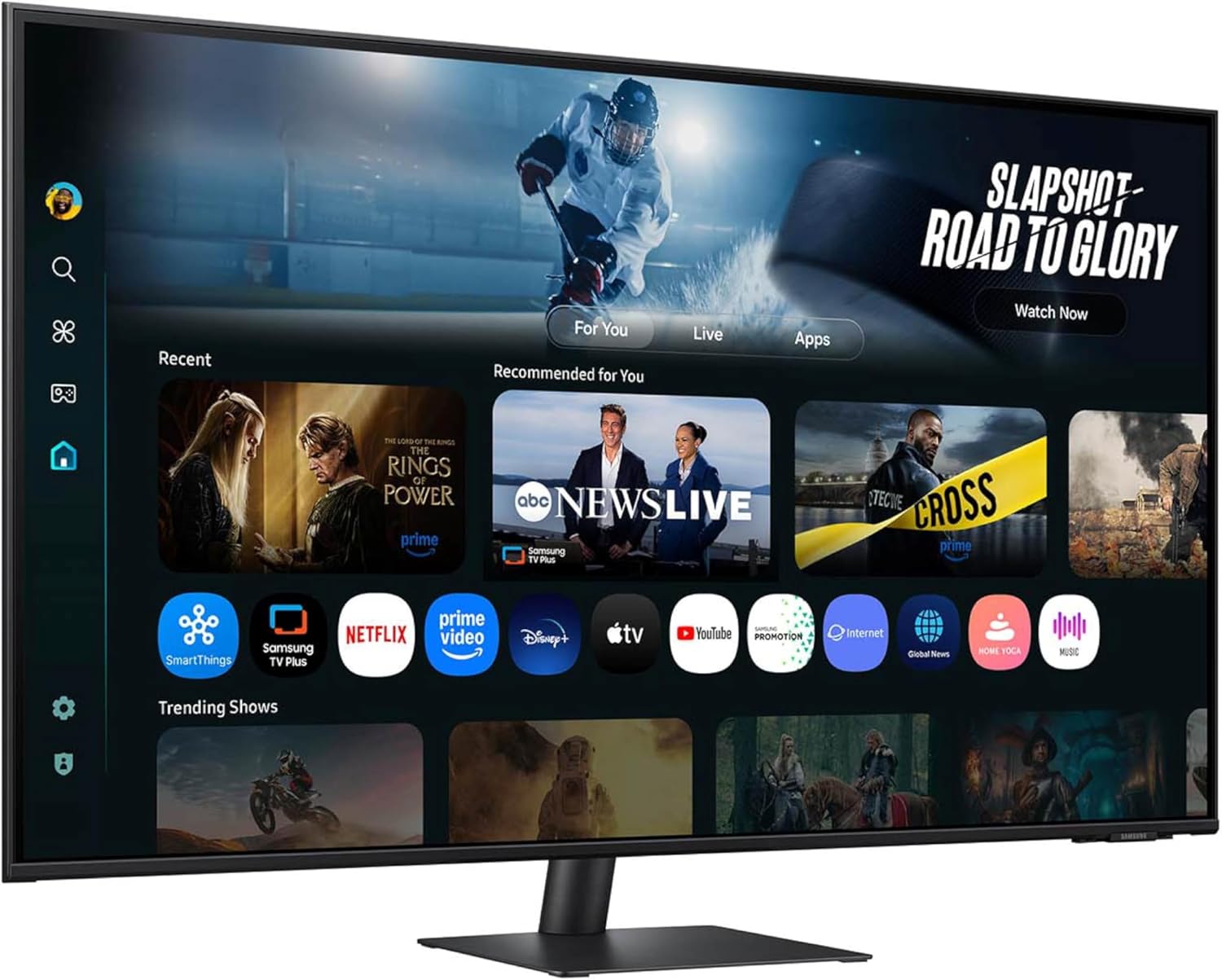
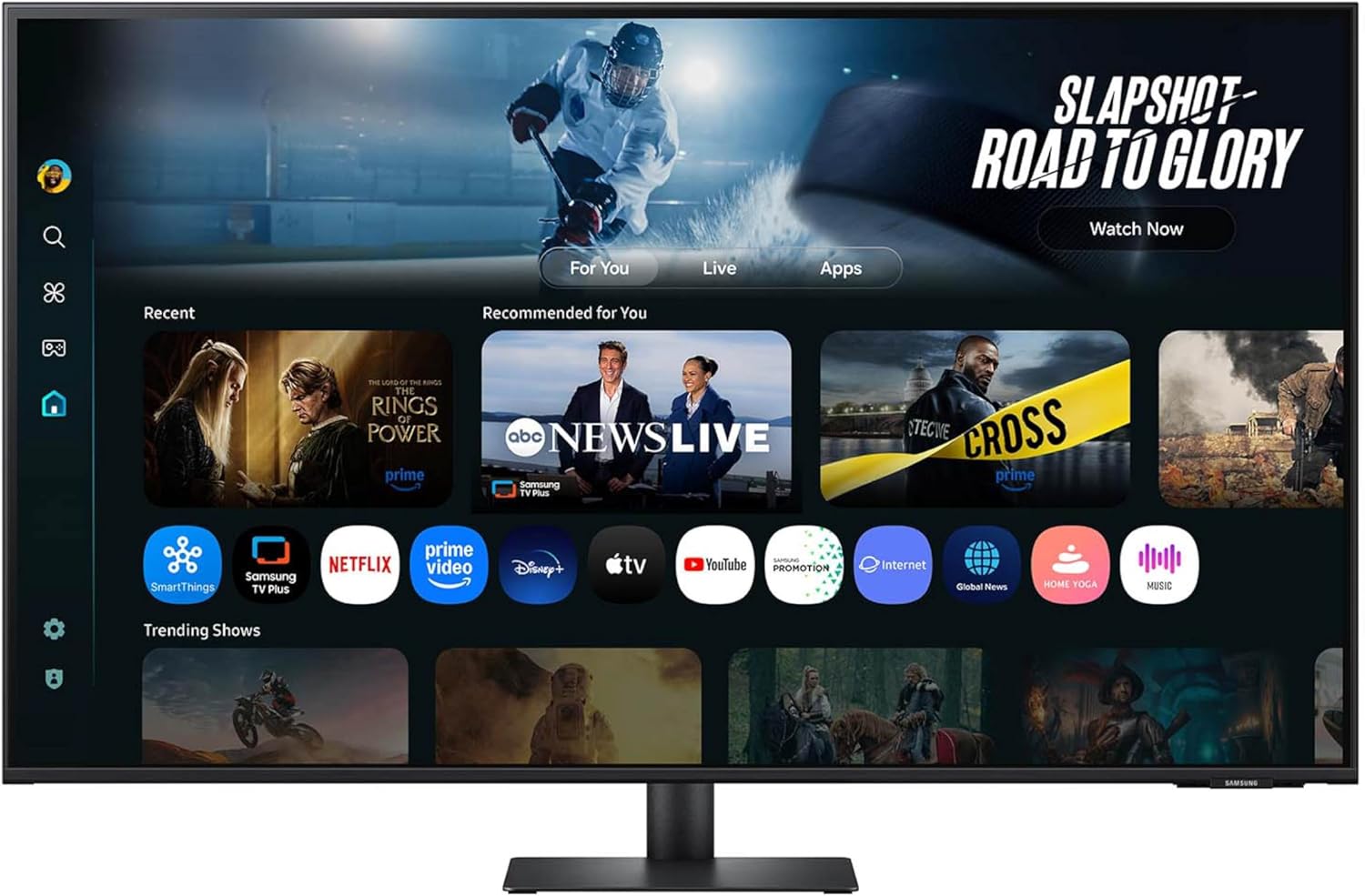
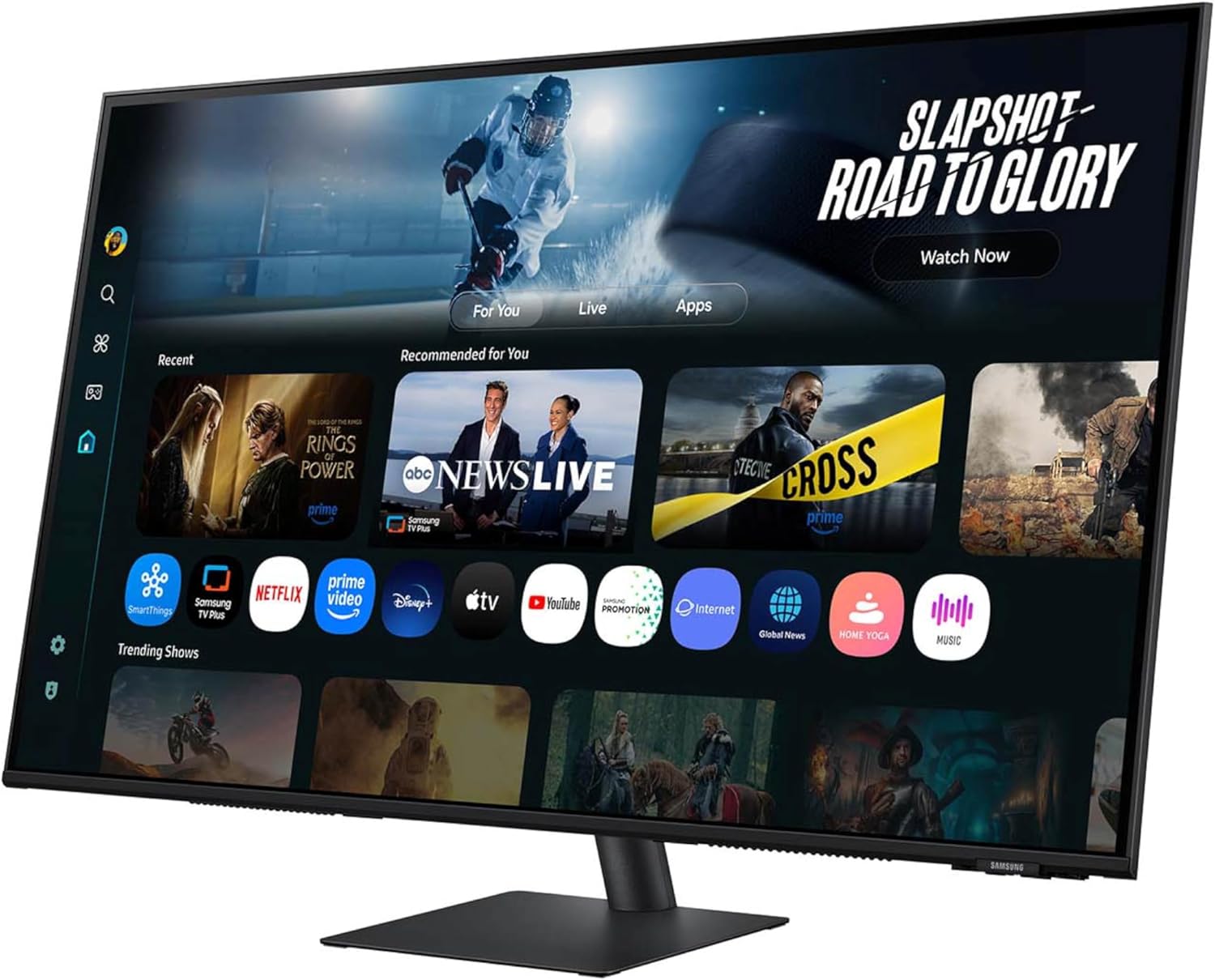
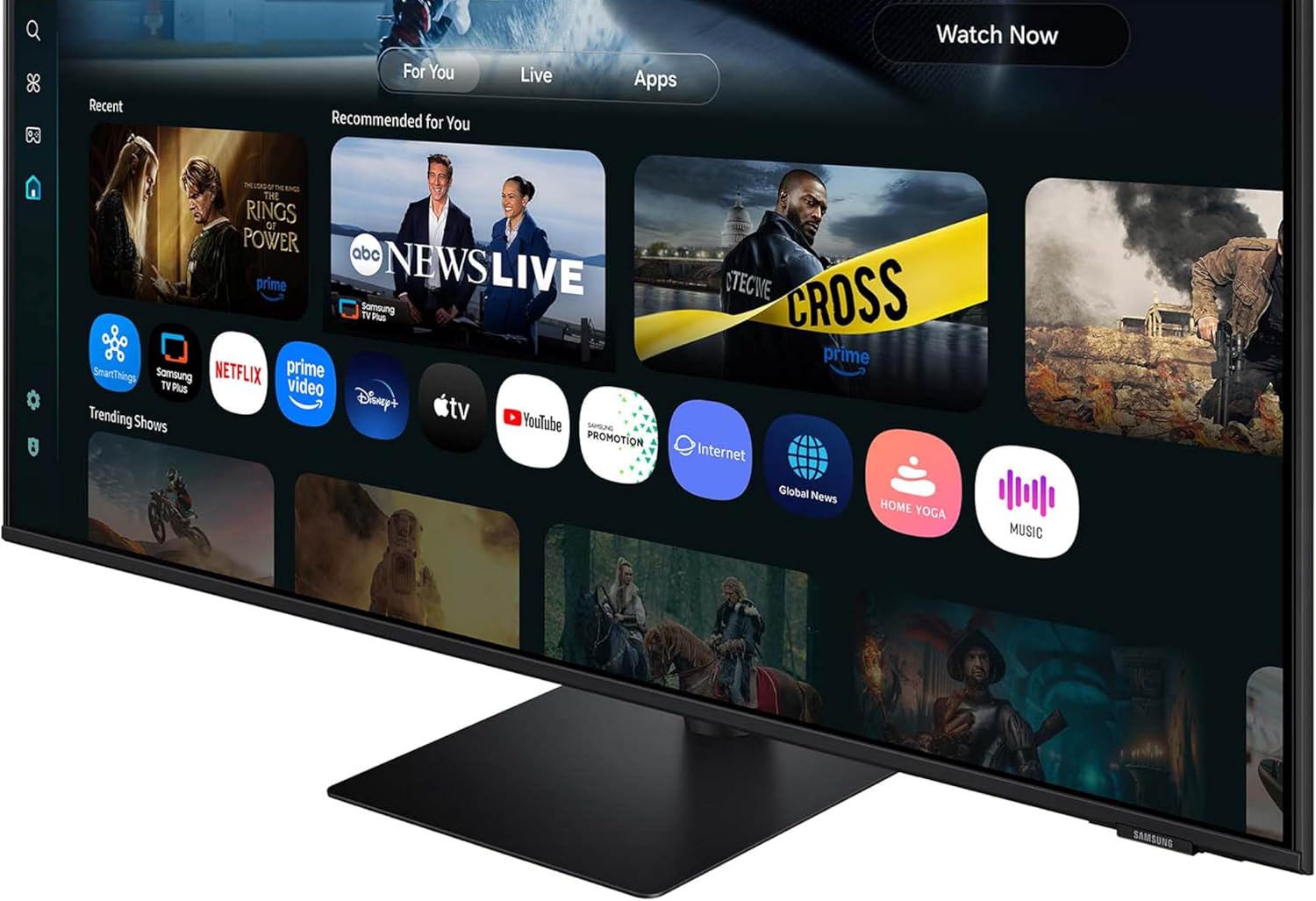
Dive into your favorite shows and movies without the need for extra devices. With built-in Smart TV Apps and access to Samsung TV Plus, you can instantly stream live channels and on-demand content directly from your monitor.
AI-Powered Visuals
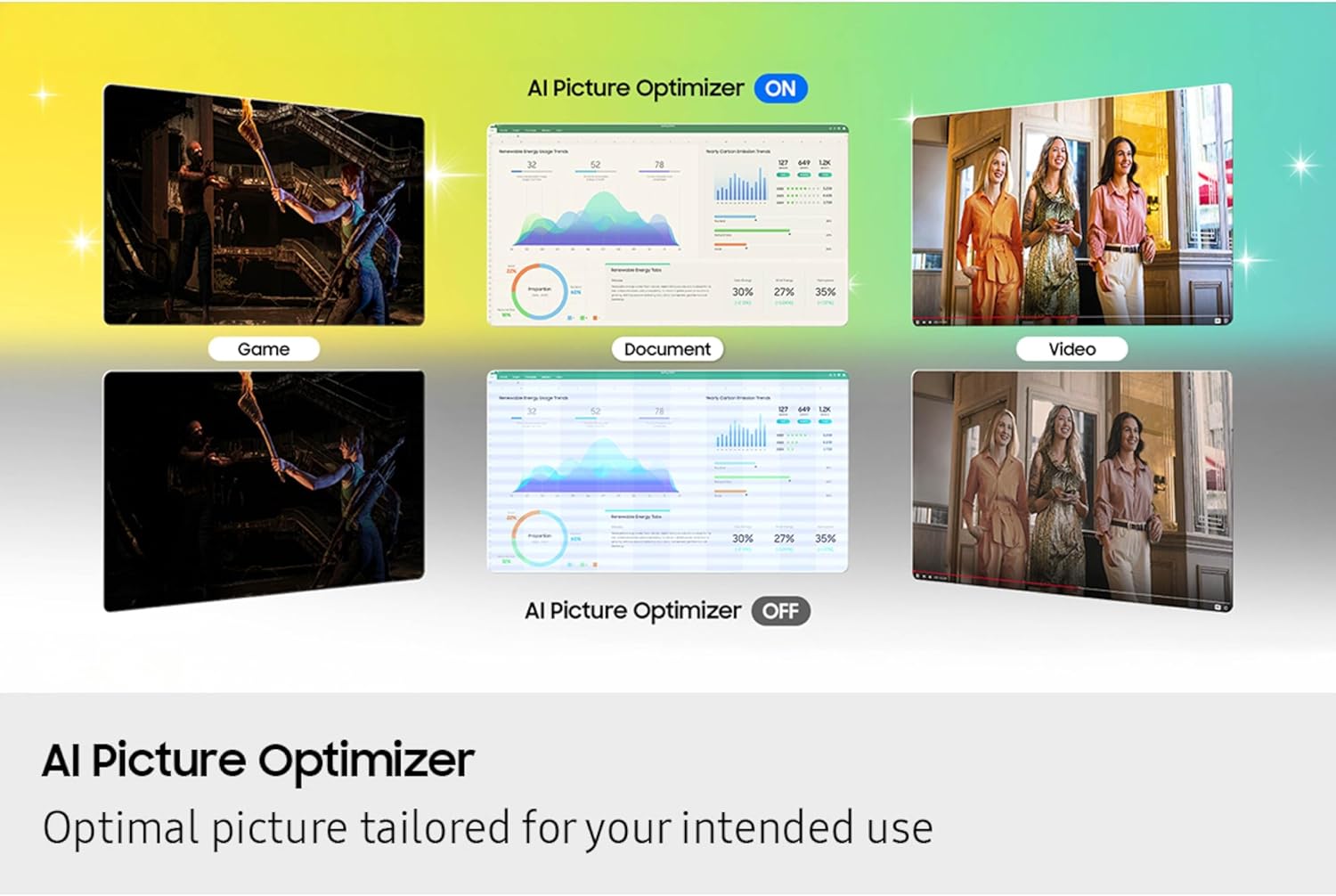
Experience stunning picture quality like never before. The AI Picture Optimizer customizes visuals based on your activity—be it working on important documents or immersing yourself in high-octane gaming—with deep contrast and vibrant colors that enhance every moment.
Your Smart Home Hub
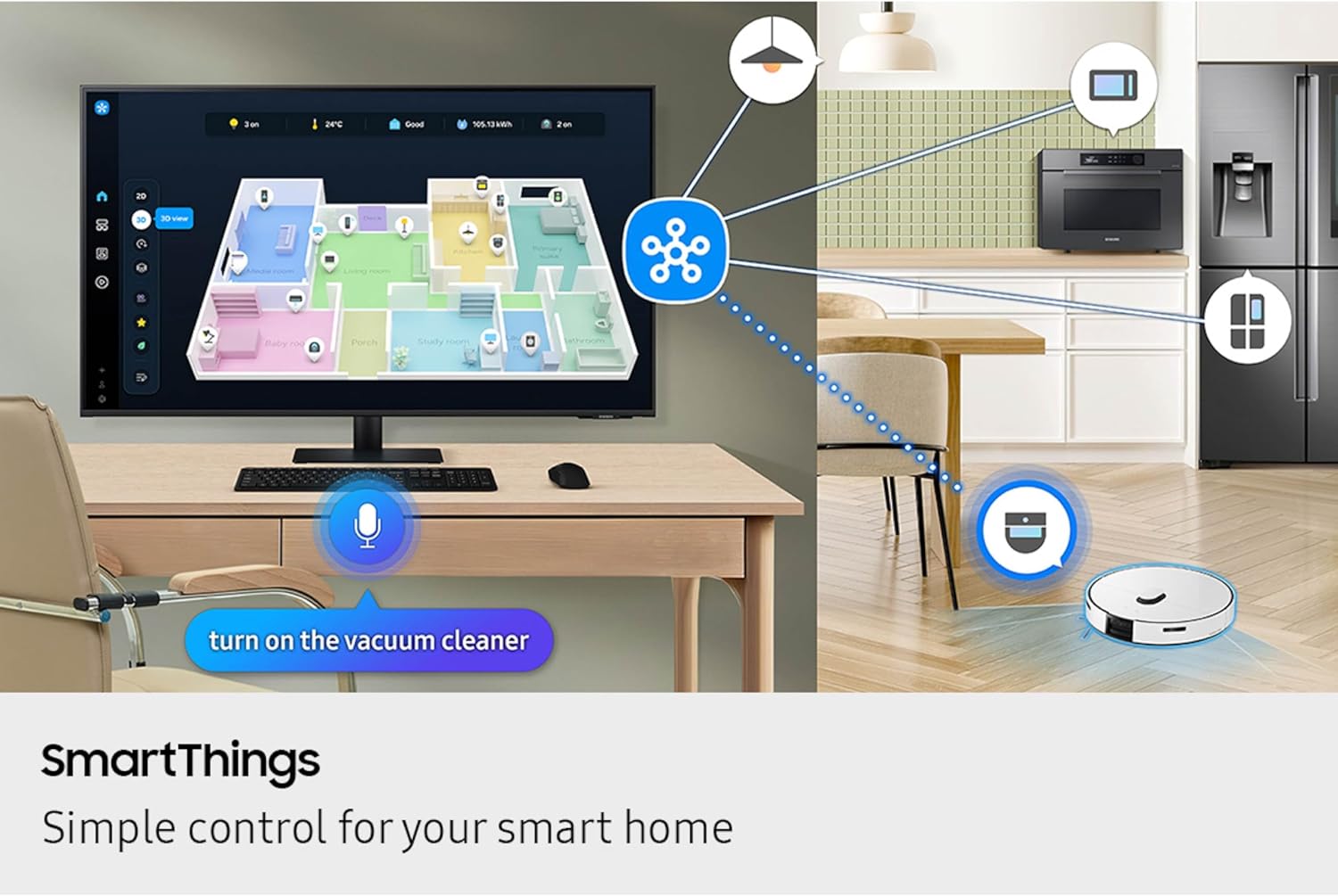
Control your connected devices effortlessly with SmartThings. View your smart home environment in a 3D Map and manage energy usage to optimize costs. Effortlessly transform your monitor into a central hub for all your IoT devices, accessible through mobile or voice commands.
Enhanced Security
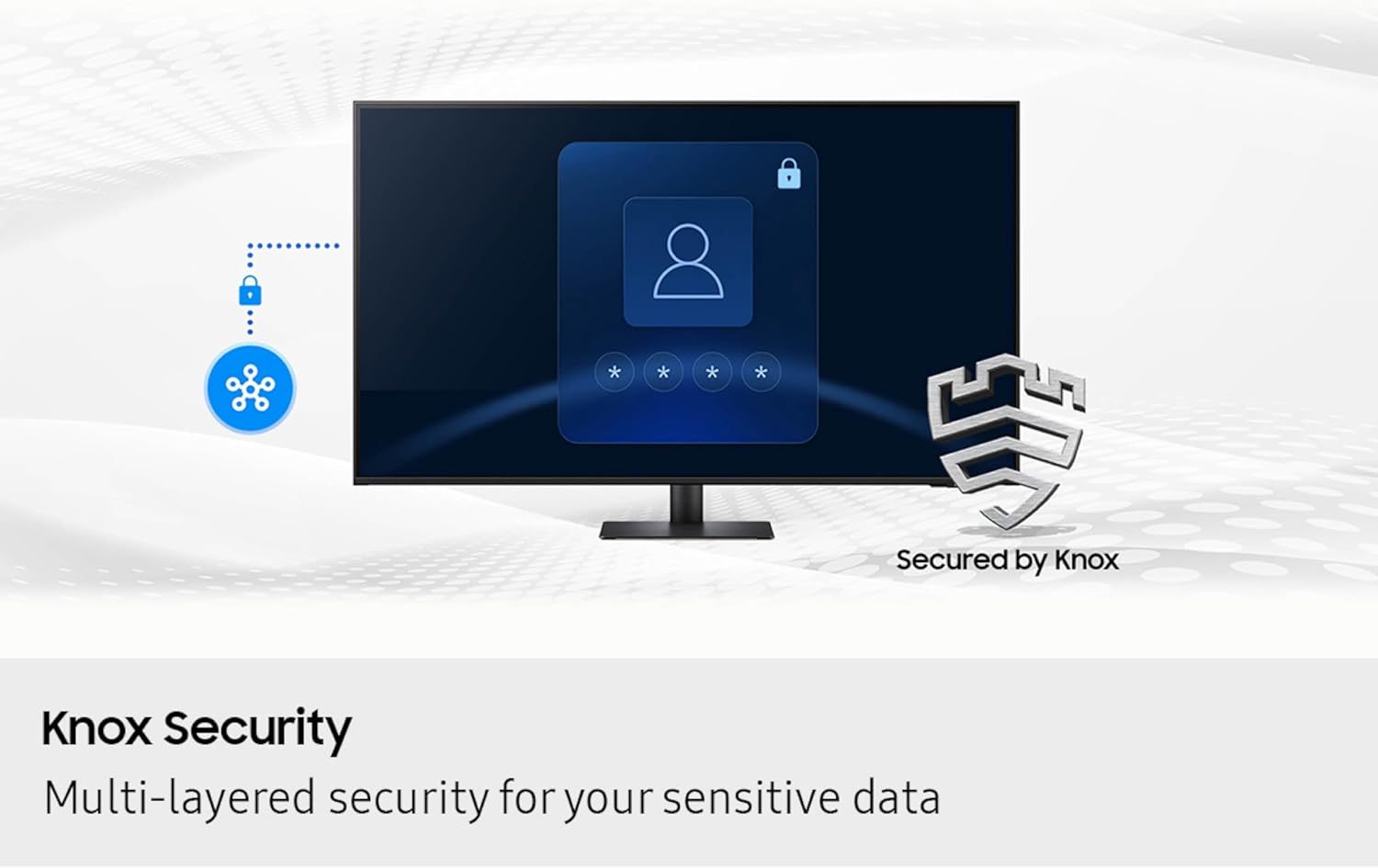
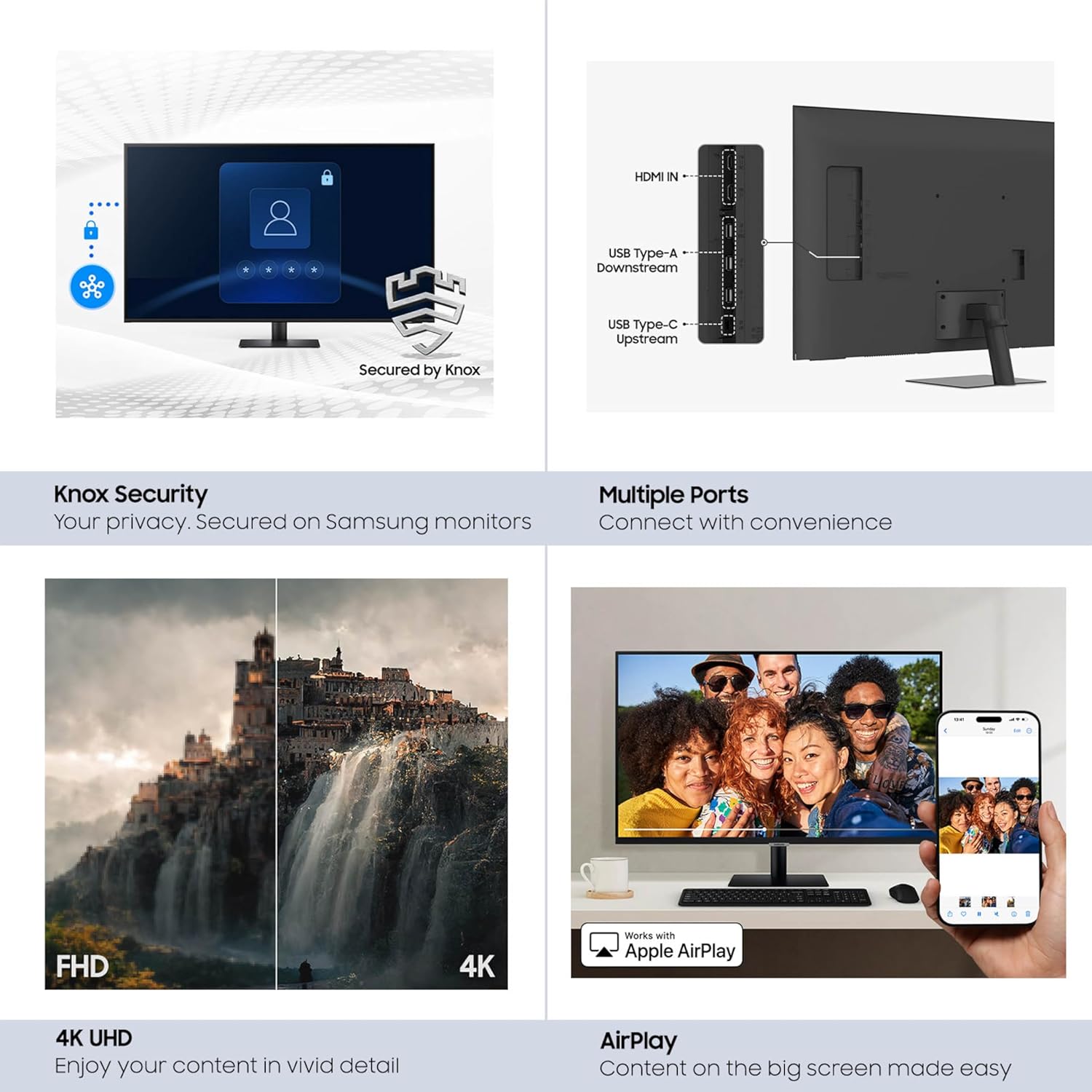
Guard your personal data with Samsung Knox Security. Featuring a robust, multi-layered defense system, it ensures your sensitive information is always protected while enhancing the security of your IoT connections.
Immersive 4K UHD Clarity
Bring your content to life in breathtaking detail with 4K UHD resolution. Fine details are rendered with exceptional clarity, making every image feel vibrant and lifelike, perfect for both work and play.
Adaptive Sound Technology
Noisy environments won’t disrupt your viewing experience. The Active Voice Amplifier utilizes AI technology to dynamically adjust your audio, ensuring clear dialogue even amidst background noise.
Interactive Content Discovery
Take your viewing experience to the next level with Click-to-Search. Instantly access content recommendations, actor biographies, and filmographies with just a click, enriching your understanding of what you watch.
Effortless Connectivity
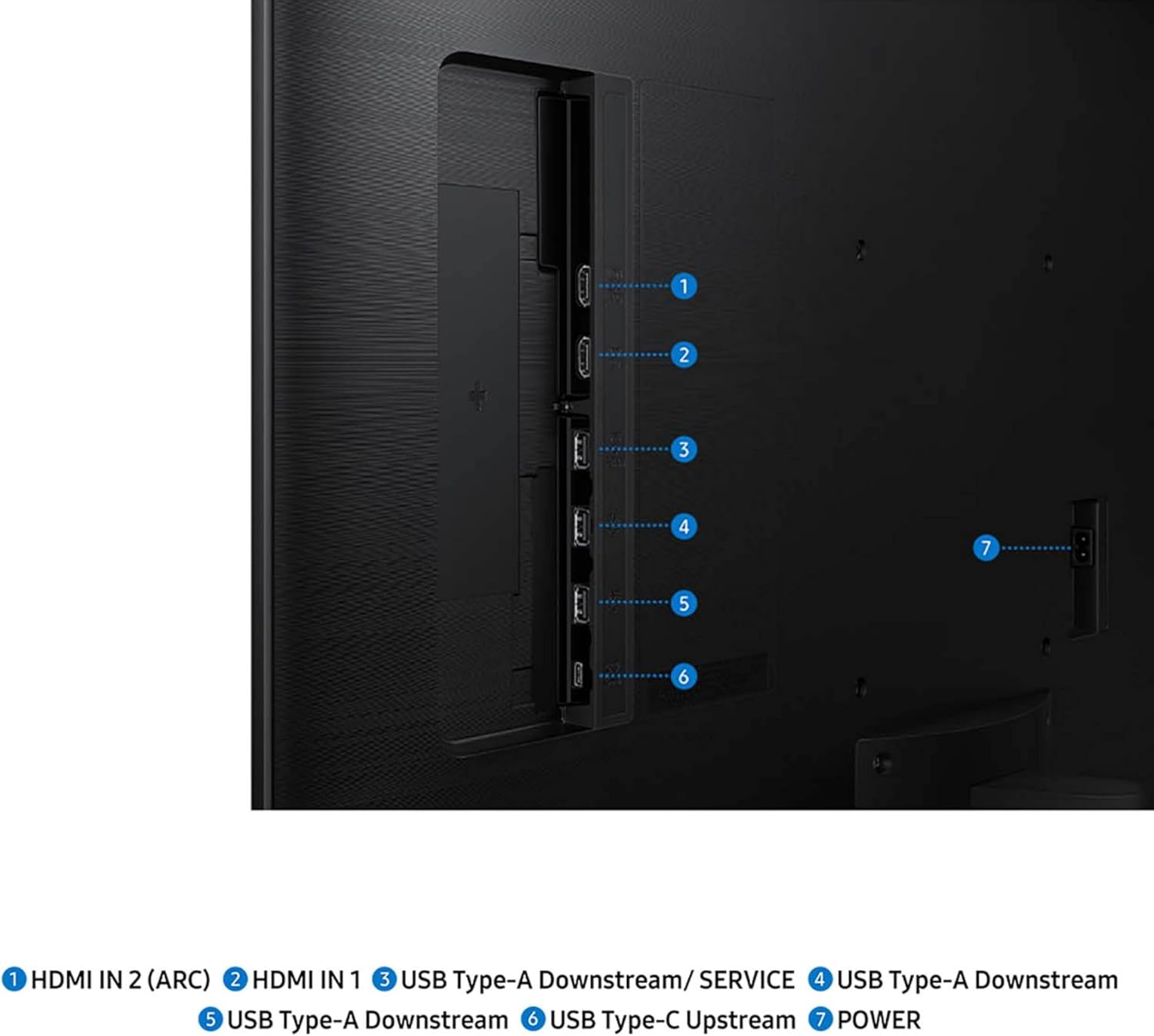
Connect all your devices without hassle. Featuring versatile USB-C, HDMI, and USB-A ports, the M7 Smart Monitor allows you to charge, stream, and multitask seamlessly across your gadgets, optimizing your workspace.
Note: Availability of features and services may vary by region. Streaming apps and smart functionalities require a Samsung account for full access. Internet connection is necessary.
Customers say
Customers find the monitor performs well and is easy to set up and use, offering great value for money. The display quality receives mixed feedback – while some find it very clear, others note it’s not true 4K resolution. The color quality and size also get mixed reviews, with some praising the colors while others find them washed out, and several mentioning the monitor is larger than described.



Tony E. –
Big, Bold, Sharp… Awesome.
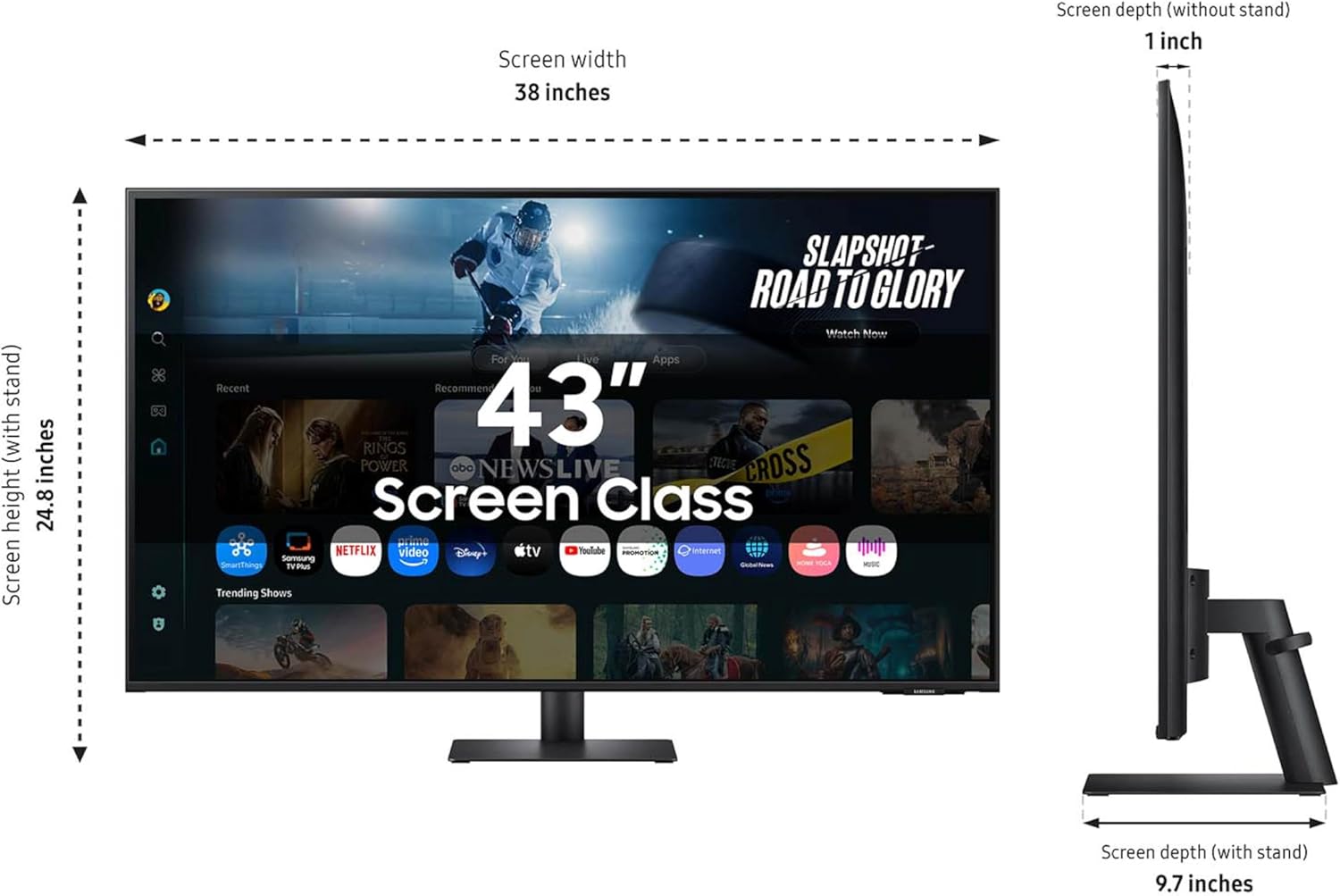
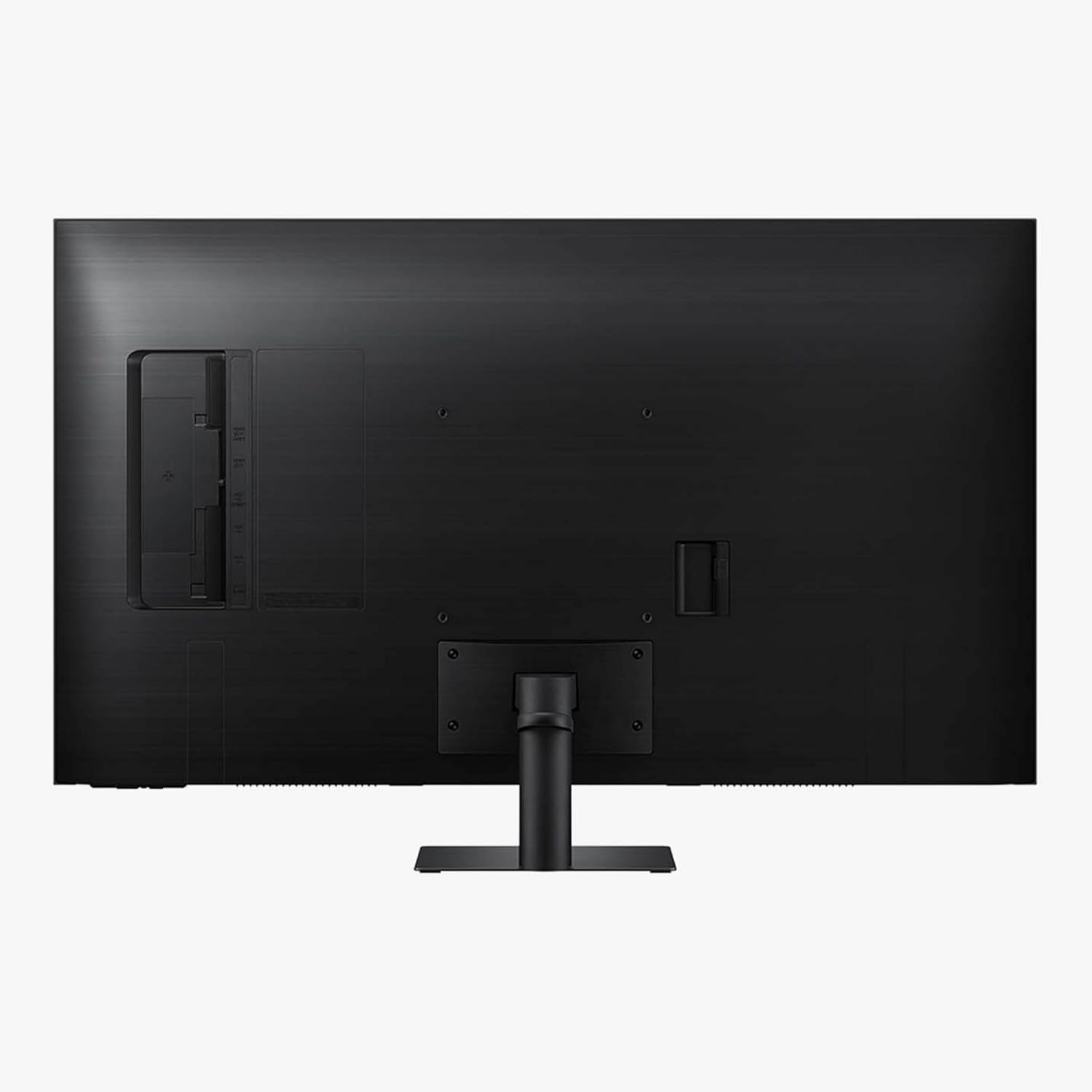
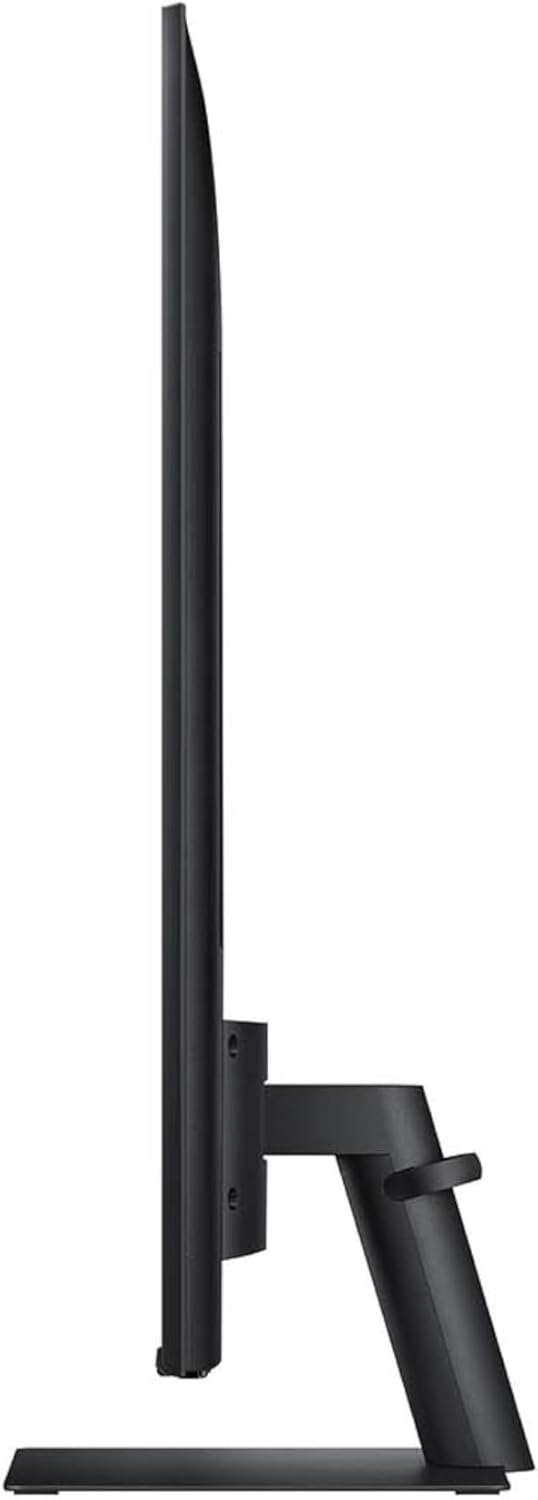
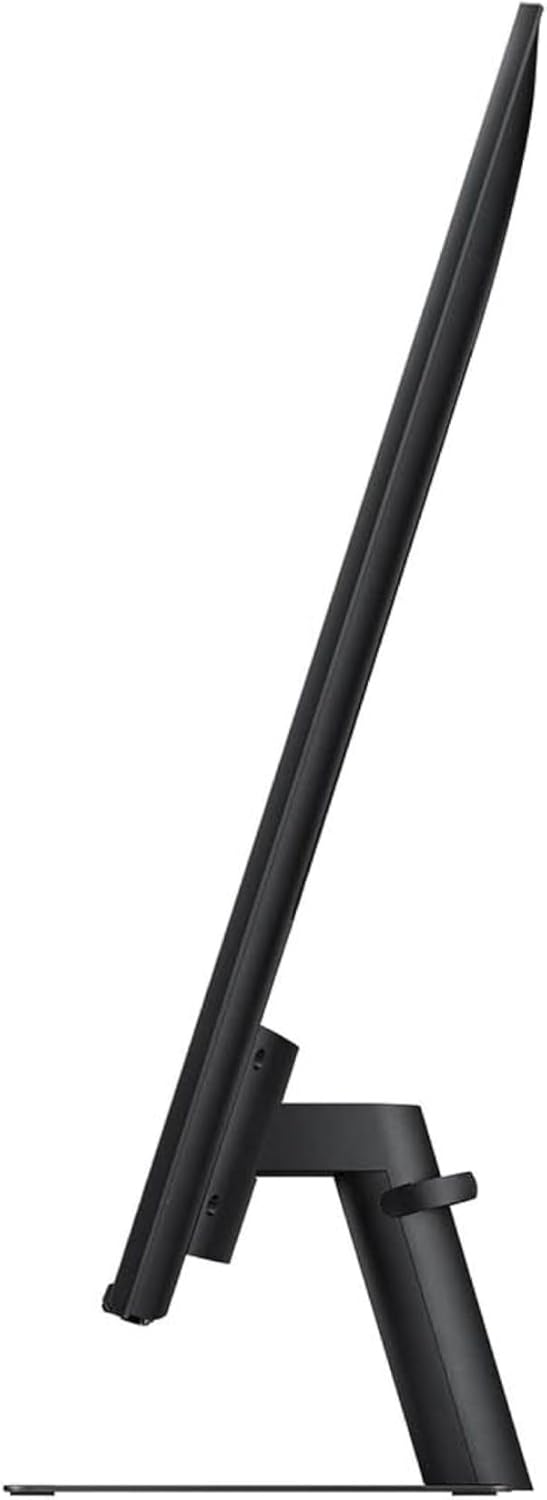
This thing is BIG.For my daughter’s birthday. To replace a 32″ and a 27″…First reaction, after setting it up. was.. Holy!!!! And we started giggling. I had to put on my cheaters to read it. This thing is BIG, BOLD and BEAUTIFUL.After setting it up, I came back to my desk where I have a curved 35″. My first reaction was… “Darn, this thing is SMALL”.Wife doesn’t want me to get one for myself. Sure, sure… my birthday is coming soon.Two things about it ( and no stars deleted )..(1) It’s flat. So, you might have to move your head about more than on a curved screen. We have the LG curved screesn (34 and 35) and their curvature is perfect, not as much as the Samsungs that sort of put your head in a vice.(2) It’s big. You will need 26″ between your desk and any shelves about it. Also, a 40″ wide desk is the minimum. And if you want to put speakers at both sides of the desk, you will need 56″…(3) There’s about four inches from the bottom of the display and the desk and it sticks out about 7″ so you can put slide in things like a KVMswitch, small DAC, headphone amps, web camera, etc…Daughter says that at 60Hz it’s too slow for some of the fast action games, but for her -and 99.99% of us- this is a perfect desk. So, now, for Christmas, I need to shuffle my office to make room….I guess it will also make a TV since it has a bunch of apps and what not. I supposed we need to try the USB-C connection and wired ethernet. Right now we just connected it to our WiFi and a laptop to test it out.
coffee please –
Pleased
I am not the most tech savvy person, but I was able to easily set this up and begin using it. I needed something that could function as a second monitor and felt that having the option to use this as a TV would be helpful in my smaller living space. For the cost, the quality is great and it isn’t an eyesore. I care about the picture being good, but I’m not some super sensitive techie with major expectations, either. This product is easy to use, easy to set up, good quality and a fair price point.
Jimbo –
Nice Samsung Monitor
I really have had great performance and reliability with my large Samsung monitors and TV’s. This ‘smart’ monitor is very easy to set up and use and has all the features you would hope for.
Jay –
Very big, thin, and quiet, but colors are just OK
Update: I ended up returning the item. Colors are washed out, and I kept on getting annoyed + my eyes started hurting. I ordered Samsung Odyssey Neo G7, and it’s much better than this one, especially the colors. Sure, it’s more expensive but is worth it.Good monitor for the price. Initially I got an LG 43 inch IPS monitor but returned it because of high pitch noise (sound of electrical device running) which annoyed me. This monitor, thankfully is quiet, and thinner than LG. However, being VA panel, colors are not as good as monitors I’ve seen. After running smart calibration and turning HDR on, the colors are much better and acceptable for my use case (which is working + coding most of the time). Since I bought this for work, I’m generally happy after the calibration and probably will keep this monitor. I wish they had IPS version though, because the LG one had amazing colors that wowed me, but couldn’t stand the high pitch noise coming from the back.
Brian P. Reczek –
Great monitor/Streaming TV
So far so good. We have had some trouble making it an extended monitor but that might be due to the docking station we used. Say great color and streaming ability with a very clear screen. Easy setup in general and had good gaming performance with a switch connected. Happy with it so far.
JPBIZSPACE –
No regrets so far!
I’ve only just begun using it, and I’m genuinely impressed. The setup process was quick and hassle-free, and the display quality is outstanding. What really sealed the deal for me was its versatility as both a monitor and a TV — that dual functionality made it the perfect fit. As I continue to use it, I’ll be able to evaluate it more thoroughly and share further insights if needed. But based on my initial experience, I have no regrets about this purchase.
Dean Abrahams –
works perfect for all three computers
This monitor works perfect, I have all three of my computers look up to it, my PC Desktop, my MSI laptop, and my MacBook Pro through the USB-C port
Tim B. –
Probably should NOT be sold as a monitor…
Picture quality is ok for a TV, but not so much for a monitor. The AI features and things which adjust the picture/color ect automatically can make text blurry. Looses sync with M1 Macbook Pro if it goes to sleep so you have to change/change back refresh rate to bring it back. This was purchased to replace another Samsung monitor which looked and worked great, but the screen got scratched in a move. When comparing the two monitors side by side, the older one has just better overall color. The new monitor colors look washed out when sitting next to the old one. It behaves, looks, and has the color tones more like a TV rather then a monitor which is exactly what it is going to end up being used as.
Murray S. –
This monitor might have a resolution capable of UHD but Windows does not recognize it as a UHD monitor. Support from Samsung was useless. Told me to change a non existing setting on the monitor. I returned it.
Samuel F. –
I wanna start off by saying that I am a big fan of Samsung. Second to Apple, it’s my favourite company for tech and appliances for the value/look of the products. I purchased the 32 inch ultra wide Samsung monitor last November for a few hundred dollars on sale. For the price I was satisfied with the monitor but did find the pixelation a bit annoying and was starting to consider going up to 4k or higher. After moving into my new studio apartment I’ve started using my monitor as a TV sometimes so I wanted something that could play TV independent of my computer so I can use it as a laptop without the need for any cables but then serve as a great primary display when at my desk.Problem 1 – This product which on paper fits all of my criteria but unfortunately I’m not sure it will work. While the resolution is visibly good when looking directly at it, the matte finish on it creates this annoying smudgy quality to it that even the better resolution can’t fix. It made me realize that a good part of my problem with the other display probably wasn’t even related to resolution. It’s a very unfortunate problem and one I’m not sure I want to continue dealing with. I personally find glare from a glossy screen less distracting than the blur caused by matte finishes.Problem 2 – The other thing that is probably a deal breaker for me is the fact there is no audio out on this smart monitor which is very WEIRD since this is supposed to serve as a TV also. I’m coming from using my MacBook Air with Bower&Wilkins M5 computer speakers. The sound quality compared to those is the equivalent of a tin can on a string. That is me though coming from really high end speakers which with this screen I could continue to use with my laptop but not my TV which sucks. I think it’s a great package for some people but I’m pretty picky and don’t know if this product will work for me.Also see lot’s of 1 star reviews about it arriving broken which is like – your shipping something by mail… that will happen sometimes (however I had no issues with this one or my previous one either).
J. Wang –
When I was trying to set up the monitor, I was asked to create a Samsung account, then it kept saying my account is temporarily locked. I contacted support 4 times in 2 days. All they asked me to waited “a few hours”, “6-7 hours”, “24 hours”. They still can’t unlock my account. What a terrible software!
YYZ Goer –
The screen was cracked with many lines out of the box. Dismal quality and returned right away.