




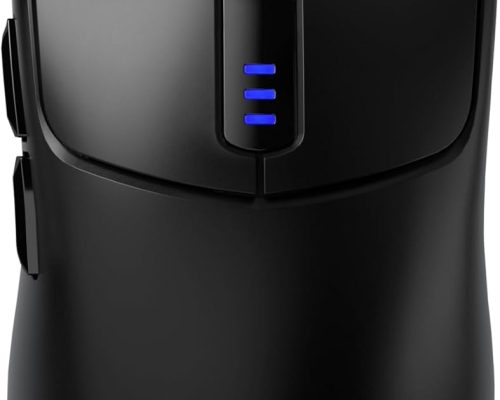
AULA Tri-Mode Wireless Gaming Mouse: Elevate Your Gaming Experience
Experience Unmatched Versatility and Performance
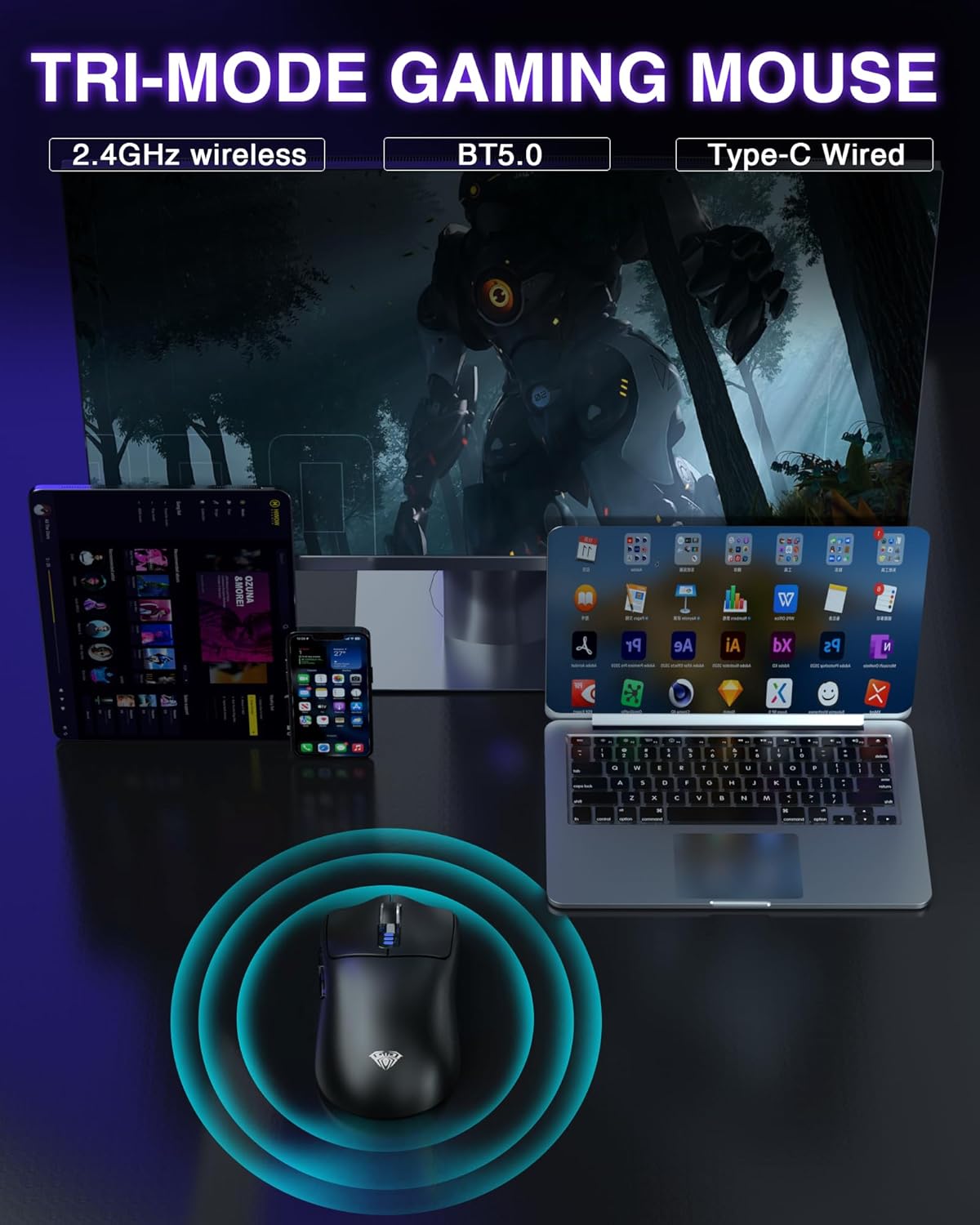
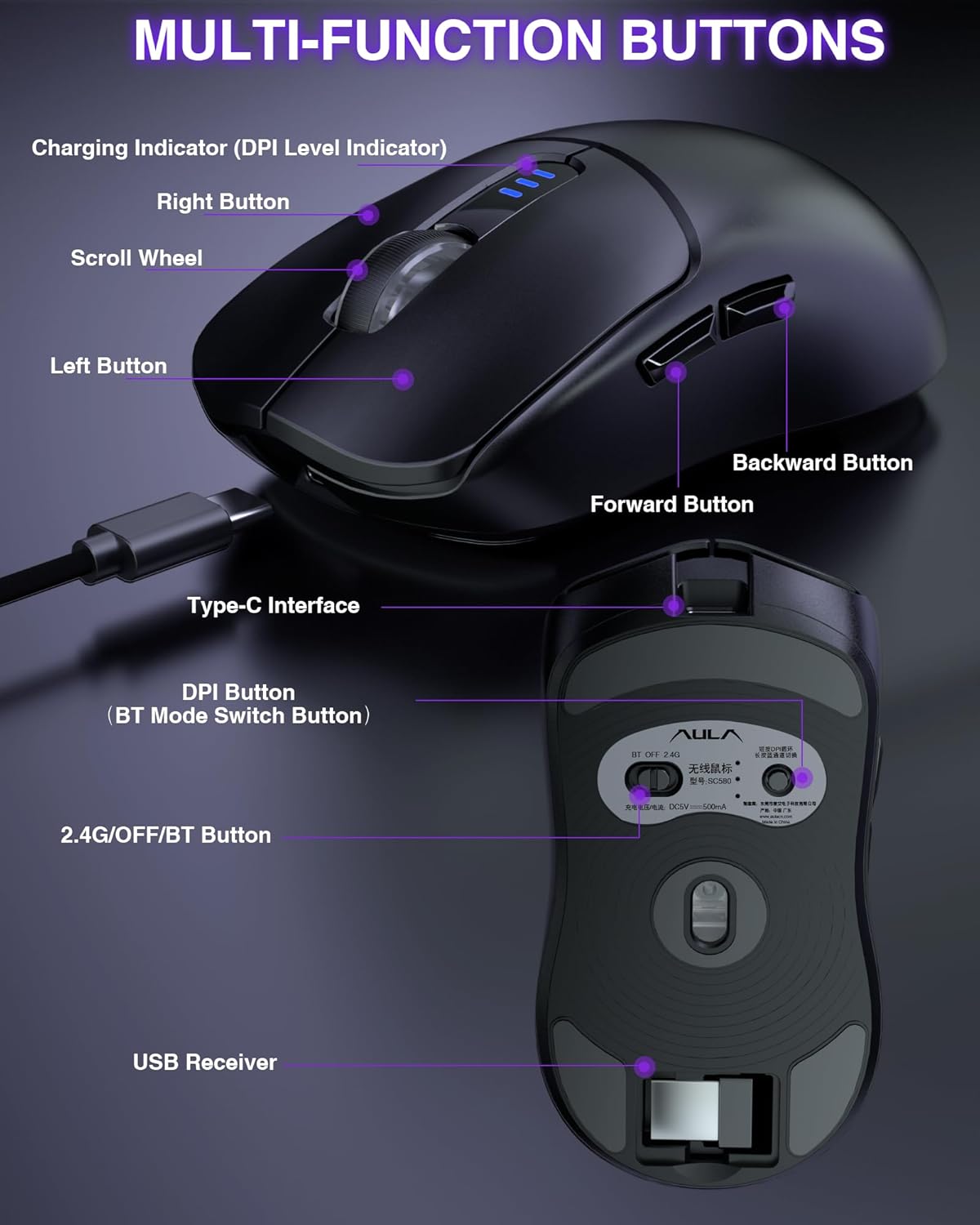
Step up your gaming game with the AULA Tri-Mode Wireless Gaming Mouse, expertly engineered to enhance your precision and control. With its innovative tri-mode connectivity, you can seamlessly switch between 2.4GHz wireless, Bluetooth 5.0, and USB-C wired options, allowing you to connect up to four devices simultaneously. Whether you’re on your PC, laptop, or Mac, this mouse is designed for versatile compatibility across all your favorite platforms.
Precision at Your Fingertips
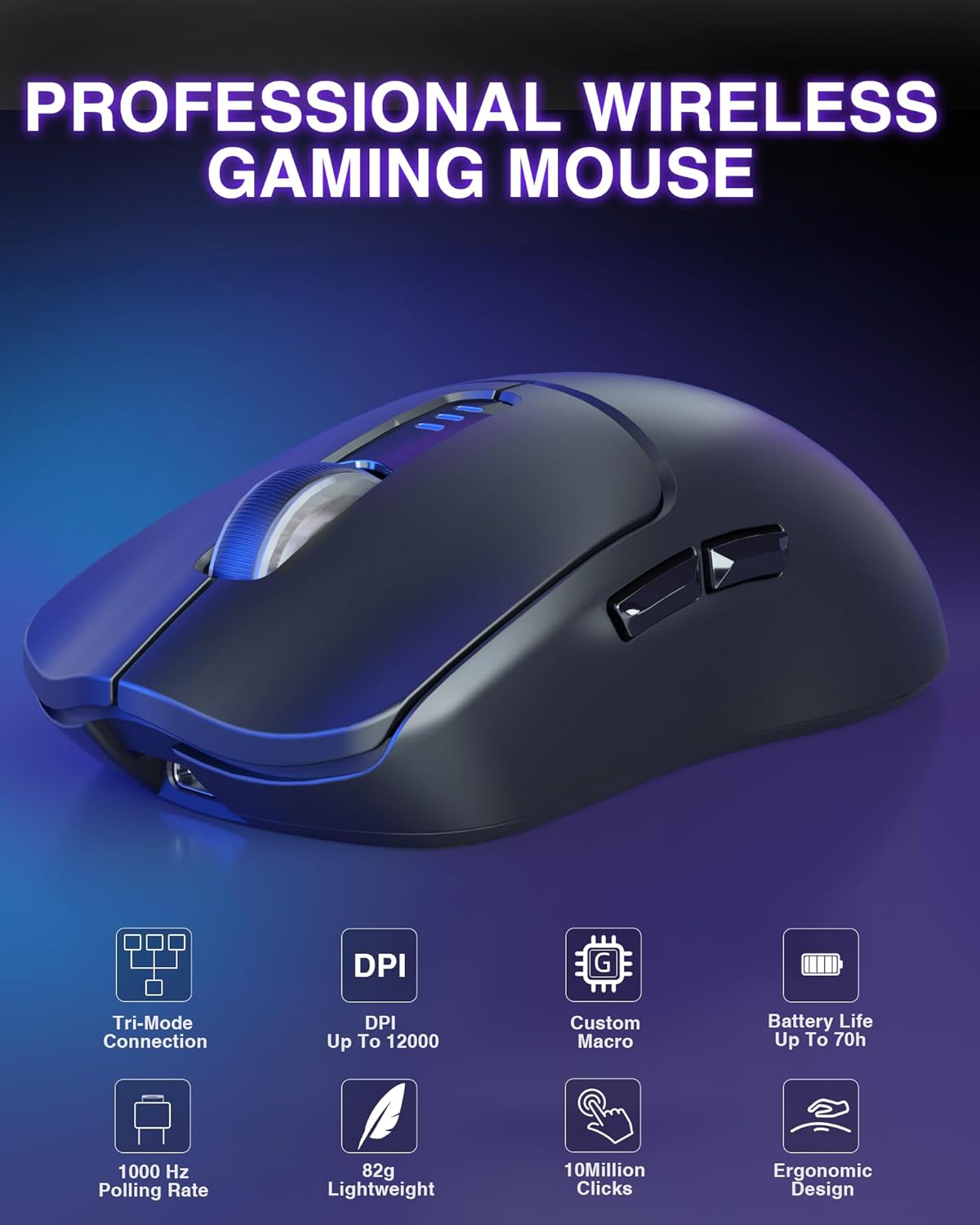
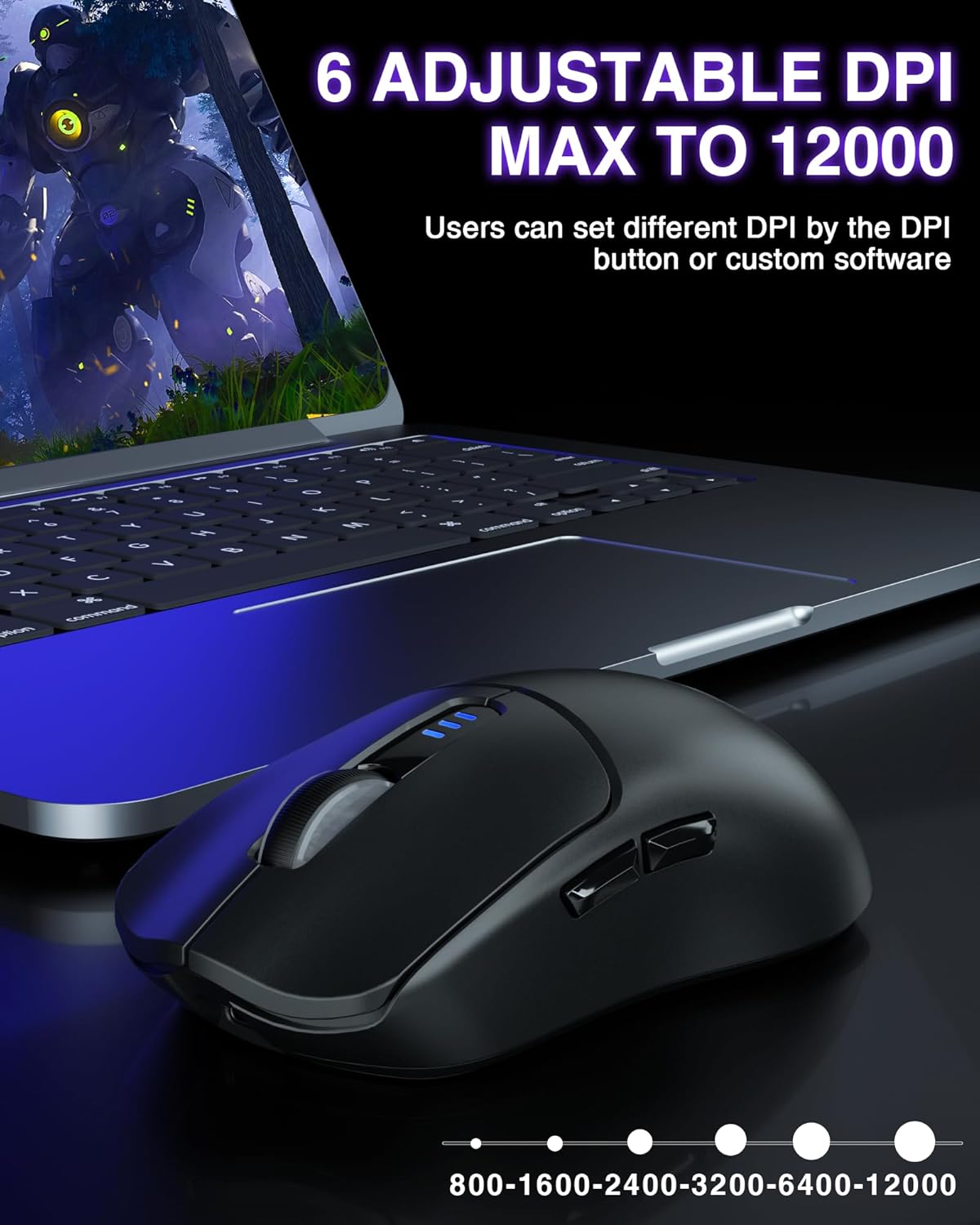
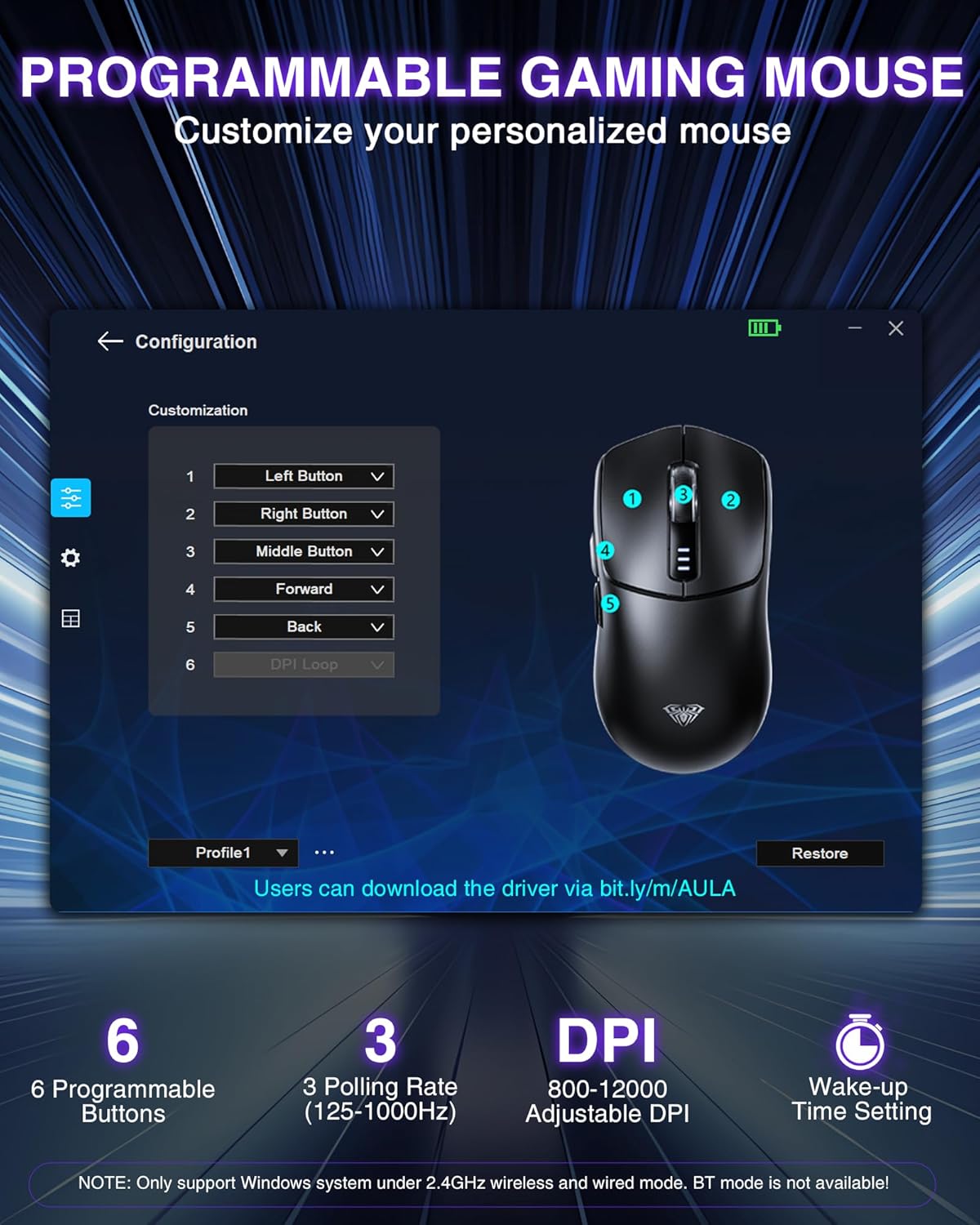
Equipped with six adjustable DPI levels ranging from 800 to an astounding 12,000, this gaming mouse provides the versatility needed for every task you tackle. With a 1000Hz polling rate, enjoy ultra-responsive performance, delivering the stability you need for high-stakes gaming and professional applications. Switch between sensitivity settings effortlessly, enabling you to fine-tune your cursor’s speed for maximum accuracy.
Customizable Controls for Your Style
Personalize your gameplay with six programmable buttons tailored to your unique gaming strategy. The intuitive driver software allows for macro editing, making it a breeze to adapt the mouse to your specific usage habits. (Note: Driver software is compatible only with Windows systems in 2.4GHz and USB-C modes.)
Power Up with Lasting Performance
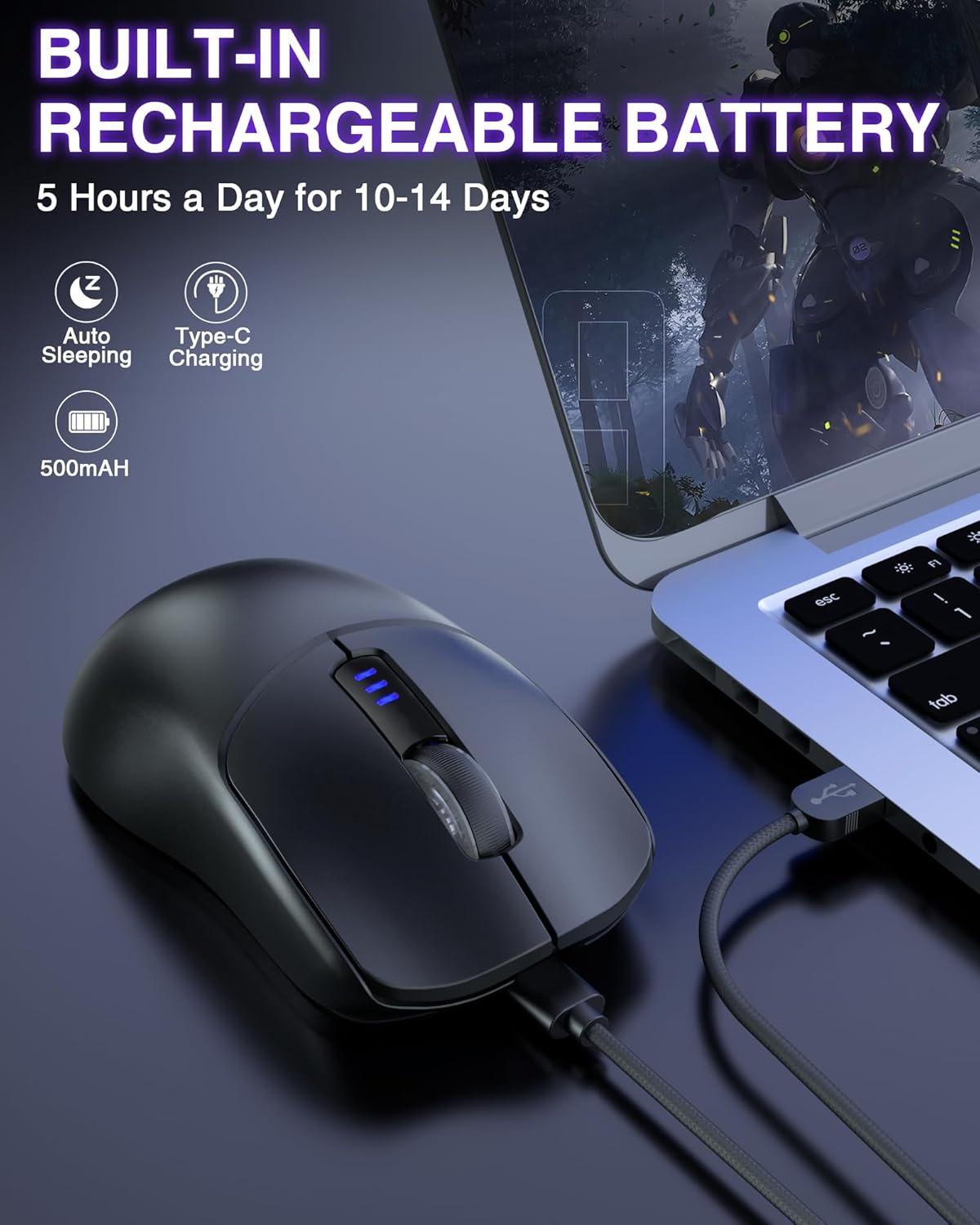
Designed for the avid gamer, the AULA mouse features a built-in 500mAh rechargeable battery that lasts between 10 to 14 days on a single charge, even with daily use. The included USB charging cable ensures hassle-free recharging, while the low battery indicator provides timely reminders to keep you in the game. With a lifespan of up to 10 million clicks, this mouse is built for long-lasting durability.
Ergonomic Comfort for Extended Play
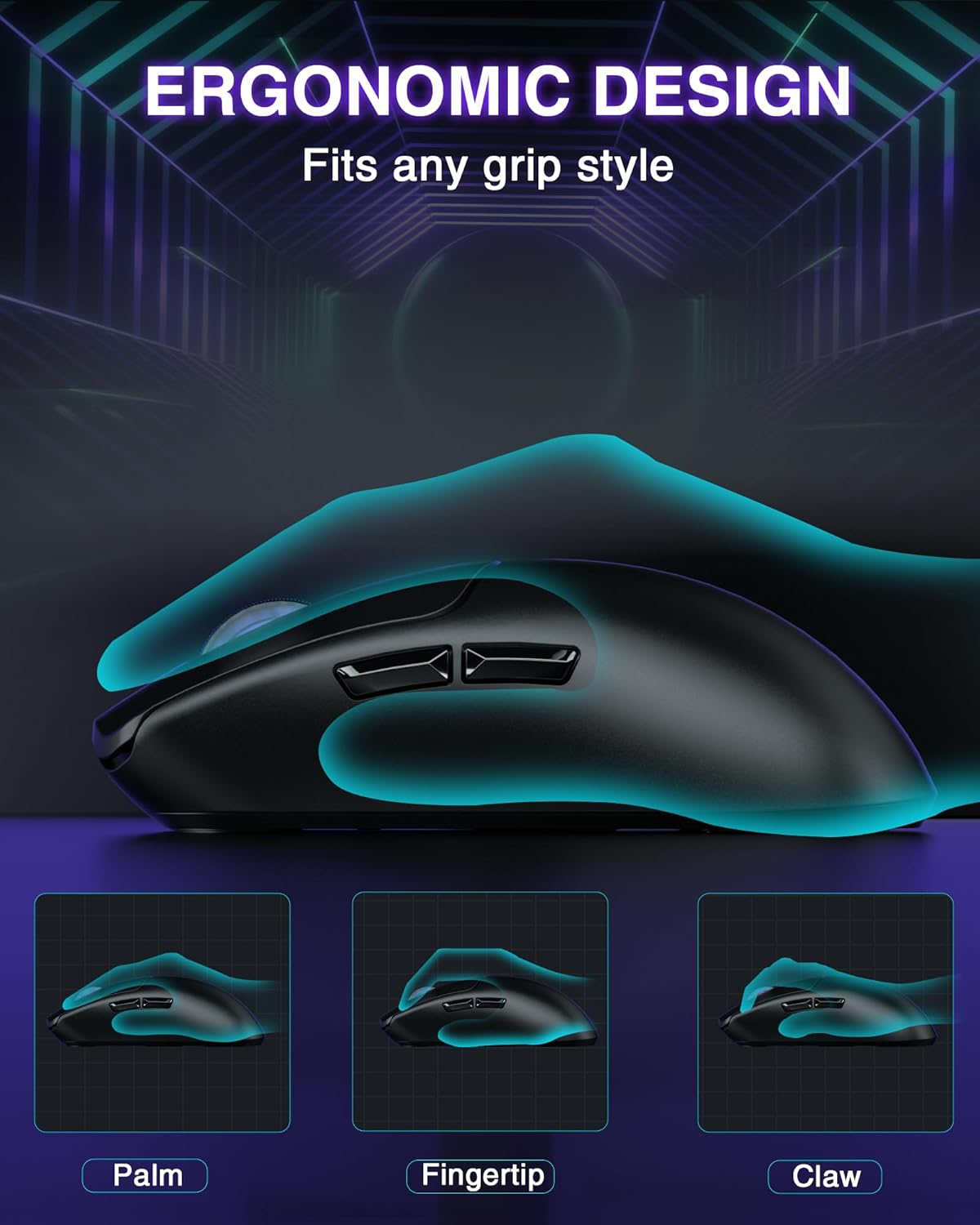
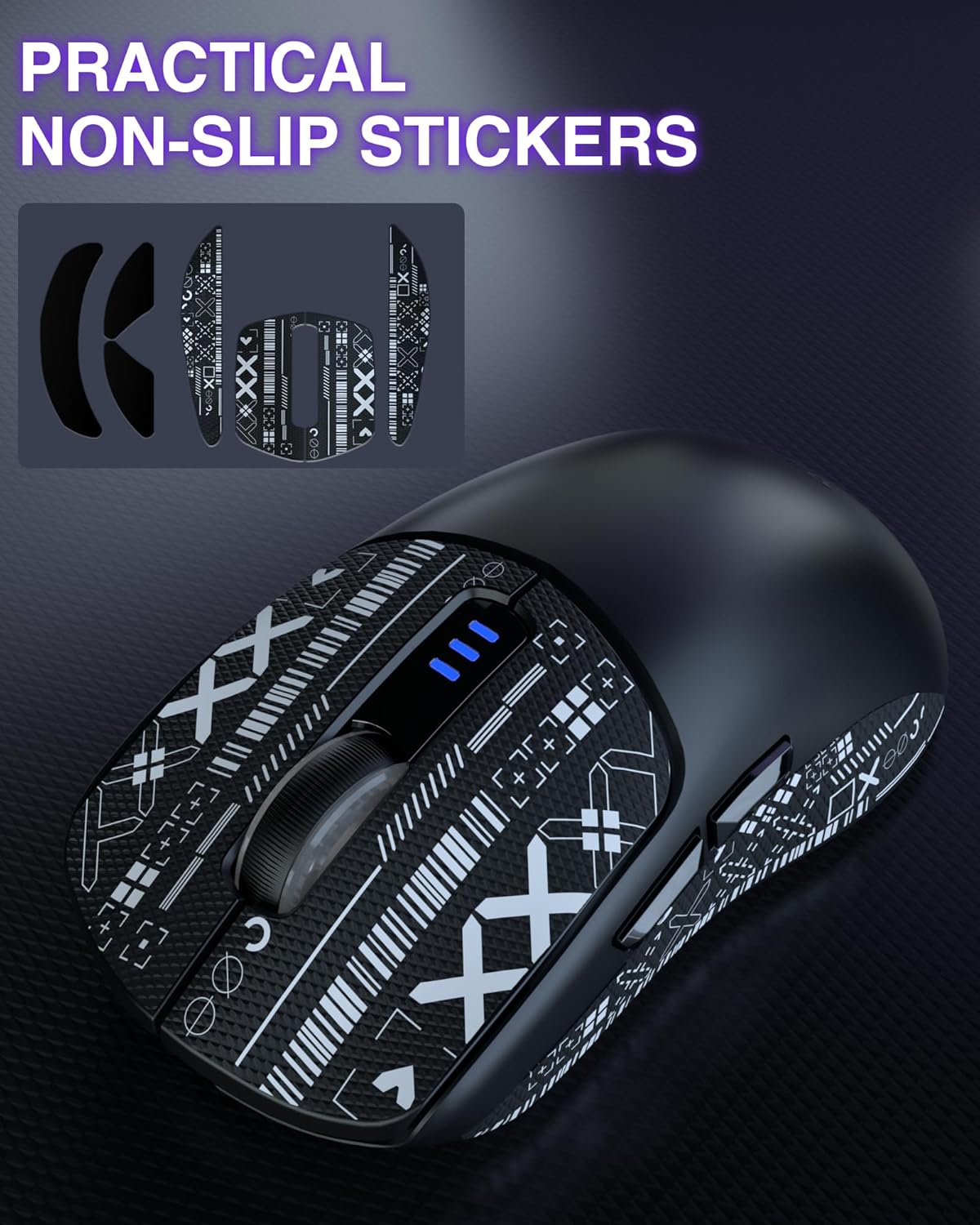
Say goodbye to discomfort with the ergonomic design tailored for right-handed users. Weighing in at just 82g, it optimizes your grip while significantly reducing hand fatigue during marathon gaming sessions. Non-slip stickers ensure a secure hold, giving you complete freedom and control, even during the most intense gameplay.
Upgrade Your Arsenal
Unlock the full potential of your gaming setup with the AULA Tri-Mode Wireless Gaming Mouse. Elevate your performance, customize your controls, and play without limitations. Ready to transform your gaming experience? Add to your cart today and step into a new realm of precision and comfort!
Customers say
Customers find the gaming mouse performs well and appreciate its solid construction, ergonomic comfort, and lightweight design. They like its connectivity options, with one customer noting it can easily switch between two computers on Bluetooth mode, and consider it a great value for the price. The battery life receives mixed feedback – while some report long battery life on charge, others find it awful. Customers value its gaming capabilities, with one mentioning it’s suitable for both gaming and productivity use.
Alex –
amazing budget mouse would recommend
This mouse is very good quality. especially for a budget mouse. the feel of the mouse is great and for someone who had smaller hands this fits perfectly and i have no issue when using it. it comes with grips if you want to put them on and you can tell a difference when using the mouse with the grips.
Tyler –
Awesome wireless mouse
Very quality and easy to use mouse. Wireless and comfortable and works on any surface
Mark Rosales –
EXCELLENT product!
my first Aula product along with the Aula F99 wireless keyboard. Surprised at how good these products are, didn’t know what to expect but was very impressed by the excellent build of the products, usb-c chargeability, LONG battery life on charge, and reliability. EXCELLENT
Ricky Tellez –
Great mouse, small but important glitch if you are competitively gaming
This mouse works well, as a nice soft purple color which I love, has a super long battery life (I charge mine once every few days even with heavy use), and seems to have very low input lag or latency when playing games on my PC. It does however do this weird thing where it randomly sends my cursor to the top of my screen for some reason. In video games, it also sends my cross hairs to the sky in the middle of games. This does not happen very often but often enough that it does impact my review slightly. Would be 5 star if it weren’t for that. Overall, worth the 30 bucks I spent on it.
Darren M. Reed –
Very high quality travel mouse
I bought this mouse for my office use. I wasn’t sure what to expect since it was so inexpensive, I didn’t know if it would work very well or last. However, I have had it for six months, use it every day, and I only have had to charge it once so far. It has worked flawless. Connect instantly, and I have not had a single problem with it
Amazon Customer –
Happy with purchase
Daily use in my office. Great connectivity on Bluetooth. Comfortable to use. Very happy.A little clicky sounding but I’m happy with the sound
Luna Madrigal –
Mouse
Very lightweight mouse, Glides on desk helps me be better at game, I dropped it and never broke. Clicks are the greatest thing, as it has I really nice click and helps me shoot in my games faster.
Pablo E. –
Needs improvement on software
It’s a pretty nice mouse for the price with some drawbacks.Tl;dr Its a good mouse for the price if you would work with it mostly with the dongle and doesn’t worry much about button mappings.It feels nice to the touch but the plastics have a little bit of cheap feel, other than that, the design is pretty good.The negative point goes to the software, first, in the packaging doesn’t show where to download or the configuration steps, it is downloaded through the Aula website, easy to find but it would be better to explain it clearly from the start. Second, its really basic, it has macros, easy access to the programmable buttons (5, not 6 as mentioned, as 1 is the dpi cicle and can’t find how to change it so basically there are only 5 programmable buttons) easily enough to change. The issue is that it has problems with the button mapping, by defect, the side buttons are back key and forward key, if I map them to other keys they work, but when I disconnect the mouse and connect it again (i work in two PCs so i need to change often) the mapping resets and is very annoying, which brings me to the third issue, which is that the program only works when the mouse is connected through cable or dongle, I can’t map the keys if its connected through bluetooth and as the buttons keep reseting I have to connect the cable and start the software again. And the fouth issue I find is that it has profiles, good enough, but to change them I have to enter the software and for that, i have to connect the mouse with the cable, so It’s not convenient at all.Another issue that I don’t know if its from the mouse or the pc where I connect it through bluetooth, sometimes when I try to pair it, it would star a cycle of connect/disconnect and wont work. What I do is turn off the mouse and the bluetooth on the pc and turn them back on and it would start working normally.About the battery life is just as expected, nothing good or bad to mention.
Rashed –
Very good for pc gaming
Mohammad Talaat –
Really good mouse and has amazing refresh rate and grip
Ahmedsameh –
Its really good and premium for its price
m –
Mouse broke after month
Ahmed adel –
I bought it because it’s white but they delivered me blackBut it is good